18
Hulu Watch Party Guide: How to Stream Movies and Shows Together
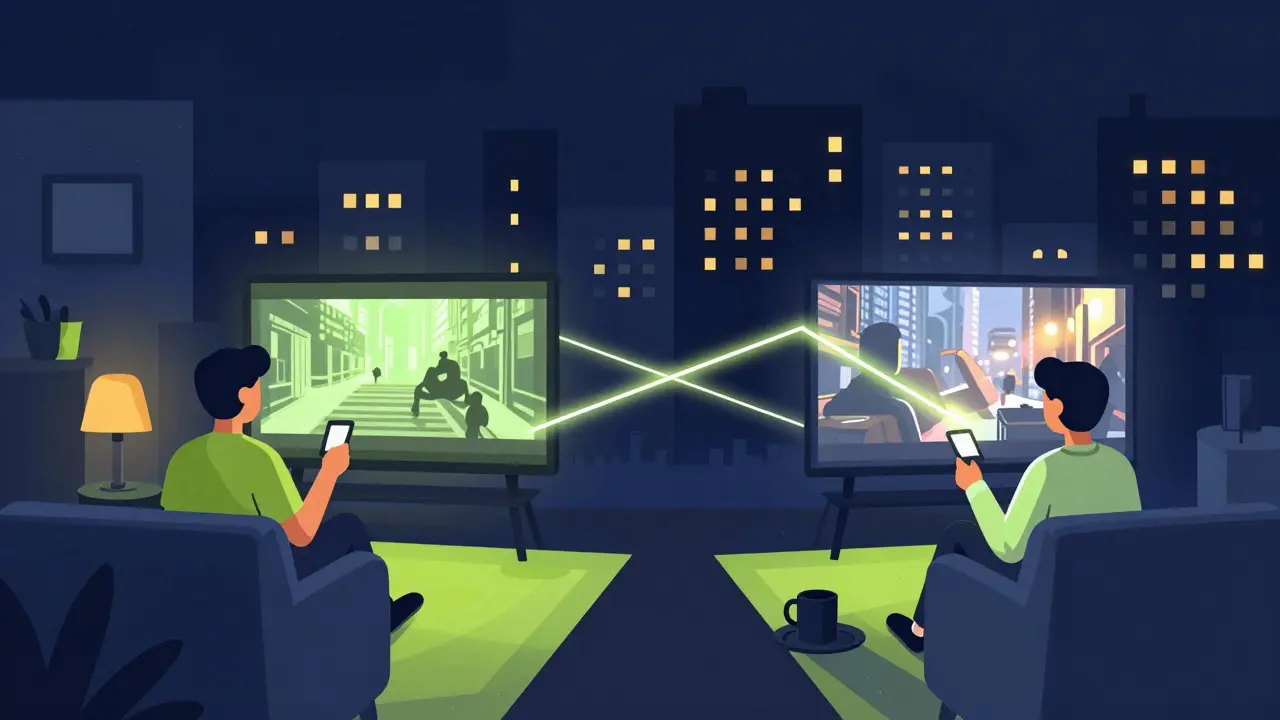
Imagine you've just found a wild new thriller on Hulu, but you're stuck in different cities than your best friends. You want to scream at the plot twists and roast the bad acting in real-time, but texting "OMG" every five minutes just isn't the same. That's where a Hulu Watch Party comes in. It turns your living room into a virtual cinema where everyone stays in sync, meaning no one accidentally spoils the ending because their internet lagged by thirty seconds.
Quick Highlights for Co-Watching
- All participants need their own active Hulu subscription.
- The host controls the playback (pause, play, rewind) for everyone.
- A built-in chat window allows for real-time reactions.
- It works best on desktop browsers; mobile support is limited.
- Content availability depends on the subscription tier (Ad-supported vs. No Ads).
What is a Hulu Watch Party?
A Hulu Watch Party is a synchronized streaming feature that allows multiple users to watch the same movie or episode simultaneously from different locations. Unlike screen-sharing apps that often stutter or trigger "black screens" due to copyright protection, this is an official tool designed to keep the video playback perfectly aligned across all devices. Think of it as a digital living room where the play button is shared.
This feature is especially powerful for those using the Disney Bundle, which combines the streaming services of Disney+, Hulu, and ESPN+ into one package. While the Watch Party specifically happens within the Hulu interface, it's often the go-to way for groups to tackle the vast library of FX shows or Hulu Originals together.
How to Start Your First Watch Party
Setting up a session is straightforward, but there's a specific workflow you need to follow to make sure your friends can actually get in. You can't just send a link to a show; you have to initiate the "Party" mode first.
- Log into your account on a web browser. While the app works for watching, the hosting controls are most reliable on a computer.
- Find the movie or series you want to watch. Navigate to the specific episode or film's detail page.
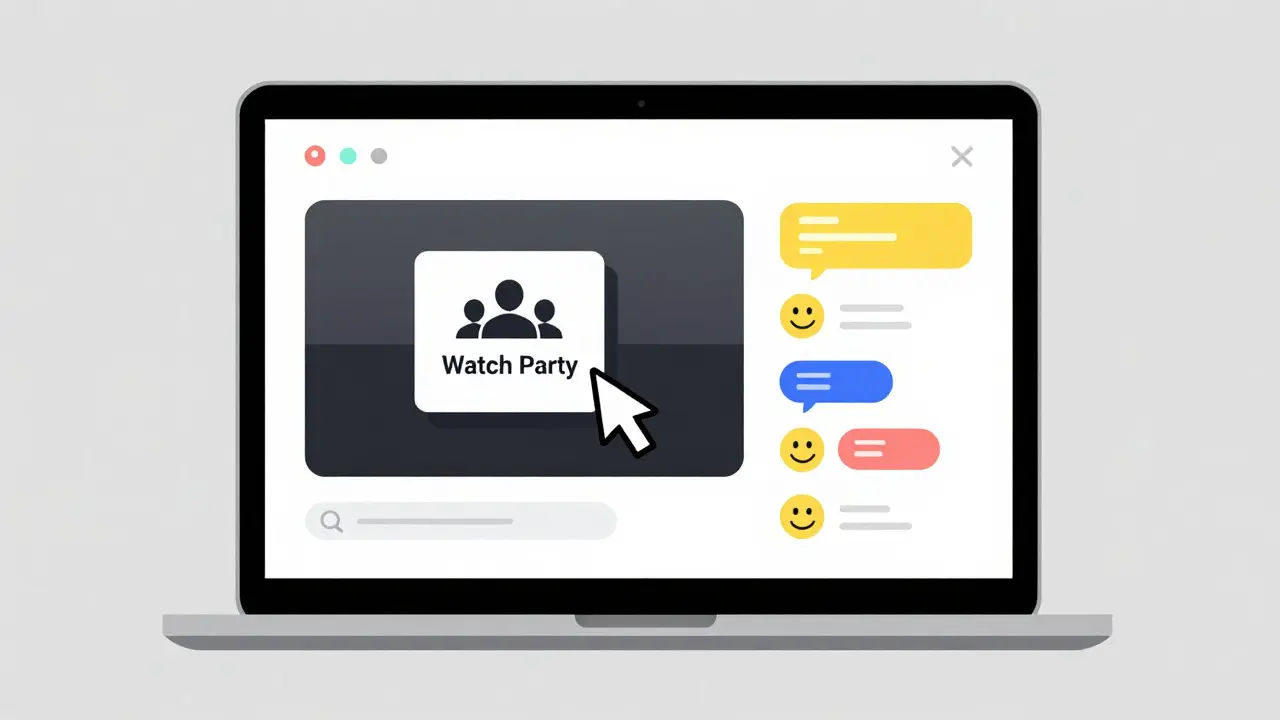
- Look for the "Watch Party" icon (it usually looks like a small group of people) located near the "Play" or "Add to My Stuff" buttons.
- Click that icon to generate a unique invite link.
- Copy the link and send it to your friends via Discord, WhatsApp, or email.
Once your guests click the link, they'll be prompted to log in to their own accounts. As soon as they join, you'll see their names pop up in the sidebar. Now, the magic happens: when you hit play, the video starts for everyone at the exact same millisecond.
The Rules of the Virtual Living Room
To avoid a chaotic experience, it's helpful to understand who holds the power in a session. The person who created the link is the Host. The Host has total control over the timeline. If the Host pauses to grab a snack, the video pauses for everyone. If the Host skips a boring intro, everyone skips it. Guests can see the video, but they can't manipulate the playback speed or position.
Communication happens via the integrated chat. Instead of juggling a separate Zoom call that might eat up your bandwidth and cause the stream to buffer, you can type your thoughts directly into the Hulu window. It keeps the focus on the content while still letting you feel the social energy of the group.
| Feature | Standard Streaming | Watch Party Mode |
|---|---|---|
| Subscription | 1 Account needed | Every guest needs an account |
| Playback Control | Individual | Host only |
| Social Interaction | External apps | Built-in Chat |
| Sync Status | N/A | Real-time synchronization |
Potential Pitfalls and Troubleshooting
Not every stream goes perfectly. The most common headache is the "Subscription Mismatch." If you are watching a show that is only available to "No Ads" subscribers, but your friend is on the "Ad-supported" plan, they might encounter an error or be unable to join. To keep things smooth, check if the content is part of a specific add-on (like HBO Max or Showtime) because everyone in the party must have access to that specific add-on to view the content.
Another common issue is device compatibility. If you're trying to host from a smart TV app, you might find the options are limited. For the best experience, host on a Chrome or Firefox browser. If a guest reports that their video is lagging, suggest they refresh the page; the synchronization usually snaps back into place instantly without needing to restart the whole party.
Comparing Hulu's Approach to Other Platforms
Compared to Netflix or Amazon Prime Video, Hulu's Watch Party is built for simplicity. It doesn't try to be a full video-chat suite. It focuses on the synchronization of the Video Stream and a simple text interface. This is actually a benefit for those with slower internet connections, as it puts less strain on the CPU than a full-blown video call would.
For those who want a more immersive experience, some people use third-party extensions like Teleparty (formerly Netflix Party). While Teleparty supports Hulu, using the native Hulu Watch Party tool is generally more stable and doesn't require installing external software that could potentially compromise browser security.

Expanding Your Experience with the Disney Bundle
If you're using the Disney Bundle, you have a massive library to pull from. You can spend one night in a Hulu Watch Party catching up on The Bear and the next night switching over to Disney+ for a Marvel marathon. While the platforms are separate apps, the bundle makes the financial side easier, allowing your whole friend group to have the necessary subscriptions without breaking the bank.
One pro tip for bundle users: check the "My Stuff" list. If you and your friends are planning a long-term watch-along series, add the show to your favorites first. It makes it much faster to find and launch the party when everyone is logged in and ready to go.
Do my friends need a paid Hulu account to join my Watch Party?
Yes, every person who joins a Hulu Watch Party must have their own active subscription. You cannot "share" your account access with guests through the Watch Party feature; it simply syncs the playback for people who already have the right to view the content.
Can I use a Hulu Watch Party on my phone or tablet?
You can join a party on most mobile devices, but hosting is significantly more stable on a desktop browser. If you experience glitches on a tablet, try switching to a laptop or PC to manage the session.
What happens if the host leaves the party?
If the host closes the session or logs out, the Watch Party ends for everyone. You'll need the host to generate a new link to start watching together again.
Does the Watch Party feature work with Live TV?
Generally, Watch Party is designed for On-Demand content. While some Live TV content can be synced, the most reliable experience is with movies and series that are available for on-demand playback.
Why can't some of my friends join the party?
The most likely reasons are a subscription mismatch (e.g., they don't have the required add-on like HBO) or they are trying to use an unsupported browser. Ensure everyone is using a modern browser like Chrome or Edge and has a compatible subscription plan.
Next Steps for a Better Viewing Experience
Now that you know how to launch the party, consider these final touches to make the night better. First, agree on a "no-spoiler" rule in the chat-nothing kills the mood like someone typing "He dies at the end!" ten minutes into the movie. Second, coordinate your audio. Since you aren't on a voice call, using a separate group chat app on your phone for voice notes can add that extra layer of interaction without lagging the video.
If you find that you're doing this often, it might be time to look into the Disney Bundle if you haven't already. Having access to Hulu, Disney+, and ESPN+ means you can rotate through different genres of Watch Parties every week of the month, from sports highlights to cinematic universes.