3
Music and Montage: How Rhythm Drives the Cut
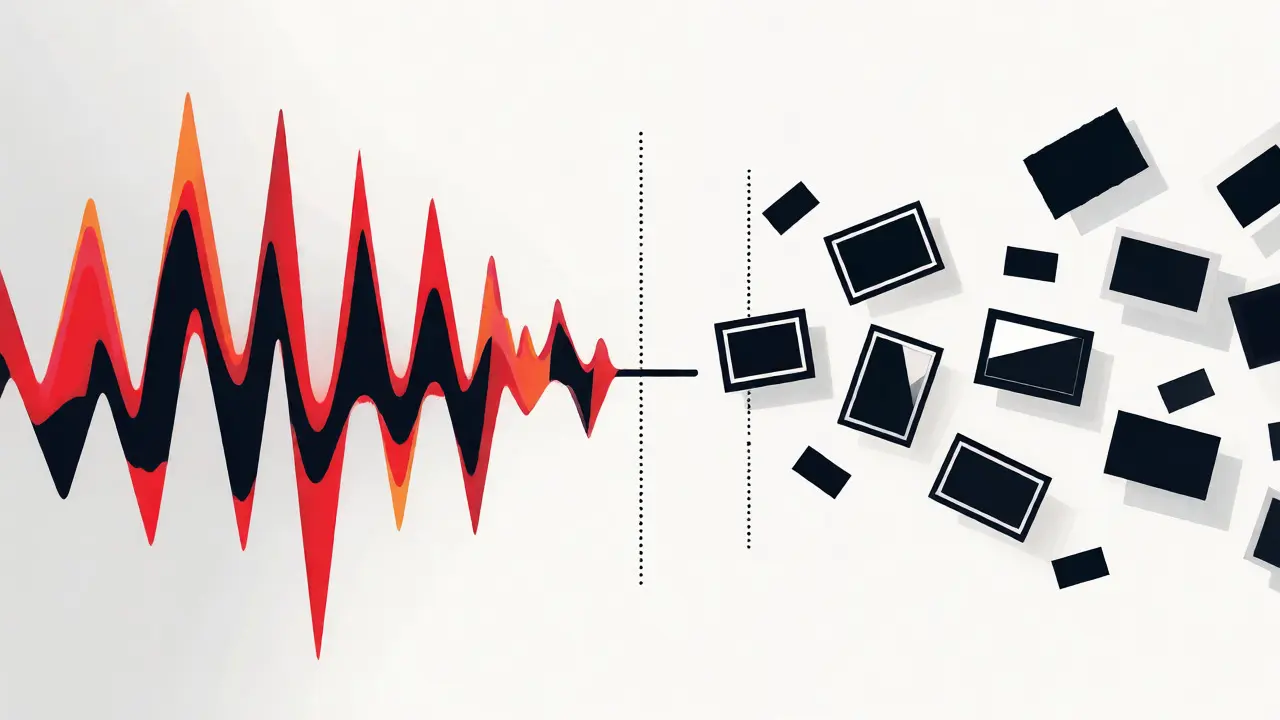
You know that feeling when a movie scene just clicks? The visuals match the beat so perfectly it feels like they were born together. That’s not magic; it’s music and montage working in harmony to drive the story forward. Most editors think about where to cut first. But if you start with the picture, you’re fighting the audio. If you start with the rhythm, the cuts fall into place naturally.
The Core Problem: Why Bad Timing Kills Good Footage
Here is the harsh truth: great footage looks terrible if the timing is off. You can have award-winning cinematography, but if the cut lands on an awkward silence or clashes with a drum fill, the audience feels it physically. It creates subconscious dissonance. We often blame the actor or the lighting when a scene feels "flat," but nine times out of ten, it’s the pacing. The rhythm of the edit dictates how fast the audience processes information. Too slow, and they get bored. Too fast, and they get confused. Music provides the external clock that solves this problem.
What Is a Montage Anyway?
Before we fix the rhythm, let’s define the beast. A montage is a film technique that combines short shots into a sequence to condense space, time, and information. Unlike a standard scene, which plays out in real-time, a montage compresses hours, days, or even years into seconds. Think of the training sequences in Rocky or the travel clips in Up. These aren’t just random clips stitched together. They are narrative shortcuts powered by emotional arcs. And because they skip over the boring parts, the connection between image and sound becomes the glue holding the logic together.
Rhythm as the Structural Skeleton
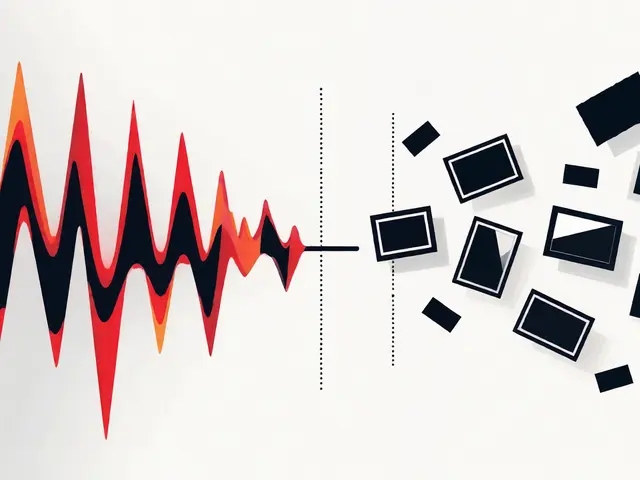
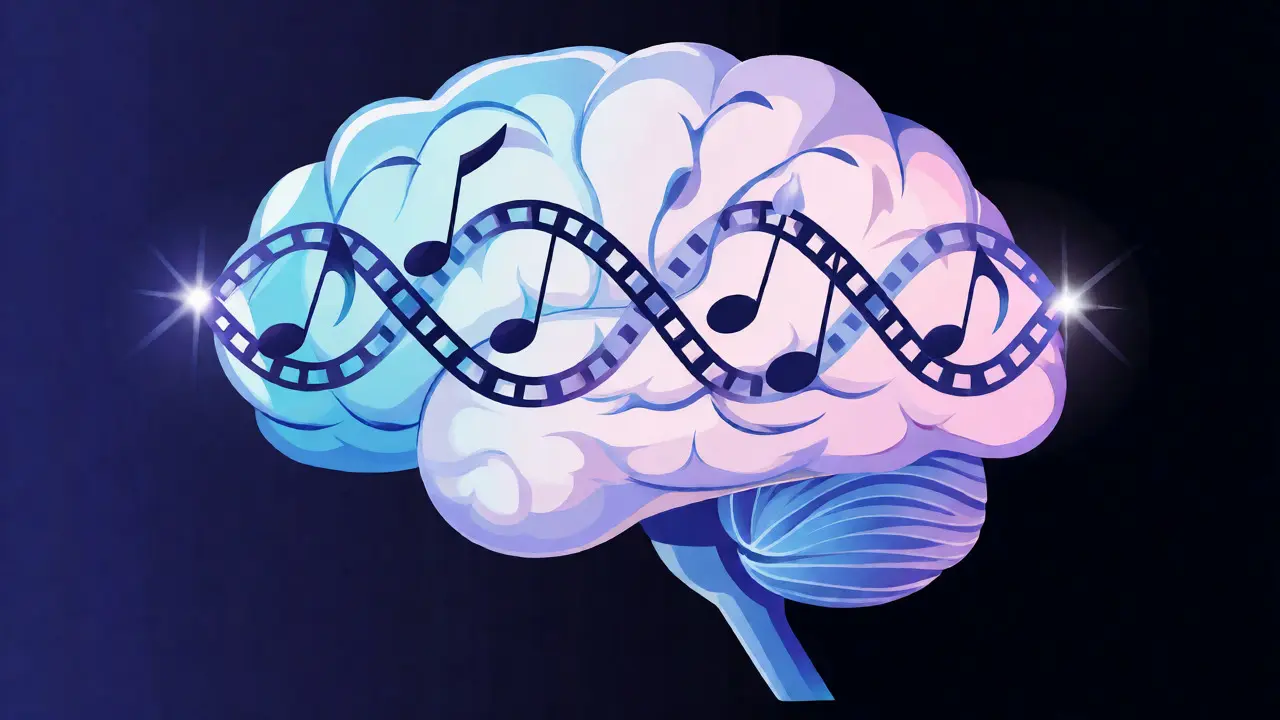
Think of your timeline as a musical score. The frames are the notes. When you edit to the beat, you aren’t just syncing cuts to a kick drum. You’re using the song’s structure to dictate the scene’s energy. This is called rhythmic cutting. It involves aligning visual transitions with specific musical cues-beats, bars, crescendos, or drops.
Why does this work? Because human brains crave pattern recognition. When a visual change happens exactly when the audio changes, our brain registers it as a cohesive event. It feels satisfying. Conversely, if you cut randomly, the brain has to work harder to process the discontinuity, leading to fatigue. By anchoring your edits to the music, you reduce cognitive load for the viewer. They stop thinking about *how* they are watching and start feeling what they are seeing.
Step-by-Step: Building a Rhythm-Driven Edit
So, how do you actually do this without spending weeks nudging clips by single frames? Here is a practical workflow used by professional editors in Brisbane and Hollywood alike:
- Select the Track First: Don’t edit blind. Pick a piece of music that matches the emotional tone before you touch the video. If the song is upbeat and staccato, your cuts should be quick. If it’s a sweeping orchestral piece, your cuts should linger longer.
- Mark the Beats: Use your editing software’s marker tool (like the 'M' key in Premiere Pro or DaVinci Resolve) to tap along to the track. Mark every strong beat, snare hit, or melodic shift. These markers become your guide rails.
- Lay Down the Long Shots: Place your most important establishing shots first. Let them breathe. Don’t rush the introduction. The music sets the stage; the visuals confirm the location and mood.
- Cut on the Action, Synced to Sound: Now, add the detail shots. Look for movement-a hand reaching, a door opening, a head turning. Try to land the cut precisely when the action completes or begins, ideally coinciding with a marked beat. This double-sync (visual motion + audio beat) creates maximum impact.
- Use Acceleration: As the montage progresses, increase the frequency of cuts. Start with two-second shots, then one second, then half a second. Match this acceleration with the music’s tempo or intensity. If the song builds, your cuts should get faster. This mimics the natural escalation of tension.
- The Drop or Silence: End the montage on a high note or a sudden stop. Often, cutting the music abruptly right after a final visual punchline creates a powerful moment of reflection. It gives the audience a split second to digest the information before the next scene begins.
Common Pitfalls to Avoid
It’s easy to go overboard. Here are three mistakes that scream "amateur" to any seasoned editor:
- The Metronome Trap: Cutting strictly on every single beat makes the edit feel robotic and predictable. Humans don’t move like metronomes. Leave some gaps. Let a shot hang for an extra half-beat to create suspense. Syncing is an art, not a math equation.
- Mismatched Energy: Using epic, heroic music for a mundane task (like making toast) can work for comedy, but usually, it feels pretentious. Ensure the musical genre matches the narrative intent. A breakup scene needs minor keys and slower tempos, not heavy metal riffs.
- Ignoring Diegetic Sound: Sometimes, the best rhythm comes from within the scene-the clatter of dishes, footsteps, or dialogue. Blending diegetic sounds with the score creates a richer texture. Don’t mute the world just to hear the music.
Tools and Techniques for Precision
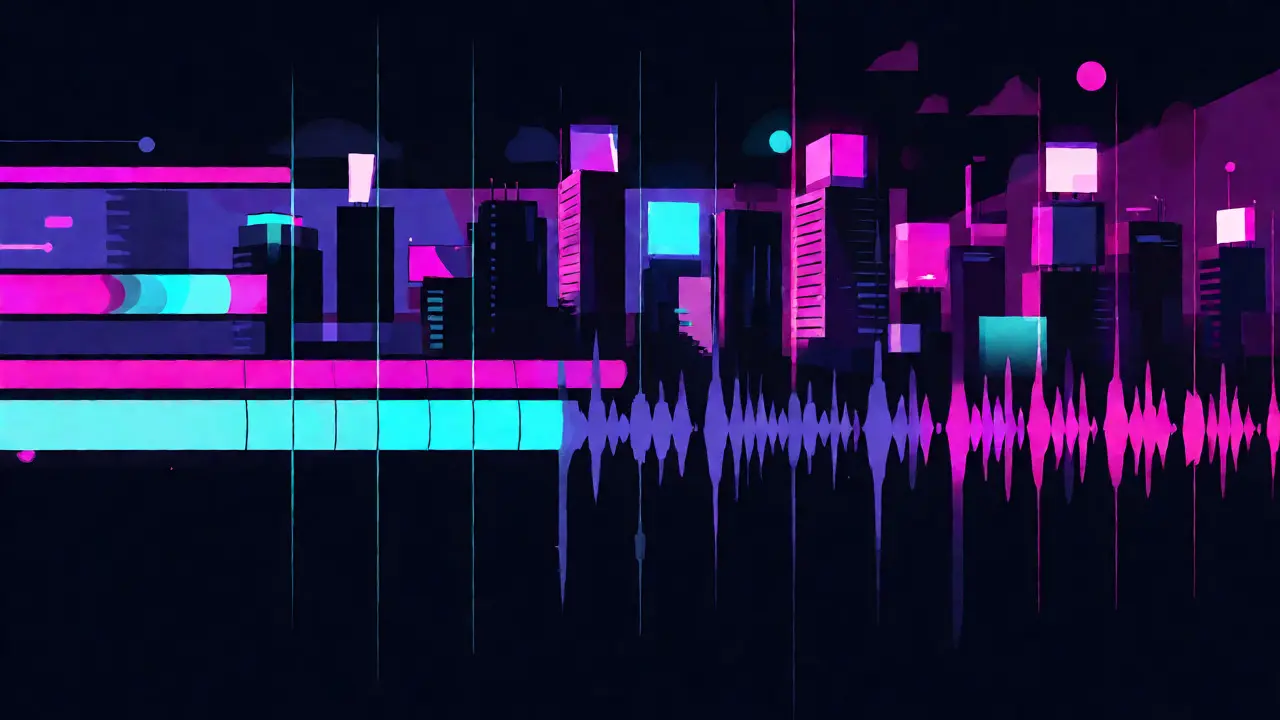
You don’t need expensive plugins to achieve this, but knowing your tools helps. In Adobe Premiere Pro, use the 'Auto Reframe' or manual waveform analysis to spot peaks. In DaVinci Resolve, the Fairlight page offers superior audio visualization, letting you see the transients clearly. For mobile creators, apps like CapCut have built-in beat detection features that automatically mark the grid, though they lack the nuance of manual editing.
| Approach | Best For | Effort Level | Emotional Impact |
|---|---|---|---|
| Random Cuts | Experimental Art | Low | Chaotic/Confusing |
| Strict Beat Sync | High-Energy Action | Medium | Predictable/Rhythmic |
| Dynamic Rhythm | Narrative Montages | High | Engaging/Cinematic |
Real-World Application: The Travel Vlog Example
Imagine you are editing a travel vlog about Tokyo. You have 50 clips: neon signs, subway trains, ramen bowls, and street performers. If you just chop them together, it’s noise. But if you pick a lo-fi hip-hop track with a steady 90 BPM, you can assign specific types of shots to specific beats. Quick cuts of food on the snares. Longer pans of the city skyline on the bass lines. When the chorus hits, you switch to a wide drone shot. Suddenly, your chaotic footage tells a coherent story of energy and exploration. The viewer doesn’t just see Tokyo; they feel its pulse.
Frequently Asked Questions
Do I always need to cut exactly on the beat?
No. While starting on the beat is a good rule of thumb, strict adherence can feel mechanical. Great editors often anticipate the beat or lag slightly behind it to create a sense of flow or urgency. Use the beat as a reference point, not a rigid constraint.
How do I choose the right music for my montage?
Choose music based on the emotional arc of the scene, not just the tempo. Ask yourself: What should the audience feel? Hopeful? Tense? Joyful? Then find a track that evokes that emotion. Tempo matters, but melody and instrumentation often drive the emotional response more strongly than speed alone.
Can I use multiple songs in one montage?
Yes, but it requires careful transition planning. Switching tracks mid-montage can disrupt the rhythm unless done intentionally to signify a major shift in time or location. Usually, it’s better to stick to one track per montage segment to maintain continuity.
What if my footage doesn't match the music's length?
You have two options: trim the footage or edit the music. Trimming is easier if you have excess B-roll. If you are tight on footage, use audio crossfades to shorten the song or loop a section. Never stretch a clip beyond its natural motion limits just to fit the audio; it will look unnatural.
Does dialogue affect montage rhythm?
Absolutely. Dialogue creates its own internal rhythm. If your montage includes voiceovers, ensure the music ducks (lowers in volume) during speech. The cuts should complement the pauses in speech, not fight against them. Speech acts as a melodic line; the music supports it.