2
Rain Fade Explained: How Storms Kill Satellite and Wireless Internet
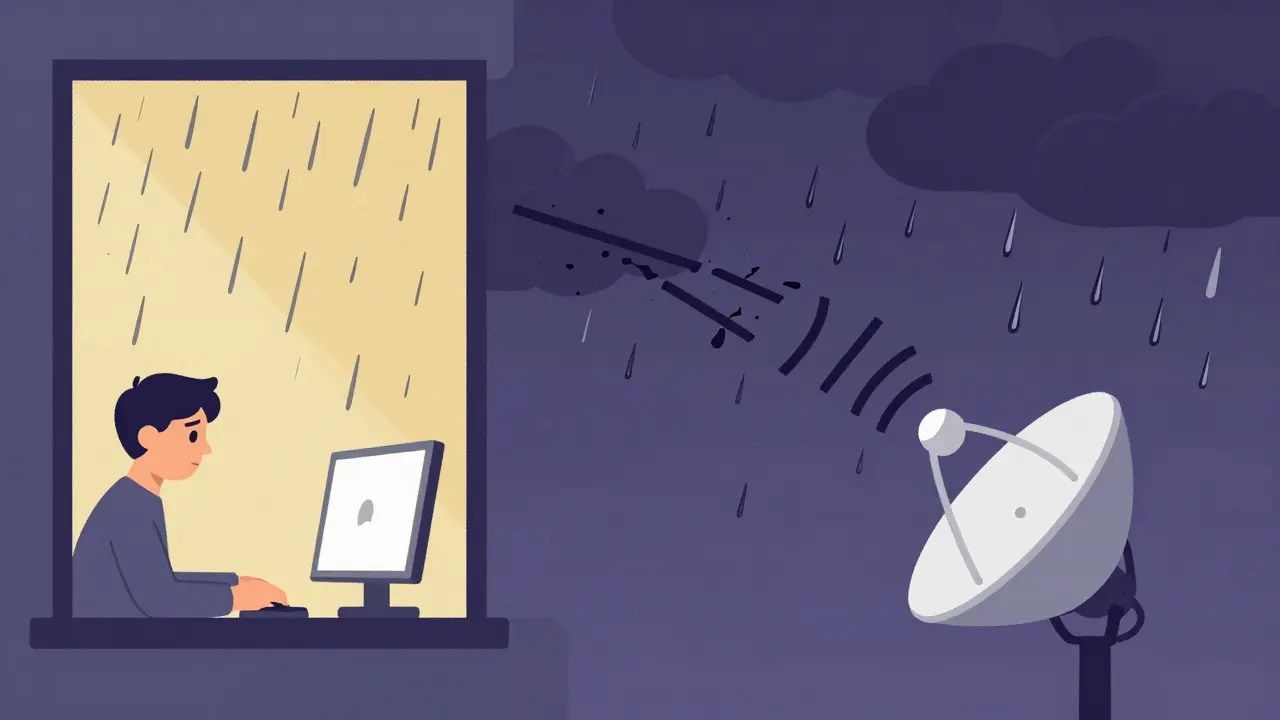
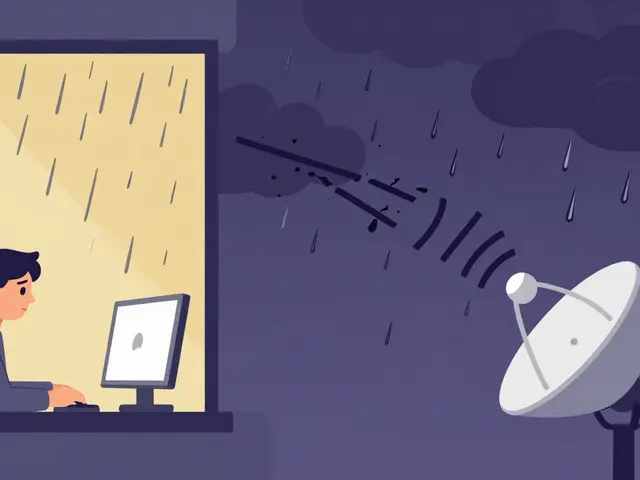
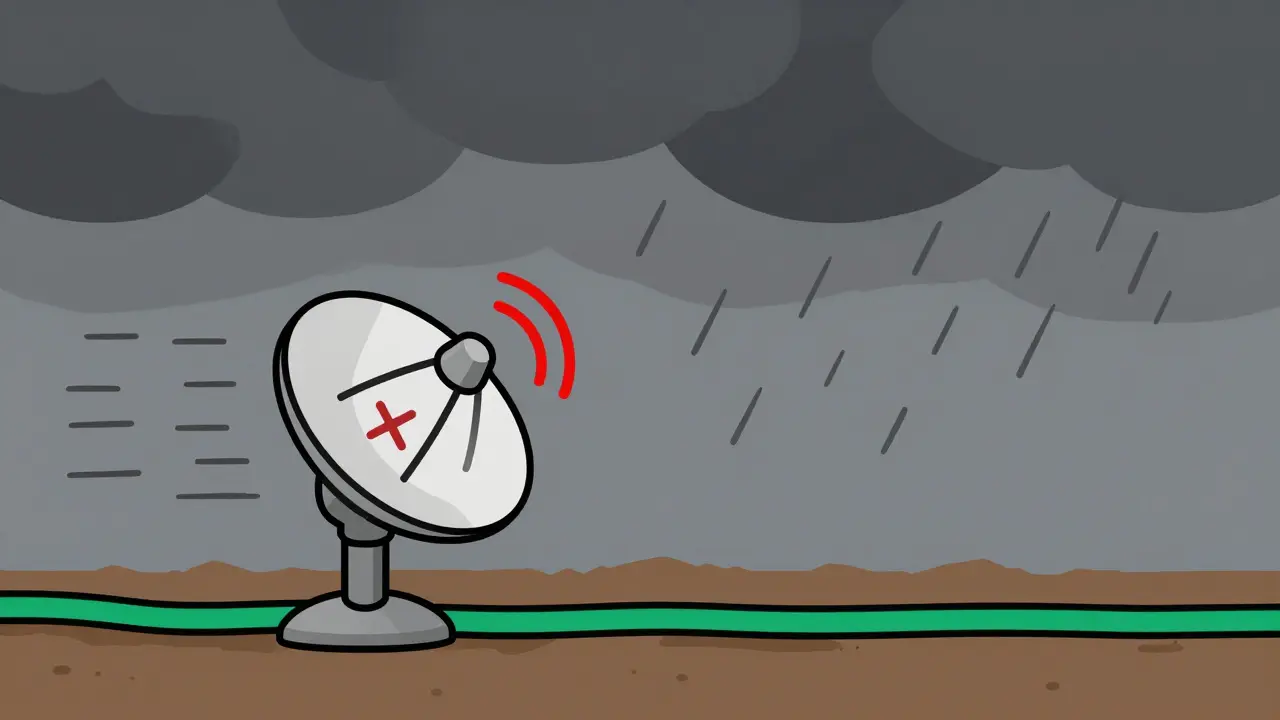
It’s a Tuesday evening in Brisbane, the sky is bruised purple, and the rain is hammering against the window like handfuls of gravel. You’re halfway through a video call with your team or streaming a movie, when suddenly the screen freezes. The buffer wheel spins. Then, silence. Your connection has dropped. If you’re on satellite internet or a fixed wireless service, this isn’t just bad luck-it’s physics.
We often think of the internet as an invisible cloud that just works. But for many of us, especially those outside major city centers, that cloud is tethered to the sky by radio waves. And water-specifically rain, hail, and heavy clouds-is the enemy of those waves. This phenomenon is called rain fade, and it’s the silent killer of high-speed connections during storms.
The Physics of Rain Fade
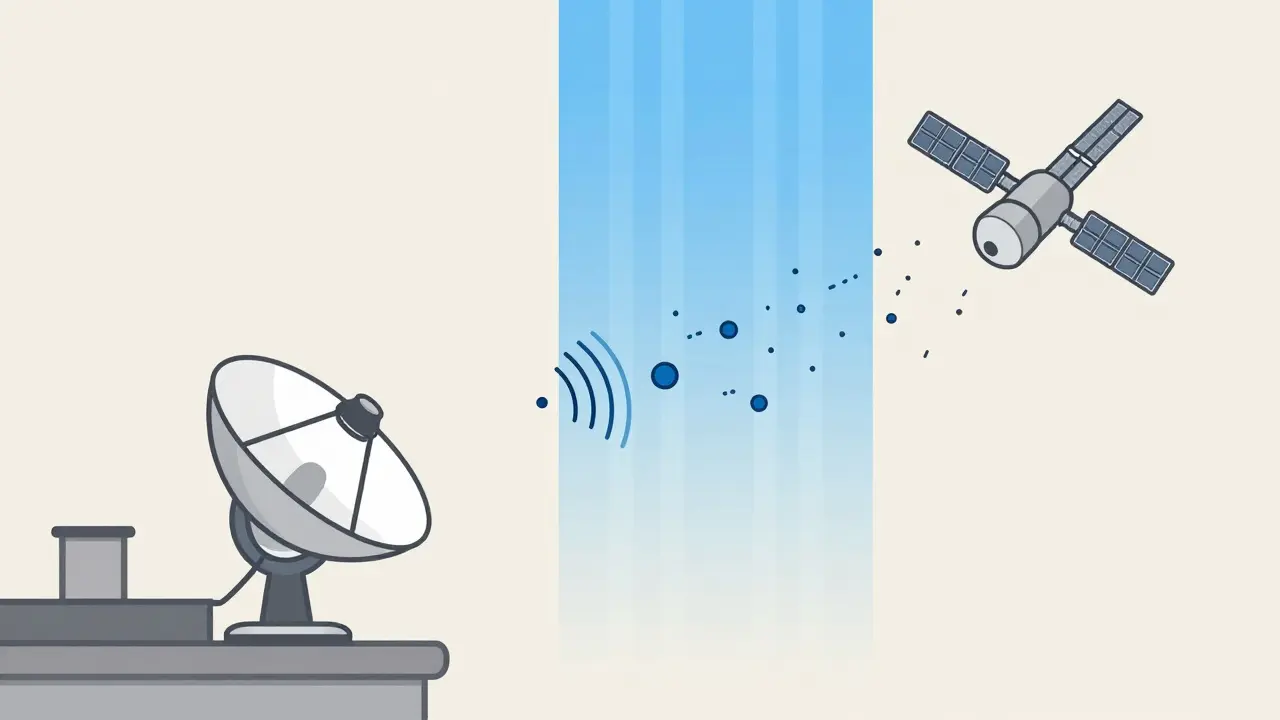
To understand why your internet dies when it rains, you have to look at how the data travels. Satellite internet relies on signals bouncing between your dish and a satellite orbiting hundreds or thousands of kilometers above Earth. These signals travel at specific frequencies, often in the Ku-band (12-18 GHz) or Ka-band (26-40 GHz).
Here’s the problem: water molecules absorb energy at these exact frequencies. When rain falls, it creates a barrier of liquid in the air path. The denser the rain, the more signal gets absorbed or scattered. It’s like trying to shout across a busy street; if someone stands in front of you holding up a thick blanket, your voice doesn’t reach the other side. In technical terms, the signal-to-noise ratio drops below the threshold needed to maintain a connection.
This effect is exponential, not linear. A light drizzle might reduce your speed by 10%. A moderate shower could cut it by 50%. But a heavy downpour? That can drop your throughput to near zero. For Starlink users, who operate in the Ka-band, this sensitivity is even higher because higher frequencies are more easily blocked by precipitation.
Satellite vs. Fixed Wireless: Who Loses More?
Not all wireless connections suffer equally. If you’re using traditional geostationary geostationary satellite services, the signal has to travel nearly 36,000 kilometers up and back. That long journey gives rain plenty of opportunity to interfere. However, newer low-earth orbit (LEO) systems like Starlink have shorter distances, which helps-but they still use higher frequencies that are vulnerable to water.
Fixed wireless internet, on the other hand, usually operates at lower frequencies (like 3.5 GHz or 5 GHz) and connects to a local tower only a few miles away. While it can still suffer from interference during extreme weather, it’s generally less susceptible to rain fade than satellite. The shorter distance means less atmosphere to penetrate, and the lower frequencies pass through raindrops more easily.
| Factor | Satellite Internet (Geostationary) | Satellite Internet (LEO/Starlink) | Fixed Wireless |
|---|---|---|---|
| Signal Path Length | ~72,000 km round trip | ~1,500 km round trip | 1-10 miles |
| Frequency Band | Ku-band (12-18 GHz) | Ka-band (26-40 GHz) | 3.5-5 GHz (typically) |
| Rain Sensitivity | High | Very High | Moderate to Low |
| Typical Outage Duration | Minutes to hours | Seconds to minutes | Rarely drops completely |
| Recovery Time | Immediate after rain stops | Immediate after rain stops | Immediate after rain stops |
Why Cloud Cover Matters Too
You don’t need rain falling directly on your dish to lose connection. Thick cloud cover alone can cause significant attenuation. Water vapor in the atmosphere absorbs signal energy, especially at higher frequencies. On humid days in Brisbane, even without a drop of rain, you might notice your speeds dip slightly. This is because the air itself is saturated with moisture.
Hail is worse than rain. Hailstones are larger and denser, creating massive scattering effects. A short hailstorm can knock out a satellite connection entirely, sometimes causing physical damage to the dish if the hail is large enough. Wind is another factor-not because it blocks signals, but because it can shake the dish out of alignment. Even a millimeter of movement can break the precise link between your home and the satellite.
Real-World Scenarios in Queensland
In Queensland, we deal with two main types of weather events that affect connectivity: summer thunderstorms and tropical cyclones. Summer storms are intense but brief. They might last 30 minutes, but during that time, your internet could be unusable. I’ve seen users report speeds dropping from 100 Mbps to under 1 Mbps during a heavy cell passing overhead.
Tropical cyclones are a different beast. These systems bring sustained winds, torrential rain, and days of overcast skies. During Cyclone Yasi in 2011, many rural communities lost their primary communication links for days. Satellite phones worked, but broadband satellite internet was often too degraded for practical use. Today, with better technology, we see fewer total outages, but the degradation is still severe enough to make video conferencing impossible.
Can You Fix Rain Fade?
There’s no magic switch to turn off rain fade. It’s a law of physics. However, there are ways to mitigate its impact. First, ensure your dish has a clear line of sight. Trees swaying in the wind can block signals just as much as rain can. Trim any branches that come close to your dish’s view.
Second, consider upgrading your equipment. Newer modems and dishes have better error correction algorithms. They can maintain a connection longer by requesting retransmissions of lost data packets. This doesn’t stop the rain from blocking the signal, but it makes the system more resilient.
Third, diversify your connection. Many users now pair satellite internet with a mobile 5G backup. When the satellite goes down due to rain, the 5G router kicks in automatically. Mobile networks are less affected by rain because they use lower frequencies and have multiple towers providing redundancy. This hybrid approach is becoming the standard for reliable rural internet.
What About Fiber and Cable?
If you’re wondering why your neighbor’s fiber internet never drops during a storm, it’s because the signal travels through glass cables underground. Rain, wind, and clouds have zero effect on fiber optics. The only way fiber fails during a storm is if a tree falls on the cable or flooding damages the infrastructure. For most users, fiber is immune to weather-related signal loss.
Cable internet, which uses coaxial lines, is also largely unaffected by rain. The signals are shielded inside copper wires. So, if you live in an area with fiber or cable options, those are always superior choices for weather resilience. Satellite and wireless should be considered last resorts, primarily used where wired infrastructure doesn’t exist.
Troubleshooting Tips for Stormy Days
If your internet acts up during a storm, here’s what to do:
- Check the status lights: Most satellite modems have indicator lights. If the signal light is blinking red or off, the dish has lost lock. Don’t restart the modem yet-wait for the rain to lighten.
- Inspect the dish: After the storm, check for debris, ice, or snow on the dish. Clear it gently. Avoid touching the sensitive LNB (the arm sticking out from the center).
- Run a speed test: Once the rain stops, run a speed test to see if your speeds return to normal. If they don’t, you may have alignment issues.
- Contact support: If the issue persists after the weather clears, contact your provider. They can remotely check signal strength and noise levels.
Does rain affect Wi-Fi inside my house?
No, rain does not affect your internal Wi-Fi network. Wi-Fi signals stay within your home and do not travel through the atmosphere. However, if your internet source (satellite or wireless) is disrupted by rain, your Wi-Fi will appear to fail because there is no internet to share.
How long does rain fade last?
Rain fade typically lasts as long as the heavy precipitation. For most summer storms, this means 15 to 60 minutes. Connection usually returns immediately after the rain stops, though it may take a few seconds for the modem to re-sync.
Is Starlink better than traditional satellite in rain?
Starlink is faster and has lower latency, but it is actually more sensitive to rain fade because it uses higher frequency bands (Ka-band). However, its advanced error correction and beam steering technology help it recover faster than older geostationary satellites.
Can I shield my dish from rain?
No, you cannot shield a satellite dish from rain without blocking the signal. The dish needs a direct line of sight to the sky. Any cover will interfere with the reception of signals from the satellite.
Why does my internet slow down before it rains?
This is likely due to increased humidity and cloud cover. Water vapor in the air absorbs signal energy, causing gradual degradation before the actual rain starts. Additionally, atmospheric pressure changes can sometimes affect wireless propagation.