Live Stream Audio: Clear Sound for Better Streams
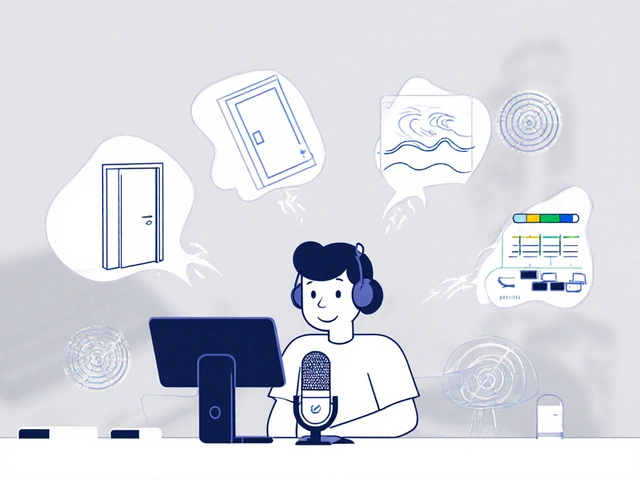
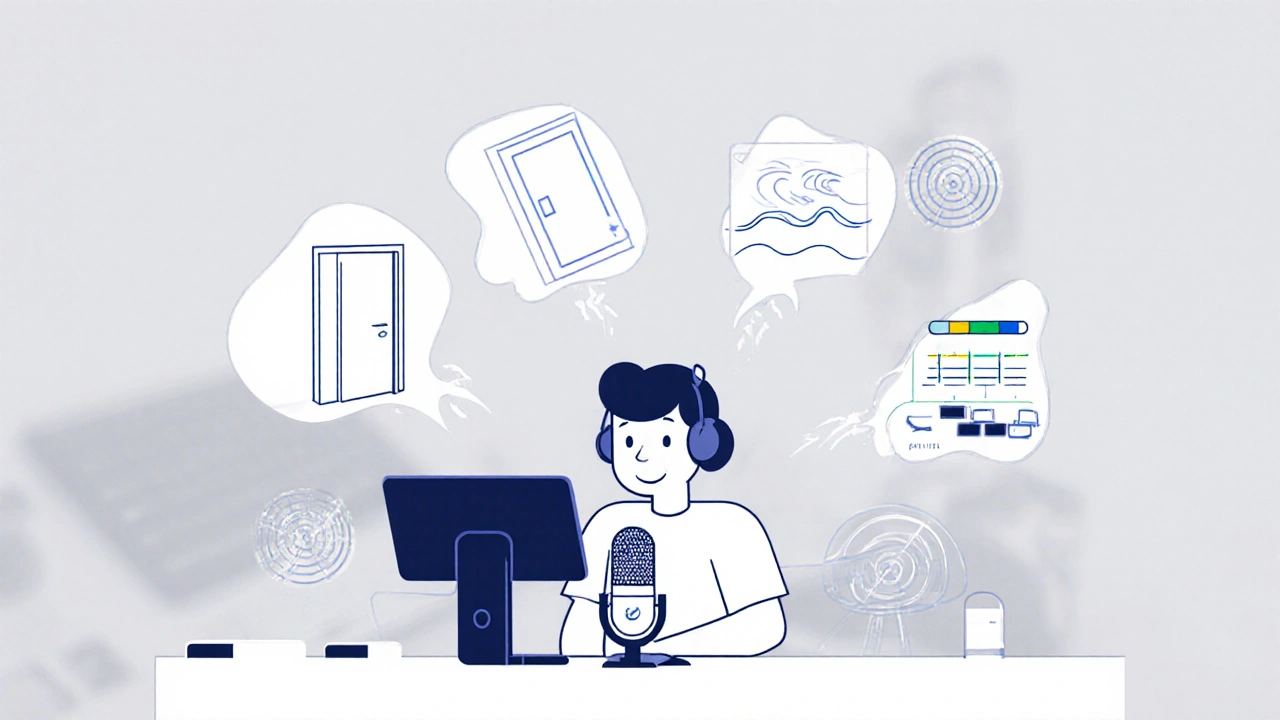
When you're broadcasting live, live stream audio, the sound quality of your real-time video broadcast. Also known as streaming audio, it's not just an add-on—it's the backbone of viewer trust. If your audio is muffled, echoey, or cuts in and out, people leave. Even if your video looks perfect, bad audio kills engagement. You don’t need expensive gear to fix it. You just need to understand what’s broken and how to fix it fast.
Most streamers focus on cameras and lighting, but microphone for live streaming, a device that captures voice clearly during broadcasts. Also known as streaming mic, it's the most overlooked tool in the setup. A $50 USB mic often outperforms a $300 camera mic because it’s designed for voice, not ambient noise. Then there’s audio setup for streamers, the complete chain of hardware and software used to capture, process, and deliver sound during a live stream. That includes your interface, headphones, software like OBS or Streamlabs, and even your room’s acoustics. A blanket on the wall or a rug on the floor can cut echo better than a $200 sound panel.
Live stream audio isn’t just about volume. It’s about clarity, consistency, and timing. If your mic picks up keyboard clicks or your cat walking across the room, viewers notice. If your audio lags behind your video by half a second, it feels off—even if you can’t explain why. That’s why most pros use a dedicated audio interface and monitor their input in real time with headphones. They also test their setup before every stream, not just when something breaks.
What you’ll find here aren’t theory-heavy guides. These are real fixes from people who’ve lost viewers because their mic picked up their fridge. You’ll see how to cut background noise without expensive software, why some USB mics work better on Windows than Mac, and how to use free tools to level out your voice so you don’t sound like you’re shouting one minute and whispering the next. There’s no fluff. Just what works when the stream is live and you can’t hit pause.
24
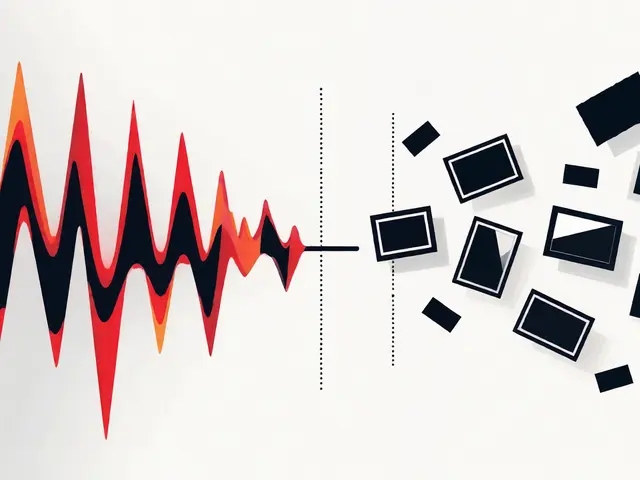
Stream Audio Compression: Use Limiters, Gates, and EQ to Get Crystal-Clear Voice
Learn how to use noise gates, compressors, limiters, and EQ to get crystal-clear voice audio for live streaming. Simple, effective settings that work in OBS and other platforms.