31
Satellite Internet and Streaming: Can You Stream Over Satellite in 2026?
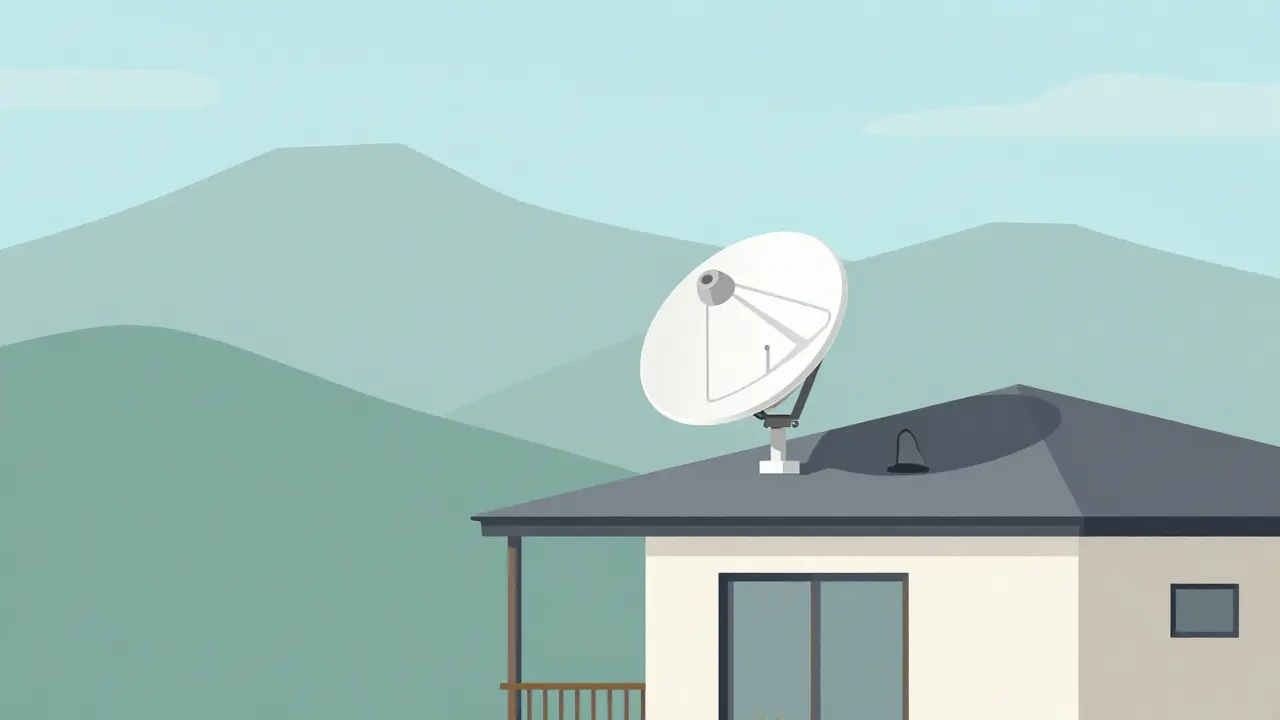
You’re sitting on your porch in the Blue Mountains, far from any fiber optic line. You’ve just installed a Satellite Internet dish on your roof. The big question isn’t whether you can get online-it’s whether you can actually watch your favorite shows without that dreaded buffering wheel spinning forever.
The short answer is yes. In 2026, streaming over satellite is not only possible; for many rural users, it’s the only viable option. But there’s a catch. It’s not as simple as plugging in a router and hitting play. Your experience depends heavily on which provider you choose, how much data you consume, and what kind of content you’re trying to watch.
How Satellite Streaming Actually Works
To understand why your stream might buffer, you need to know what’s happening behind the scenes. Unlike cable or fiber, which send data through physical wires, Satellite internet sends data beams between your home dish and satellites orbiting Earth.
There are two main types of systems playing right now:
- Geostationary (GEO) Satellites: These sit high up, about 35,786 kilometers above the equator. Because they’re so far away, the signal takes longer to travel back and forth. This creates latency, or lag. For browsing, this is fine. For live gaming or real-time video calls, it’s frustrating. For pre-recorded Netflix movies? It’s usually okay.
- Low Earth Orbit (LEO) Satellites: Led by companies like Starlink, these satellites orbit much closer-around 550 kilometers up. This drastically cuts down latency, bringing it closer to traditional broadband levels. This is the game-changer for streaming in 2026.
When you click "Play" on a video, your device requests small chunks of data. If the connection is stable, those chunks arrive smoothly. If the signal drops or gets congested, the player has to pause and wait for more data. That’s when you see the buffer.
Bandwidth vs. Latency: What Matters for Streaming?
Most people confuse speed with performance. They think if their plan says "100 Mbps," they’ll have perfect streaming. Not quite. Two factors matter most:
- Bandwidth (Speed): How much data can flow per second. Higher resolution needs more bandwidth. Standard Definition (SD) needs about 3-5 Mbps. High Definition (HD) needs 5-10 Mbps. 4K Ultra HD needs 25 Mbps or more.
- Latency (Lag): How long it takes for data to make a round trip. High latency causes initial buffering delays and makes interactive features (like choosing angles in sports streams) feel sluggish.
For passive viewing-binge-watching dramas or documentaries-bandwidth is king. As long as you have enough speed, slight latency won’t ruin the movie. For live events, sports, or gaming, low latency becomes critical. LEO systems excel here because they reduce the delay significantly compared to older GEO systems.
Top Satellite Providers for Streaming in 2026
Not all satellite internet is created equal. Here’s how the major players stack up for streaming purposes:
| Provider | Type | Avg Speed (Mbps) | Latency (ms) | Data Caps | Best For |
|---|---|---|---|---|---|
| Starlink | LEO | 50-200+ | 20-40 | Unlimited (Fair Use Policy applies) | 4K Streaming, Live Events |
| HughesNet | GEO | 25-100 | 600-900 | Strict caps (50GB-2TB) | Light SD/HD Viewing |
| Viasat | GEO | 50-150 | 600-900 | Strict caps (30GB-1.5TB) | Moderate HD Streaming |
| OneWeb | LEO | Varies (B2B focus) | Low | Enterprise Plans | Business Connectivity |
Starlink has become the default choice for households wanting to stream reliably. Its combination of decent speeds and low latency means you can switch between YouTube, Netflix, and Amazon Prime Video without constant interruptions. However, during peak hours in dense residential areas, some users report throttling if they exceed their priority data allowance.
Older GEO providers like HughesNet and Viasat still serve millions, but their high latency and strict data caps make them poor choices for heavy streamers. If you watch four hours of 4K content a day, you’ll burn through a typical Viasat cap in less than two weeks. Once you hit the cap, speeds drop to unusable levels (often under 2 Mbps), making even SD streaming painful.

Optimizing Your Home Setup for Smooth Streaming
Even with the best satellite service, your home network can be the weak link. Here’s how to ensure your satellite connection translates into smooth playback:
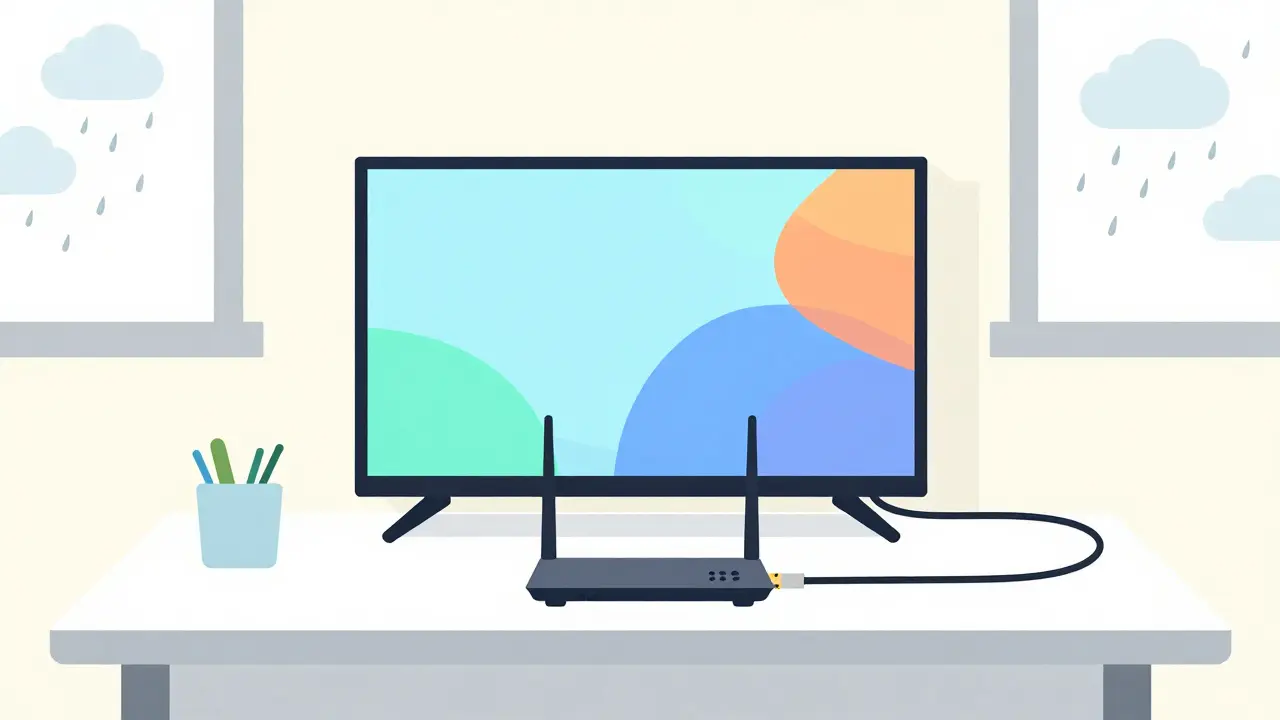
- Use Ethernet When Possible: Wi-Fi adds another layer of potential interference. Connect your smart TV, streaming stick (Roku, Fire TV, Apple TV), or gaming console directly to your router via an Ethernet cable. This eliminates wireless congestion.
- Position Your Router Wisely: If you must use Wi-Fi, place your router centrally and elevated. Avoid hiding it inside cabinets or behind metal objects. For large homes, consider a mesh Wi-Fi system designed for high-bandwidth activities.
- Manage Background Traffic: Cloud backups, automatic updates, and other devices downloading files can eat up your bandwidth. Schedule large downloads for off-peak hours (late night or early morning).
- Adjust Streaming Quality Manually: Don’t rely on auto-adjust settings alone. If you notice buffering, manually lower the resolution in your app settings. Switching from 4K to 1080p can halve your data usage while maintaining good visual quality.
In Brisbane, where summer storms can be frequent, weather remains a factor. Heavy rain or snow can temporarily degrade satellite signals-a phenomenon known as rain fade. While modern dishes are robust, extreme weather may cause brief interruptions. Having a mobile hotspot as a backup can help bridge these gaps for essential communications, though streaming will likely suffer until conditions improve.
Navigating Data Caps and Hidden Costs
This is where many satellite subscribers get burned. Satellite internet often comes with monthly data allowances. Exceeding them doesn’t always mean extra charges-it often means severe speed reductions.
Let’s break down how much data streaming consumes:
- SD (Standard Definition): ~1 GB per hour
- HD (High Definition): ~3 GB per hour
- 4K UHD: ~7 GB per hour
If your household watches five hours of HD content daily, that’s 15 GB a day, or roughly 450 GB a month. A basic HughesNet plan might offer only 50 GB before throttling kicks in. Even a mid-tier Viasat plan could struggle. Starlink’s unlimited tiers are pricier upfront (higher hardware and monthly fees) but save you from the anxiety of watching your data meter tick down.
Always check the fine print. Some providers define "unlimited" with fair-use policies that throttle speeds after a certain threshold during network congestion. Ask customer support specifically: "What happens to my streaming speed after I use X amount of data?"
Live Events, Sports, and Gaming Over Satellite
Streaming recorded content is one thing. Trying to watch a live football match or play an online multiplayer game is another beast entirely.
With GEO satellites, the high latency (600+ ms) makes live streaming choppy. The audio might drift out of sync with the video, and starting a stream can take several seconds. Interactive features, like switching camera angles during a sports broadcast, will feel unresponsive.
LEO systems like Starlink have changed this landscape. With latencies around 20-40 ms, live streaming is now feasible. You can watch live sports with minimal delay compared to local broadcasts. Online gaming is also playable, though competitive gamers might still prefer fiber due to jitter (variation in latency). For casual gaming and live event viewing, however, LEO satellite internet holds its own.
The Future of Satellite Streaming
By late 2026, we’re seeing new constellations launching and existing ones expanding. Companies are working on direct-to-device technology, which could eventually allow phones and tablets to connect directly to satellites without a dish. While this won’t replace home broadband soon, it promises better mobility for travelers who want to stream on the go.
Additionally, compression technologies are improving. Services like Netflix and YouTube are adopting more efficient codecs (like AV1) that deliver higher quality at lower bitrates. This means you’ll get better picture quality using less data, easing the burden on satellite connections.
As infrastructure grows, competition should drive prices down and reliability up. If you’re currently stuck with slow DSL or no internet at all, satellite is no longer a last resort-it’s a legitimate, high-quality alternative for entertainment.
Can I stream 4K video over satellite internet?
Yes, provided you have a sufficient speed and data allowance. You need at least 25 Mbps for consistent 4K streaming. LEO providers like Starlink typically offer enough speed, but you must monitor your data usage since 4K consumes about 7 GB per hour. Older GEO providers may struggle with latency and strict data caps.
Does rain affect satellite internet streaming?
Yes, heavy rain, snow, or thick clouds can cause temporary signal degradation known as "rain fade." This might lead to buffering or dropped connections. Modern LEO systems are more resilient than older GEO systems, but extreme weather can still impact performance. Positioning your dish correctly and keeping it clear of obstructions helps mitigate this.
Is Starlink good for streaming Netflix and YouTube?
Starlink is currently one of the best options for streaming over satellite. Its low latency and high speeds support HD and 4K streaming effectively. Most users report smooth playback on platforms like Netflix, YouTube, and Disney+. However, be aware of potential throttling if you exceed priority data limits during peak times.
Which is better for streaming: Starlink or HughesNet?
For streaming, Starlink is generally superior. It offers lower latency, higher average speeds, and fewer restrictive data caps compared to HughesNet. HughesNet’s high latency and strict data allowances make it difficult to stream HD or 4K content regularly without hitting throttling thresholds.
How much data does streaming use on satellite internet?
Data usage varies by resolution. SD uses about 1 GB/hour, HD uses 3 GB/hour, and 4K uses 7 GB/hour. If you stream multiple hours daily, calculate your monthly total carefully. For example, three hours of HD streaming daily equals approximately 270 GB/month. Choose a plan with adequate data or unlimited tiers to avoid slowdowns.
Can I play online games using satellite internet?
Casual online gaming is possible, especially with LEO systems like Starlink that offer low latency. However, competitive gaming requires extremely stable and low-latency connections, which fiber provides better. Jitter (latency variation) can still affect gameplay on satellite, so manage expectations for serious esports titles.