28
Visual Examples in Text: How to Describe Shots and Edits Clearly
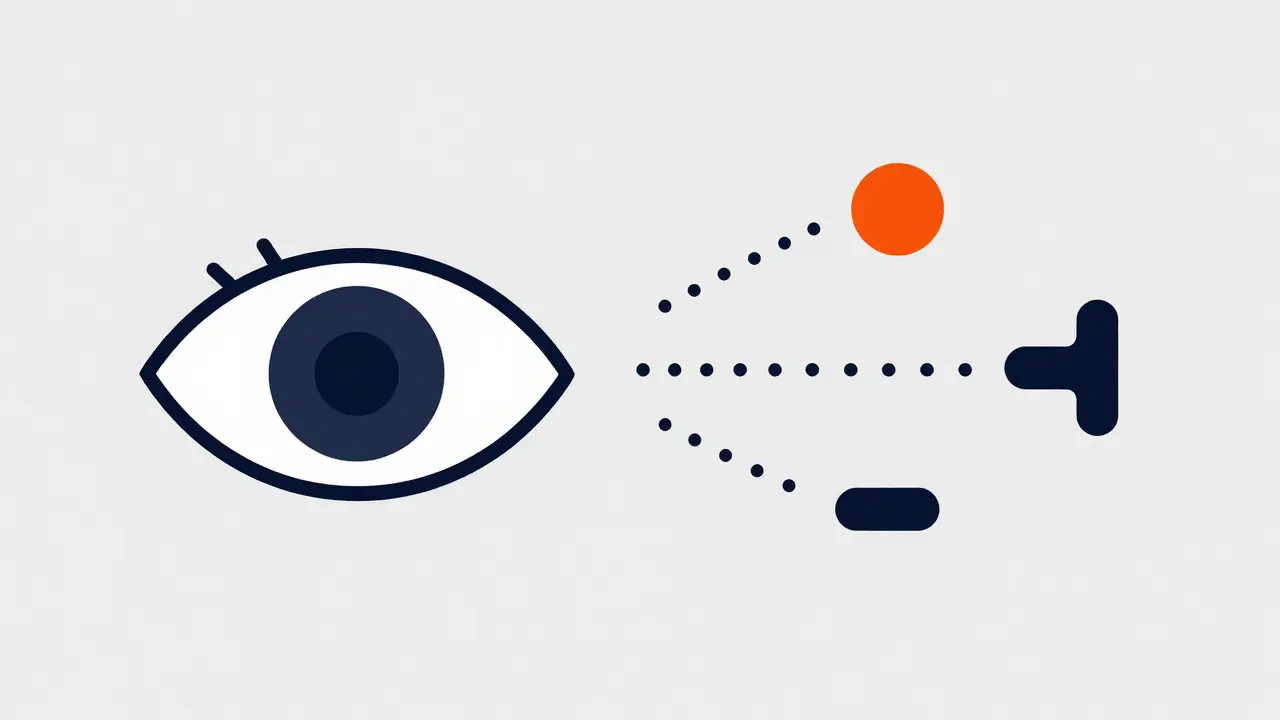
Imagine you’re trying to tell someone about a movie scene you just saw. You open your mouth, but the words don’t capture the feeling. You say “it looked cool,” but that tells them nothing. This gap between seeing something and describing it happens all the time. For writers, critics, and directors, bridging that gap is a critical skill. Shot Description is the process of translating visual language into clear written text so others can visualize the same image without seeing it. Mastering this ensures your script, review, or report lands exactly where it needs to.
The Basic Building Blocks of Visual Text
Before you write a single sentence, you need to know what you are talking about. Visuals aren’t random; they follow a structure. When you look at a screen, three main things are happening simultaneously. First, you have the Subject, which is the person, object, or environment taking focus within the frame. Then, there is the Camera Placement, which dictates where the audience views the subject from relative to their position. Finally, there is the Movement, defined as any motion of either the camera itself or the subject within the shot.
If you ignore any of these three, your description feels flat. Saying “John walks” is weak. Saying “John walks toward the camera while the lens pushes in slowly” creates a specific mental image. This precision is essential when working with teams who rely on your words to replicate your vision.
Defining Shot Types and Angles
The first layer of detail involves naming the view. Generic terms like “zoomed in” confuse production crews. Instead, use standard industry terminology. A Close-Up is a framing that tightly focuses on a character’s face or a specific object to reveal emotion or detail. Conversely, a Wide Shot serves to show the entire subject and their surrounding environment to establish location.
Angles add emotional context. If you want the subject to feel powerful, you use a low angle. If you want them vulnerable, you shoot from above. Understanding these implications helps you describe not just what is seen, but how it makes the viewer feel.
| Movement Type | Primary Function | Typical Use Case |
|---|---|---|
| Pan | Horizontal rotation of the camera | Scanning a landscape horizontally |
| Tilt | Vertical rotation of the camera | Showing height or revealing a tall object |
| Dolly | Physical movement of the camera toward/away | Approaching a subject to build tension |
| Zoom | Changing lens focal length without moving | Isoating a detail from a distance quickly |
Notice the difference between a Dolly and a Zoom. A Dolly moves the physical sensor, changing perspective depth. A Zoom simply magnifies the image. Describing this distinction accurately changes how the editor or cinematographer approaches the job. Using the wrong term leads to the wrong execution on set.
Describing the Edit Transition
A single shot tells a story, but the edit connects them. When writing about the transition between two clips, focus on the rhythm and continuity. A standard Cut is an instantaneous change from one shot to another without visible transition effects. It is the invisible glue of cinema. Sometimes, however, you need a specific effect.
An Invisible Cut relies on matching action across two different frames to hide the break entirely. This requires precise matching of movement direction and speed. On the other hand, a Fade indicates a gradual darkening or lightening of the picture to signal a passage of time.
When documenting an edit, ask yourself: Why did we switch shots? Was it for information, pacing, or emotion? Explaining the "why" alongside the "how" gives the reader insight into the creative decision-making process.
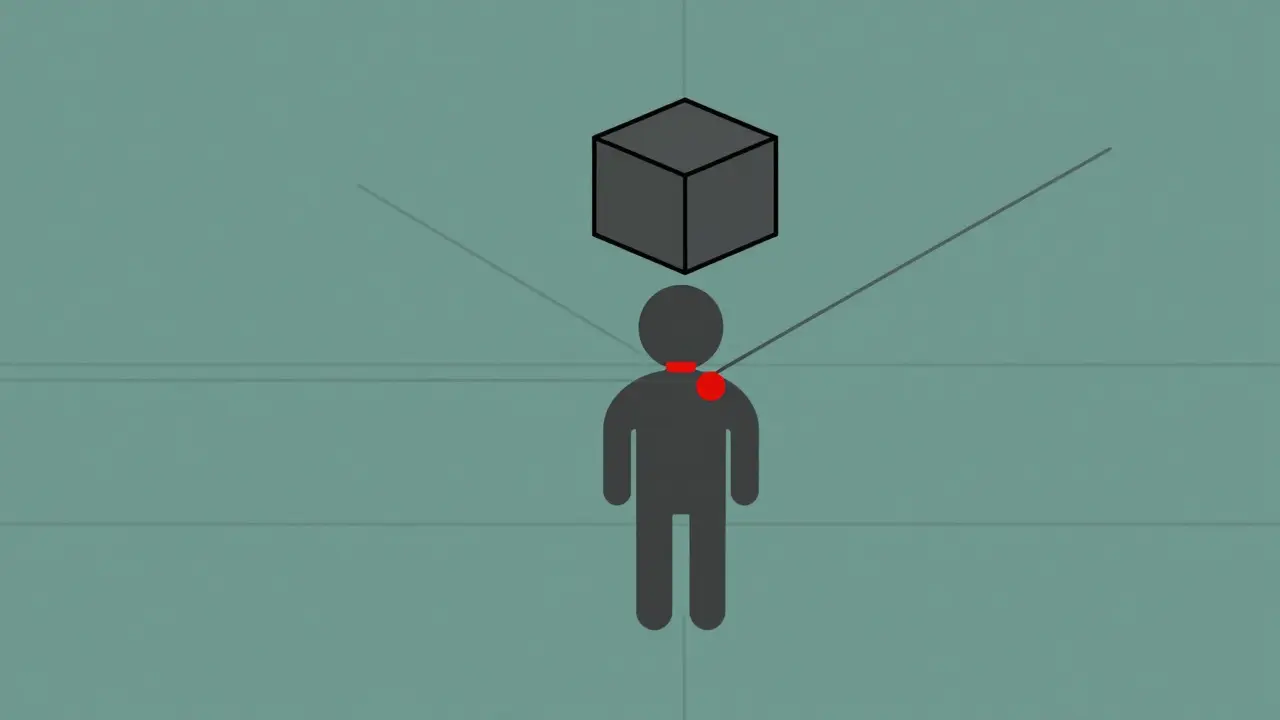
Using Lighting and Color Context
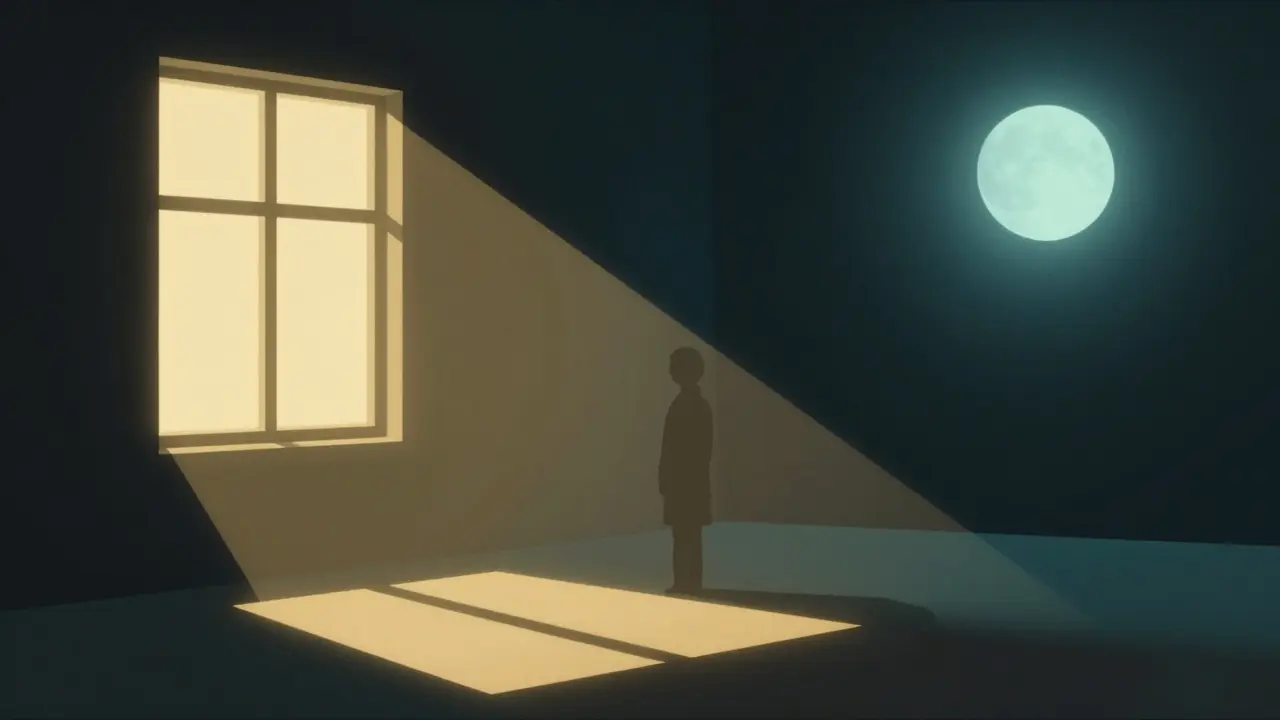
Text often forgets the atmosphere. Words like “bright” or “dark” are too vague. Think like a cinematographer. Do you want the warmth of natural sunlight coming from the side? Or the cold, harsh glare of overhead fluorescent lights?
Color Grading refers to the post-production process of altering image color palette to achieve a specific mood. Mentioning this in your description sets expectations for the final polish. For instance, specifying that the scene uses a teal and orange palette tells the reader immediately that this is likely a modern blockbuster action aesthetic, whereas a desaturated black-and-white look implies noir or historical drama.
Practical Example Breakdown
Let’s apply this logic to a real scenario. Imagine a scene where a detective finds a clue.
Weak Description: “Detective walks into the room and looks at the gun on the table. He picks it up.”
This tells the plot but misses the visual weight. Now, let’s upgrade it using our tools.
Strong Description: “Low-angle medium shot. Detective enters left frame. Handheld camera shakes slightly. He spots the pistol on the desk (Extreme Close-Up on the metal slide). Slow push-in towards his face. Cold blue lighting fills the shadows.”
See the difference? The second version creates a mood. It specifies the shot size, the camera stability, the focus, and the lighting. This allows a director to storyboard it accurately without a guesswork phase.
Common Pitfalls to Avoid
Even experienced writers make mistakes when transposing visuals to text. One common error is over-describing. If you write every tiny detail, the reader gets exhausted. Focus on elements that impact meaning or mood. Another trap is using passive voice. Say “The camera pans right” instead of “The camera was panned by the operator.” Active voice keeps the energy high.
Also, watch out for ambiguous spatial references. Saying “on the left” depends on whose perspective. Do you mean the subject’s left or the viewer’s left? Always clarify by using screen direction (e.g., “screen left”).
Formatting for Scripts vs. Reviews
Your audience matters. If you are writing a screenplay, you follow strict formatting conventions used by software like Final Draft. In this context, brevity is key. You describe action lines concisely to maintain page-to-time ratios. If you are writing a film review or an academic critique, you have more freedom to explore the nuance of why a particular Director of Photography chose a specific lighting setup.
Understanding the destination of your text dictates the vocabulary density. A script is a blueprint; a review is an interpretation. Keep the goal in mind before drafting a single line.
What is the difference between a pan and a tilt?
A pan rotates the camera horizontally on its axis (side to side), while a tilt rotates the camera vertically on its axis (up and down). Both keep the camera position fixed.
How do I describe a subjective point of view shot?
Specify that the camera acts as the eyes of the character. Use phrases like 'we see through Sarah's eyes' or 'POV shot mimicking the protagonist's movement.'
Why is continuity important in shot description?
Continuity ensures consistency in screen direction, eye-lines, and props across cuts. Without it, the audience notices jarring errors that break immersion.
Can I use slang terms like 'dolly zoom' in professional scripts?
Yes, industry-standard terms like 'dolly zoom' are acceptable because they refer to specific, complex techniques recognized by production crews globally.
How does sound fit into visual descriptions?
While primarily visual, note diegetic sound sources affecting the mood. Mention ambient noise levels or silence to complement the visual intensity.