12
How to Get Prime Video Without Prime: Standalone Plan Explained
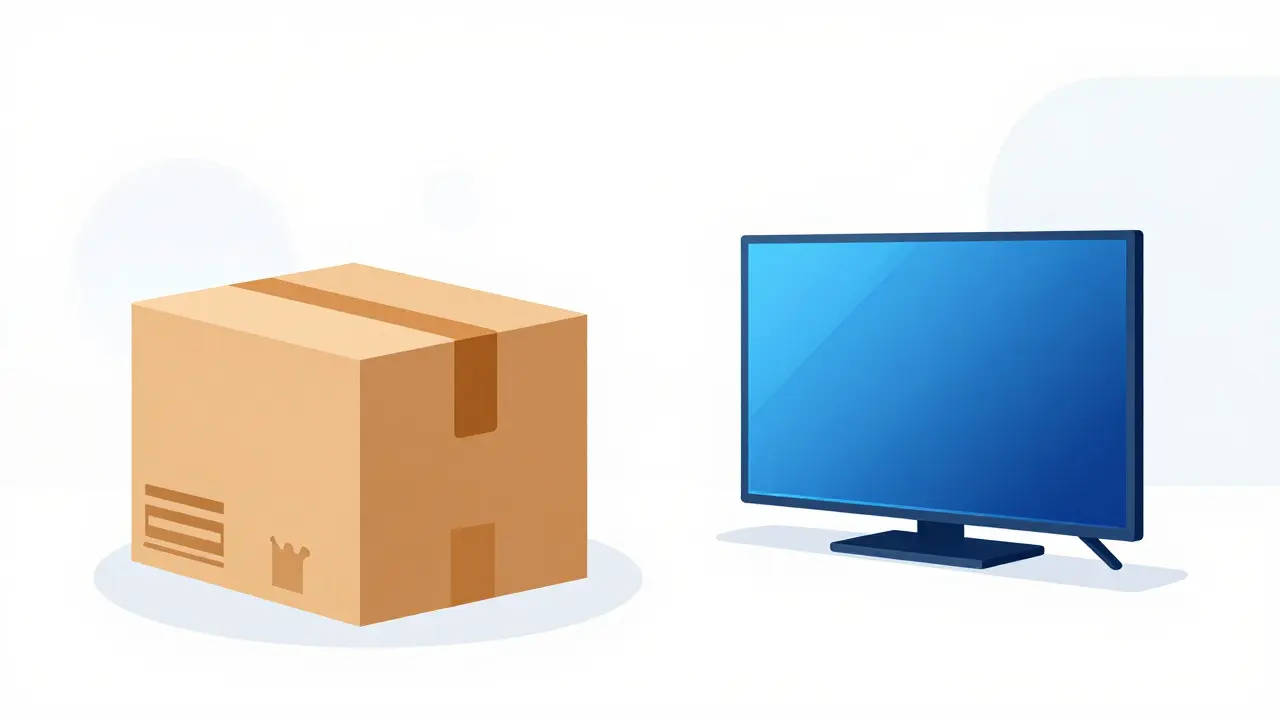
You want the movies. You want the shows. But you don't want to pay for free shipping on toilet paper. For years, that was a hard choice. Amazon bundled everything together. If you wanted Prime Video is Amazon's video-on-demand streaming service that offers a wide library of movies, TV shows, and original content., you had to buy the whole Amazon Prime is a paid membership program by Amazon that includes benefits like free shipping, music streaming, and access to Prime Video. package. That changed in many parts of the world. Now, you can get the video service on its own. It’s called the standalone plan. And if you’re just looking for entertainment, it might be the smartest move you make this year.
What Is the Prime Video Standalone Plan?
The standalone plan is exactly what it sounds like. It is a subscription to only the video streaming service. You strip away the delivery perks, the music storage, and the gaming discounts. You are left with just the screen time. In regions where this option exists-like the United Kingdom, Germany, France, India, and Brazil-you can sign up for Prime Video directly. You do not need an active Prime membership. You do not need to worry about your annual renewal date for shipping. It is a separate product line within the Amazon ecosystem.
This distinction matters because the pricing structure is completely different. When you subscribe to the full Prime membership, you are paying for a bundle. The value proposition relies on how much you shop. If you rarely order physical goods, the shipping benefit is dead weight. By switching to the standalone video plan, you remove that dead weight. You pay less per month, but you lose the logistical benefits. It is a trade-off between convenience and cost.
Why Choose the Standalone Option?
Let’s talk numbers. In the UK, for example, a full Prime membership costs significantly more than the standalone video tier. The standalone plan often comes in at a fraction of the price. If you watch three or four hours of content a week, the math works out in your favor. You save money every single month. Over a year, those savings add up to something real. Maybe enough for a new gadget or a nice dinner out.
There is also the issue of clutter. Many people find themselves forgetting to cancel their Prime trial because they were worried about losing access to a specific show. With a standalone plan, the commitment feels lighter. It is easier to manage. You know exactly what you are paying for. There are no hidden bundles. No surprise charges for things you never use. Just pure, unadulterated streaming.
Consider your lifestyle. Do you live in a city with great local shops? Do you prefer buying from smaller retailers? If so, the free shipping incentive loses its power. Your shopping habits dictate whether the bundle makes sense. For urban dwellers who walk to stores or use local delivery apps, the standalone video plan is often the superior choice. It aligns your spending with your actual behavior.
What You Lose by Going Standalone
It is not all good news. To get the lower price, you have to give something up. The most obvious loss is the shipping benefit. No more two-day delivery on millions of items. No more same-day delivery in eligible areas. If you rely on Amazon for groceries, household supplies, or electronics, this hurts. You will pay standard shipping rates again. Those fees can eat into your savings quickly if you shop frequently.
You also miss out on other Prime perks. Prime Music is a music streaming service included with Amazon Prime memberships, offering ad-free listening to millions of songs. is gone. You won’t get access to the exclusive deals during events like Black Friday. Some games available through Prime Gaming is a benefit for Prime members that includes free monthly games, in-game loot, and a channel subscription on Twitch. will be locked behind the paywall. If you are a gamer or a heavy shopper, these losses might outweigh the savings on the video subscription. You need to calculate your total usage across all Amazon services before making the switch.
Content Library: Does It Change?
A common fear is that the standalone plan gives you fewer movies. It does not. The content library is identical. Whether you pay for the full bundle or just the video tier, you see the same titles. You get access to Original Content refers to exclusive shows and movies produced specifically for a streaming platform, such as The Boys or The Marvelous Mrs. Maisel.. You can rent or buy new releases. The interface looks the same. The recommendation algorithm works the same way. Amazon has no incentive to hide content from standalone users. They want you to stay subscribed. So, they give you the full experience.
This parity is crucial. It means you aren’t getting a "lite" version of the service. You are getting the real thing. The only difference is what happens outside the app. Inside the app, you are treated equally. This level playing field makes the decision purely financial. It simplifies the choice. You pick the option that fits your budget.
How to Switch from Prime to Standalone
Making the switch is straightforward, but it requires a few steps. First, log into your Amazon account. Go to the "Manage Your Membership" page. Here, you will see your current Prime status. Look for the option to change your plan. Select the standalone video option. Confirm the change. The system will prorate your remaining time. You won’t lose any days you’ve already paid for. The transition is seamless. Your watchlist stays intact. Your profiles remain unchanged. It is designed to be frictionless.
If you are starting fresh, simply go to the Prime Video website or app. Sign up for the standalone plan. Use a credit card or PayPal. Enter your details. Start watching. There is no need to create a new account. Your existing Amazon login works perfectly. The integration is tight. This ease of use lowers the barrier to entry. It encourages people to try the service without committing to the larger bundle.
Comparison: Standalone vs. Full Prime
| Feature | Prime Video Standalone | Full Amazon Prime |
|---|---|---|
| Video Streaming | Yes | Yes |
| Free Shipping | No | Yes |
| Music Streaming | No | Yes (Limited) |
| Gaming Perks | No | Yes |
| Monthly Cost (Approx.) | Lower | Higher |
| Content Access | Full Library | Full Library |
Looking at the table, the differences are clear. The standalone plan strips away the non-video benefits. It focuses solely on entertainment. If you don’t use the other features, you are throwing money away with the full plan. The table highlights the core trade-off. You pay less, but you get less utility outside the screen. Evaluate which columns matter to you. If the "Free Shipping" column is empty in your life, the standalone plan wins.
Is It Available Everywhere?
Not yet. Availability varies by region. In the US, Amazon has been slower to roll out a true standalone option compared to Europe and Asia. However, the trend is moving toward unbundling. As competition heats up with services like Netflix is a leading global streaming service known for its extensive library of original and licensed content. and Disney+ is a streaming service owned by Disney, featuring content from Disney, Pixar, Marvel, Star Wars, and National Geographic., Amazon needs to offer flexible pricing. Check your local Amazon site for the latest options. If it’s not there now, it might be soon. The market is shifting. Consumers demand choice. Companies respond to pressure.
Troubleshooting Common Issues
Sometimes, switching plans causes glitches. You might see old billing cycles lingering. Or your profile might not update immediately. If this happens, wait 24 hours. Most issues resolve themselves. Clear your cache. Log out and back in. Contact support if the problem persists. They are usually helpful. Keep records of your transactions. Dispute charges if necessary. Being proactive protects your wallet. Don’t assume errors will fix themselves forever. Follow up until resolved.
Another issue is sharing accounts. The standalone plan may have stricter limits on simultaneous streams compared to the full Prime membership. Check the terms of service. Understand how many devices you can use at once. If you share with family, ensure everyone knows the rules. Avoid conflicts over bandwidth. Set expectations early. Communication prevents frustration later.
Can I switch back to full Prime later?
Yes, you can switch back to full Prime at any time. The process is similar to switching to standalone. Go to your membership settings and select the upgrade option. Your video history and preferences will carry over seamlessly.
Does the standalone plan include ads?
Currently, the standalone Prime Video plan is ad-free for most content. However, Amazon is testing ad-supported tiers in some regions. Always check the latest terms for your specific location to confirm if ads are included.
Will I lose my watchlist if I switch?
No, your watchlist is tied to your Amazon account, not your membership type. Switching plans does not affect your saved lists, profiles, or viewing history. Everything remains intact.
Is the standalone plan cheaper than Netflix?
In many regions, yes. The standalone Prime Video plan is often priced competitively against Netflix's basic tier. Compare the current prices in your country to see which offers better value for your preferred content.
Can I share my standalone account with friends?
Sharing policies vary by region. Generally, you can share your login, but simultaneous streams may be limited. Check the specific terms for your plan to understand how many devices can stream at the same time.