8
Disney+ Simultaneous Streams: Device Limits and Bundle Rules
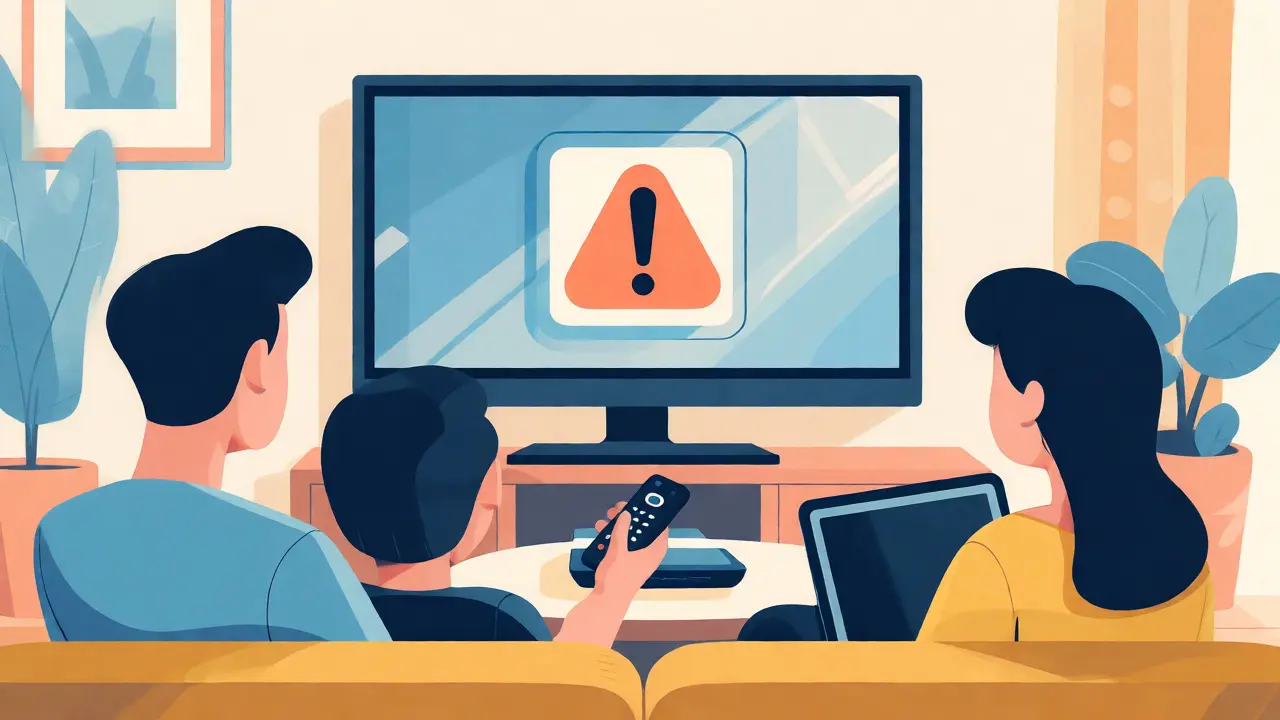
You’re settled in with popcorn, ready to binge the latest Marvel series, but you get that annoying pop-up: "Too many people are watching." It’s frustrating, especially when you thought you had plenty of accounts to go around. The confusion usually stems from mixing up Disney+ the subscription video on demand service owned by Walt Disney Direct-to-Consumer & International with its bundled partners like Hulu and ESPN+. If you are trying to figure out exactly how many screens your household can run at once, the answer isn't a single number-it depends entirely on which plan you bought.
The Core Rule: One Account, Two Screens
Let’s cut through the noise. For a standard standalone Disney+ subscription, the limit is strict. You can watch on two devices simultaneously. That’s it. Whether you have one profile or ten, whether you are on an iPhone or a Smart TV, if three people hit play, the third person gets blocked until someone else stops.
This rule applies regardless of where you are physically located. Unlike some competitors that restrict based on household location, Disney+ allows these two streams to happen anywhere in the world, as long as they are logged into the same account. This makes it great for a couple living together or a student sharing costs with a roommate, but it falls apart quickly for larger families.
How the Disney Bundle Changes the Math
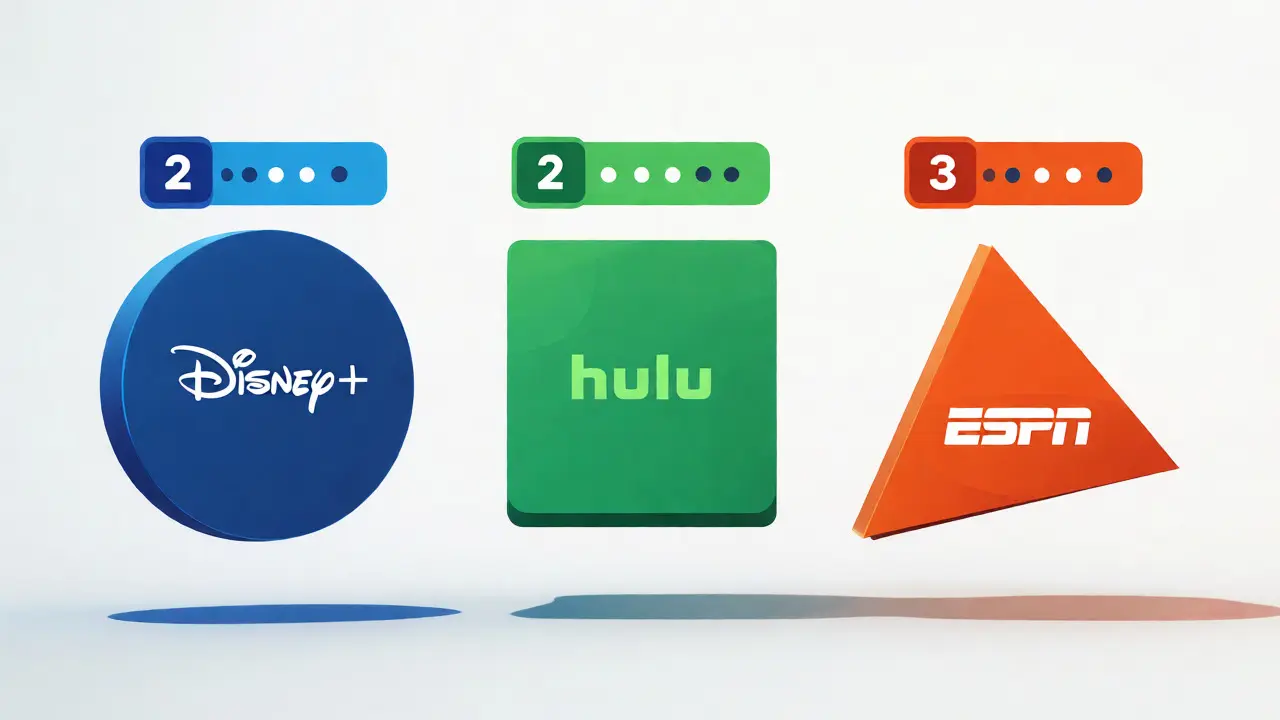
Most people don’t just buy Disney+ anymore. They grab the Disney Bundle, which combines Disney+, Hulu, and ESPN+. Here is where it gets tricky: the stream limits do not merge. They remain separate per service.
- Disney+: Still limited to 2 simultaneous streams.
- Hulu: Limited to 2 simultaneous streams (on ad-supported plans) or unlimited (on ad-free plans).
- ESPN+: Limited to 3 simultaneous streams.
If you try to watch Disney+ on two devices and Hulu on two other devices, you are using four distinct streams across two different platforms. This works fine because the servers treat them as separate services. But if you try to watch Disney+ on three devices, you will hit the wall, even if nobody is touching Hulu or ESPN+.
| Service | Plan Type | Max Streams | Notes |
|---|---|---|---|
| Disney+ | Standard | 2 | Applies globally; no household restriction. |
| Hulu | Ad-Supported | 2 | Strictly enforced on live TV too. |
| Hulu | No Ads | Unlimited* | *Within household only (US only). |
| ESPN+ | All Plans | 3 | Great for sports fans with multiple viewers. |
Profiles vs. Streams: Don’t Confuse Them
A common misconception is that creating more user profiles increases your stream count. It doesn’t. You can create up to seven unique profiles on a single Disney+ account. These profiles help keep recommendations separate-so your kid’s cartoons don’t clutter your thriller queue-and allow for individual watch histories. However, all seven profiles share those two precious stream slots.
Think of profiles as seats in a theater. You can have seven ticket holders (profiles), but the projector (stream server) only has two reels running at once. If everyone tries to watch their own movie at the same time, five of them are going to be disappointed.
Downloaded Content: The Offline Loophole
If you are traveling or dealing with spotty Wi-Fi, downloads are your best friend. Disney+ allows you to download movies and shows to mobile devices (iOS and Android). While downloaded content doesn’t use a live stream slot while playing offline, there are still limits.
You can have up to 10 titles downloaded per device. More importantly, you can only have content downloaded on 10 devices total linked to your account. If you exceed this, you’ll need to delete something before downloading new episodes. Crucially, if you start watching a downloaded title, it does not count against your two-stream limit, provided you are truly offline or the app recognizes it as local playback. However, syncing progress back to the cloud might require a brief connection, but it won’t block another user from starting a stream.
Troubleshooting "Too Many Streams" Errors
Sometimes you hit the limit even when you think you shouldn’t. Why? Ghost sessions. If you watched a show on your tablet yesterday and closed the app without pausing or logging out, the server might still think that session is active. Or perhaps a family member left a tab open on a work computer.
To fix this, you can remotely sign out of devices. Go to your account settings under "Devices" or "Sign Out of All Devices." Note that signing out everywhere forces everyone to re-enter passwords, which is annoying but effective. A better approach is to check who is currently active. Disney+ recently improved their dashboard to show which devices are actively streaming. If you see a device you don’t recognize, kick it off immediately.
Comparing Disney+ to Netflix and Max
How does Disney stack up against the competition? Netflix used to offer unlimited streams but now enforces strict limits based on price tiers. Their Standard plan allows 2 streams, similar to Disney, but their Premium plan offers 4. Disney+ hasn’t introduced a higher-tier plan with more streams yet, keeping the cap at 2 for everyone.
Max (formerly HBO Max) also caps at 2 streams for most plans, though their Ultimate Ad-Free tier bumps this to 4. If your household regularly needs more than two concurrent streams, Disney+ is arguably the most restrictive major player unless you split accounts or rely on the separate limits of Hulu and ESPN+ within the bundle.
Strategies for Larger Households
If you have a family of five who all want to watch something different every night, two streams aren’t enough. Here are practical ways to manage:
- Stagger Viewing Times: Agree on "prime time" slots. Kids watch cartoons after school; parents watch news or dramas later.
- Leverage Downloads: Have kids download episodes ahead of time so they can watch offline without using a stream slot.
- Use the Bundle Separately: If one parent watches ESPN+ and the other watches Hulu, those don’t conflict with each other. Only Disney+ conflicts with itself.
- Consider a Second Account: Sometimes it’s cheaper to pay for a second basic Disney+ account than to upgrade to a more expensive competitor just for extra streams.
Frequently Asked Questions
Does the Disney Bundle increase my Disney+ stream limit?
No. The Disney Bundle gives you access to three services, but the stream limits apply individually to each service. You still only get 2 simultaneous streams for Disney+, even if you also subscribe to Hulu and ESPN+.
Can I watch Disney+ on two TVs and one phone at the same time?
No. The limit is strictly two devices at once, regardless of the type of device. If you try to start a third stream, you will receive an error message telling you to stop one of the current sessions.
Do downloaded videos count towards the stream limit?
Generally, no. Playing downloaded content offline does not consume one of your two active stream slots. However, you must have the content downloaded beforehand, and syncing data may briefly interact with the server.
Is there a way to see who is currently streaming?
Yes. In your account settings, look for the "Devices" or "Active Sessions" section. It lists the devices currently logged in and often indicates which ones are actively playing content, allowing you to remotely disconnect specific devices.
What happens if I try to stream on a third device?
The new attempt will fail with a "Too many people watching" error. The existing streams will continue uninterrupted. You must manually stop one of the active streams to free up a slot for the new device.