26
Dolby Vision vs. HDR10+: Which Dynamic HDR Format Wins for Streaming?
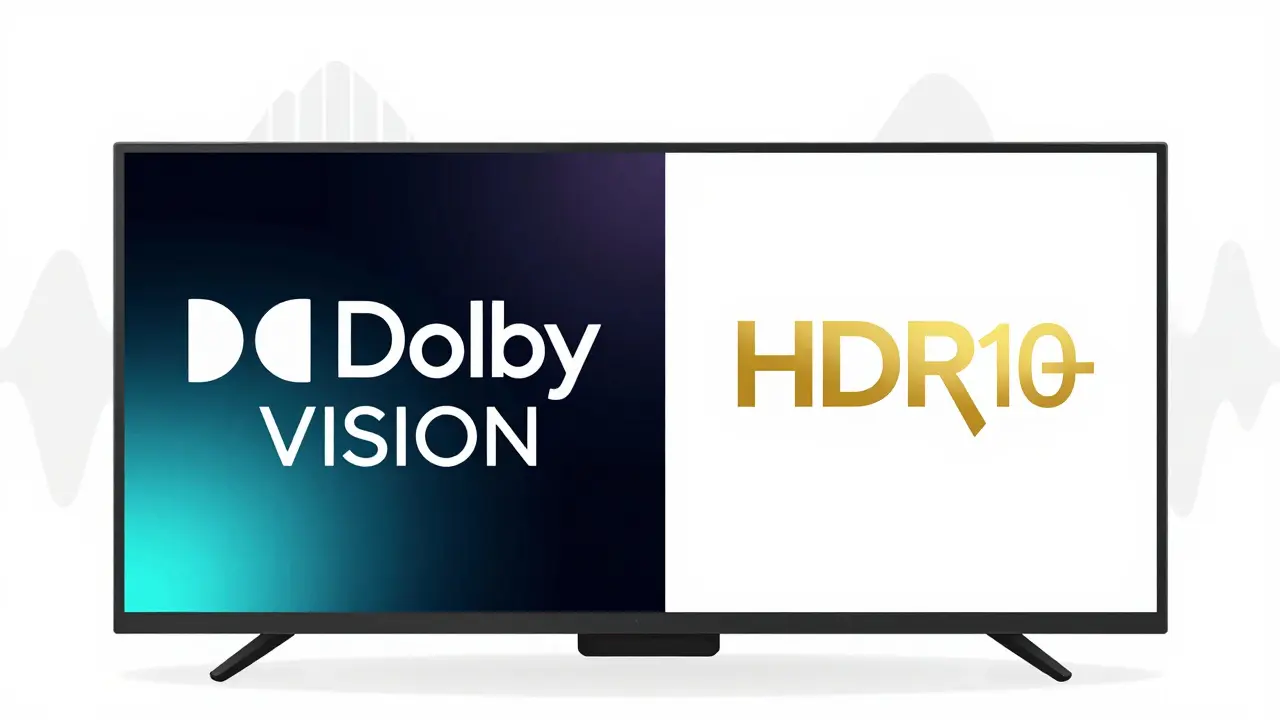
When you press play on a 4K HDR movie on Netflix, Apple TV+, or Disney+, you’re not just watching video-you’re experiencing a technical battle between two competing formats: Dolby Vision and HDR10+. Both promise richer colors, deeper blacks, and brighter highlights than standard HD. But only one of them adapts frame by frame to your screen. And that difference changes everything.
What Makes Dynamic HDR Different
Not all HDR is the same. HDR10 is the baseline-it’s static. It sends one set of brightness and color instructions for the entire movie, no matter if you’re watching on a $500 TV or a $3,000 OLED. That’s like giving every driver the same speed limit, whether they’re in a bicycle or a sports car.
Dolby Vision and HDR10+ fix that. They’re dynamic. They adjust the picture on a scene-by-scene, or even frame-by-frame basis. If a sunset fades to night, the TV gets new instructions to darken the shadows without crushing detail. If a spaceship explodes in bright light, the highlights pop without blowing out. That’s the core difference: static vs. adaptive.
Dolby Vision: The Premium Choice
Dolby Vision launched in 2016 and quickly became the gold standard. It’s used by Apple TV+, Disney+, and major studios like Warner Bros. and Universal. It supports up to 12-bit color depth and peak brightness of 10,000 nits. That means over 68 billion colors and highlights so bright they feel like real sunlight hitting your screen.
But here’s the catch: Dolby Vision requires a license. TV makers pay Dolby to include it, and that cost shows up in the price tag. You’ll find it on high-end LG OLEDs, Sony Bravia XR models, and Apple’s own 4K TVs. Even Apple’s iPhone 15 Pro and iPad Pro can play Dolby Vision content.
It also includes metadata that tells your TV exactly how to display each scene. That metadata is encrypted and proprietary, meaning only licensed devices can decode it properly. That’s why you can’t just download a Dolby Vision file and expect it to work on any HDR10+ TV.
HDR10+: The Open Alternative
HDR10+ came out in 2017, backed by Samsung, Amazon, and Panasonic. Unlike Dolby Vision, it’s free to use. No licensing fees. No royalties. That’s why you’ll find it on Samsung’s QLED TVs, TCL’s budget 4K models, and even some Roku streaming sticks.
HDR10+ uses dynamic metadata too-just like Dolby Vision. It adjusts brightness and color per scene. But it’s built on the same foundation as HDR10, so it’s backward compatible. If your TV doesn’t support HDR10+, it falls back to basic HDR10 without breaking the stream.
It supports up to 10-bit color and 4,000 nits peak brightness. That’s less than Dolby Vision, but still far beyond standard HDR. And because it’s open, studios like Amazon Studios and Paramount+ use it for their 4K originals. Prime Video’s The Boys and Jack Ryan stream in HDR10+.

Side-by-Side: What You Actually See
On paper, Dolby Vision wins on specs. But does that mean you see a bigger difference on your couch?
Real-world tests show Dolby Vision often delivers smoother gradients in dark scenes-like a starry sky or a shadowy forest. Colors feel more natural, especially in skin tones. HDR10+ can sometimes look a little too aggressive in highlights, making bright objects look artificial.
But here’s the twist: it depends on your TV. A mid-range Samsung QLED with HDR10+ can outperform an older Dolby Vision TV that’s not calibrated well. The TV’s panel, processor, and software matter more than the format name.
Netflix tested both formats side by side in 2024. Viewers consistently rated Dolby Vision higher in color accuracy and shadow detail. But when they compared HDR10+ on a high-end Samsung TV to Dolby Vision on a budget TCL, the HDR10+ version won. The hardware matters as much as the format.
Streaming Services: Who Uses What
Here’s who’s betting on which format in 2025:
- Dolby Vision: Apple TV+, Disney+, Amazon Prime Video (select titles), Hulu, Max
- HDR10+: Amazon Prime Video (majority), Paramount+, YouTube (select 4K), Vudu
- Both: Amazon Prime Video supports both formats depending on the title and device
Amazon is the only major player supporting both. That’s because they own the hardware (Fire TV) and the content (Prime Video). They don’t want to lock users into one format.
Disney+ pushes Dolby Vision hard because Apple TV+ is its biggest competitor. Apple’s ecosystem locks users into Dolby Vision by default-no fallback.
What You Should Buy
If you’re buying a new TV in 2025, go for one that supports both. Most premium models now do. LG’s C3 and C4 OLEDs, Sony’s A80K, and Samsung’s QN90C all handle Dolby Vision and HDR10+.
But if you’re choosing between two TVs with the same price and size, pick the one with Dolby Vision if:
- You watch mostly Apple TV+ or Disney+
- You care about the most accurate color reproduction
- You have a dark room and want the deepest blacks
Pick HDR10+ if:
- You watch a lot of Amazon Prime Video or YouTube 4K
- You want future-proofing without paying extra
- You’re on a budget and still want dynamic HDR
Don’t overpay for Dolby Vision if your TV is older than 2021. The difference is barely noticeable on mid-range panels.
What About Your Phone or Laptop?
Most modern phones support Dolby Vision. iPhones from the XS onward, Samsung Galaxy S21 and newer, and Google Pixel 6 and up can record and play Dolby Vision video. That’s why your Instagram Reels or TikTok clips look better on an iPhone-Dolby Vision captures more dynamic range.
Laptops are trickier. Only a few high-end models like the MacBook Pro 16” and Dell XPS 17 have screens that can display Dolby Vision properly. Most Windows laptops only do HDR10. So if you’re watching HDR content on your laptop, you’re probably not seeing the full effect.
Future of Dynamic HDR
HDR10+ Adaptive, a newer version, lets TVs adjust brightness based on room lighting. It’s already in Samsung’s 2024 models. Dolby Vision IQ does the same thing. The gap is closing.
But the real winner isn’t the format-it’s the content. Studios are starting to master 4K HDR in both formats. More titles are being released in both. In 2025, over 70% of new 4K streaming titles are available in at least one dynamic HDR format.
Eventually, a universal standard may emerge. But for now, the market is split. And if you’re watching on a modern TV, you’re already winning.
Is Dolby Vision better than HDR10+ for streaming?
In most cases, yes-Dolby Vision delivers more accurate colors, smoother gradients, and better shadow detail, especially on high-end OLED TVs. But HDR10+ is close, and on mid-range TVs, the difference is often too small to notice. The content and your TV’s quality matter more than the format name.
Can I watch Dolby Vision on a Samsung TV?
Most Samsung TVs released after 2020 support HDR10+, but not Dolby Vision. Samsung chose not to license Dolby Vision to avoid paying royalties. So if you have a Samsung TV, you’ll get HDR10+ and HDR10, but not Dolby Vision-even if you subscribe to Apple TV+ or Disney+.
Does HDR10+ work on Apple TV?
No. Apple TV devices only support Dolby Vision and HDR10. They don’t decode HDR10+ because Apple doesn’t license the format. If you’re using an Apple TV 4K, you’ll get Dolby Vision from Disney+ and Apple TV+, but not HDR10+ from Amazon Prime Video.
Do I need a special HDMI cable for Dolby Vision or HDR10+?
No. Any HDMI 2.0 or newer cable can carry Dolby Vision and HDR10+ signals. You don’t need expensive "4K HDR" cables. As long as your cable is labeled HDMI 2.0 or higher, it’s fine. The issue isn’t the cable-it’s whether your TV, source, and player all support the format.
Is HDR10+ better than regular HDR10?
Yes, significantly. HDR10 uses static metadata, meaning the same brightness settings apply to every scene. HDR10+ adjusts those settings scene by scene, so dark scenes stay detailed and bright scenes don’t wash out. If you have a choice between HDR10 and HDR10+, always pick HDR10+.
Final Take: The Real Winner
The real winner isn’t Dolby Vision or HDR10+. It’s you. If you have a modern 4K TV, you’re already getting dynamic HDR-no matter which format it is. The difference between them is subtle, and only visible on the best screens.
Focus less on the brand name and more on the content. Watch what you love. If you’re watching a movie on Apple TV+ with Dolby Vision on an LG OLED, you’re getting the best possible picture. If you’re watching Prime Video on a Samsung QLED in HDR10+, you’re still getting a stunning experience.
Don’t upgrade your TV just for one format. Upgrade because you want better contrast, faster response, or a bigger screen. The HDR format will come with it.