27
Free Kids Content: Top Places for Cartoons and Educational Shows
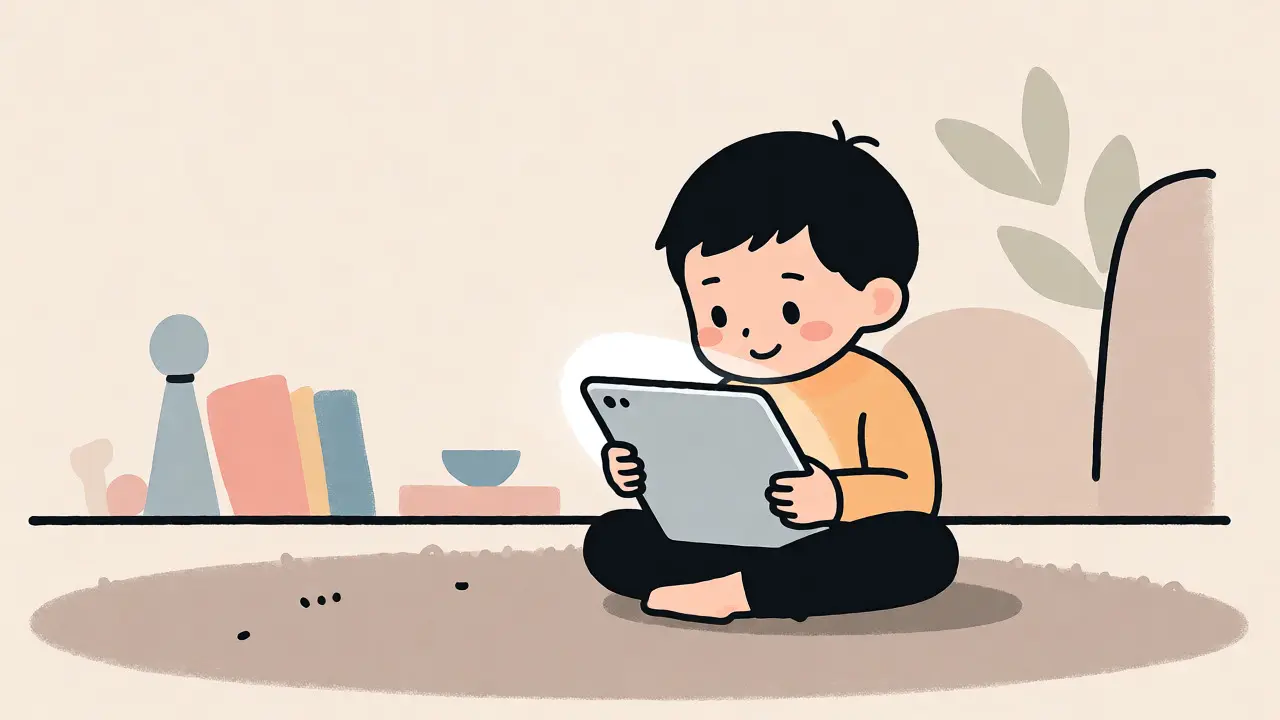
Ever tried to find something safe, engaging, and-crucially-free for your kid to watch? You know the drill. You type "cartoons" into a search bar, hit enter, and suddenly you're dodging pop-ups, questionable ads, and videos that seem designed by someone who has never met a child under ten. It’s exhausting. But here is the good news: high-quality free kids content actually exists. You just need to know where to look and how to filter out the noise.
The landscape of children's media has shifted dramatically. Gone are the days when you were stuck with three TV channels during school hours. Today, a wealth of educational shows and classic cartoons lives online, accessible without a subscription fee. The challenge isn't finding them; it's finding them safely. This guide breaks down the best platforms, what makes them tick, and how to keep screen time productive rather than passive.
Why Free Streaming Works for Families
Let’s be real: subscription fatigue is real. Between Netflix, Disney+, Hulu, and Amazon Prime Video, parents are paying hundreds of dollars a year for content their kids might only watch once. Free platforms offer a viable alternative, especially for families on a budget or those looking to supplement paid services. But "free" doesn't mean "low quality." Many organizations, including public broadcasters and non-profits, produce top-tier animation specifically for learning purposes.
The key advantage here is accessibility. These platforms don't require credit cards, which means no accidental subscriptions and no surprise bills. They also tend to have simpler interfaces, making it easier for young children (ages 3-8) to navigate independently. However, you must weigh this against the ad experience. Some free sites rely heavily on pre-roll ads, which can disrupt the flow of an educational lesson. Knowing which platforms prioritize user experience over aggressive monetization is half the battle.
PBS Kids: The Gold Standard for Safety
If you want one recommendation above all others, make it PBS Kids. This platform is backed by the Public Broadcasting Service in the United States, but its content resonates globally. Unlike commercial networks, PBS Kids operates with a mission-driven approach. Every show is vetted by child development experts. You won't find inappropriate language or sudden, scary imagery hidden behind a cute character.
The library includes staples like Arthur, Curious George, and Sesame Street. These aren't just entertainment; they are tools for social-emotional learning. For instance, Arthur tackles issues like friendship conflicts and anxiety in ways that resonate with elementary-aged children. The website allows filtering by age group and subject area, such as math, science, or reading. While some interactive games require Flash-like plugins that may need updating, the core video player works seamlessly across devices.
| Platform | Content Type | Ad Experience | Best For |
|---|---|---|---|
| PBS Kids | Educational series, games | Minimal to none | Ages 2-10, curriculum-aligned |
| YouTube Kids | Vast library, user-generated | Targeted ads (unless Premium) | Diverse interests, older kids |
| Khan Academy Kids | Interactive lessons, books | No ads | Preschool to 2nd grade |
| Tubi Kids | Movies, classic cartoons | Standard pre/mid-roll ads | Movie nights, older children |
YouTube Kids: Navigating the Algorithm
You cannot talk about free video without mentioning YouTube. But standard YouTube is a minefield for children. Enter YouTube Kids. This is a separate app and website designed specifically for younger audiences. It uses a combination of human review and machine learning to filter content. Parents can set up profiles for each child, specifying age ranges and blocking specific channels or videos.
Is it perfect? No. Occasionally, weird or off-topic videos slip through the cracks. There have been incidents where seemingly innocent cartoon clips contained bizarre audio tracks. That’s why parental oversight remains crucial, even with filters on. However, the sheer volume of content is unmatched. From Cocomelon for toddlers to DIY craft tutorials for tweens, if it exists, it’s likely there. Pro tip: Use the "Approved Content Only" mode if you want total control. This restricts viewing to a list of channels you manually select, eliminating the risk of random recommendations entirely.
Khan Academy Kids: Learning Without Ads
For preschoolers and early elementary students, Khan Academy Kids is a gem. It’s completely free, with zero ads and zero in-app purchases. This is not just a video player; it’s a comprehensive learning app that integrates animated stories, phonics games, and math puzzles. The characters-Kodi, Reya, and Sashi-are charming and guide children through activities that feel like play but teach foundational skills.
What sets Khan Academy Kids apart is its adaptability. The app adjusts difficulty based on the child’s progress. If a kid struggles with counting, the next session will reinforce number recognition before moving on. This personalized approach mimics a one-on-one tutor. Since it’s run by a non-profit, the goal is education, not engagement metrics. You won’t see clickbait thumbnails or sensationalized titles. Just clean, calm, effective learning. It’s particularly strong for building literacy and numeracy foundations before formal schooling begins.
Tubi Kids: Movies and Classic Animation
Sometimes, kids just want to watch a movie. Not a short clip, but a full-length feature. Tubi Kids offers a surprisingly robust catalog of animated films and classic TV series for free. Owned by Fox Corporation, Tubi licenses content from major studios like Warner Bros., Universal, and Paramount. You’ll find Tom and Jerry, Looney Tunes, and various Disney classics (depending on licensing cycles).
The trade-off is advertising. Expect 1-2 minutes of ads every 15-20 minutes. These are generally family-friendly, but they can break immersion. Still, for a Saturday afternoon movie marathon, it’s unbeatable value. The interface is simple, with clear categories like "Ages 2-4," "Ages 5-7," and "Ages 8+." One caveat: Always preview the movie yourself. While Tubi curates for kids, some older cartoons contain slapstick violence or outdated cultural references that might confuse modern viewers.
How to Ensure Safe Viewing Habits
Even on safe platforms, habits matter. Here are three rules I follow in my household to keep digital consumption healthy:
- The Co-Viewing Rule: Especially for children under six, try to watch together. Pause the video to ask questions. "Why did the bear do that?" or "What color was the car?" This turns passive watching into active learning.
- Time Limits Are Non-Negotiable: Use built-in timers on tablets or apps. When the timer goes off, the screen goes off. No negotiations. This prevents the "just one more episode" spiral.
- Check the Source: On open platforms like YouTube, always check the channel name. Is it official? Does it have millions of subscribers and consistent uploads? Random channels with low views often host lower-quality or potentially misleading content.
Beyond the Screen: Connecting Content to Real Life
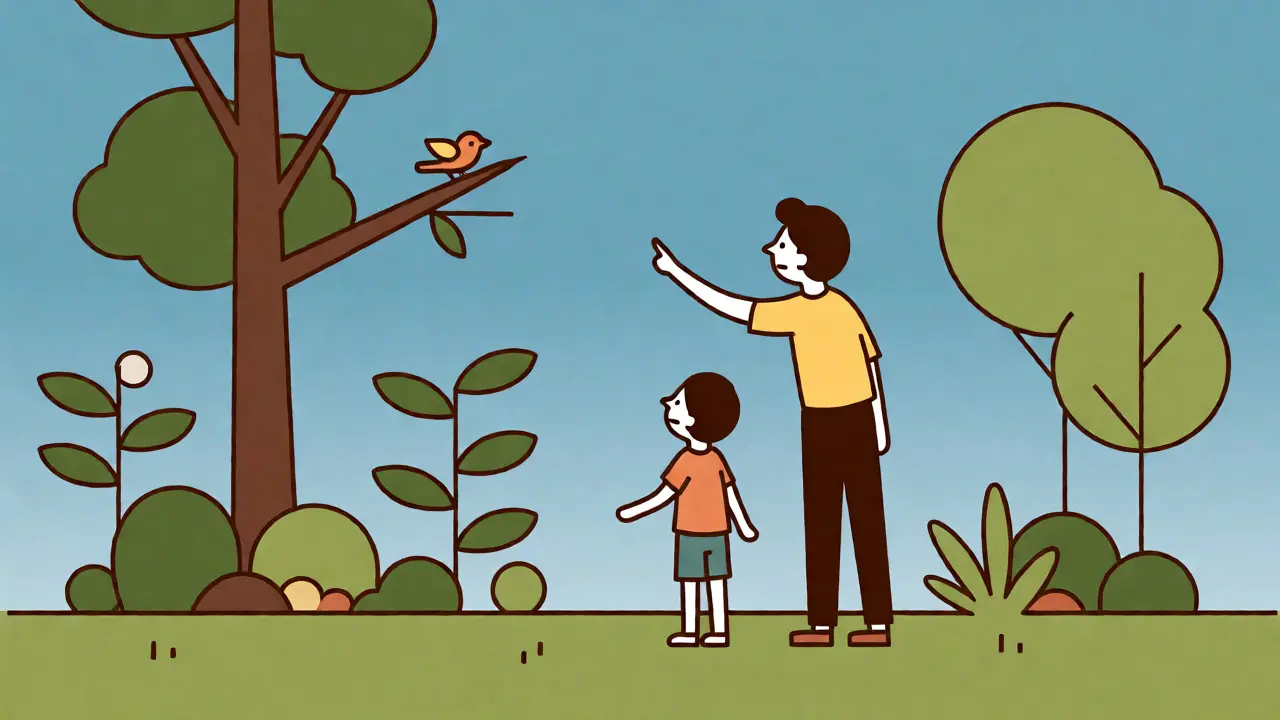
The ultimate goal of educational shows is transfer. Can your child apply what they learned? After watching an episode of Wild Kratts about animal habitats, go outside and identify local birds. After a segment on shapes in Bluey, point out circles and squares in the house. This bridges the gap between digital and physical worlds, reinforcing neural pathways and making the screen time count double.
Remember, technology is a tool, not a babysitter. Used intentionally, these free resources can spark curiosity and build knowledge bases that last a lifetime. Start small. Pick one platform, explore its features, and see what resonates with your child’s interests. You might be surprised at how much they learn while thinking they’re just having fun.
Are these platforms truly free?
Yes, PBS Kids, Khan Academy Kids, and Tubi Kids are free to use. YouTube Kids is free but displays targeted ads unless you pay for YouTube Premium. No credit card is required for basic access on any of these platforms.
Is YouTube Kids safe for toddlers?
It is safer than standard YouTube, but not foolproof. Algorithms can occasionally serve odd content. For toddlers, we recommend using the "Approved Content Only" mode, where you manually select trusted channels, ensuring a controlled environment.
Can I download videos for offline viewing?
The Khan Academy Kids app allows downloading some content for offline use. PBS Kids primarily streams online. YouTube Kids requires a Premium subscription for reliable offline downloads. Tubi generally requires an internet connection.
Which platform is best for preschoolers?
Khan Academy Kids is excellent for structured learning, while PBS Kids offers great narrative-based shows like Sesame Street. Both are highly recommended for ages 2-5 due to their gentle pacing and educational focus.
Do these sites collect data on my children?
Under laws like COPPA (Children's Online Privacy Protection Act), these platforms limit data collection. They typically track usage patterns to improve recommendations but do not sell personal information to third parties for marketing purposes.