26
HDR10 vs. Dolby Vision: Which HDR Format Is Better for You?

You’re standing in the electronics aisle, staring at two 4K TVs that look identical from the front. One box screams HDR10 is a standard high dynamic range format using static metadata. The other boasts Dolby Vision is a proprietary HDR format utilizing dynamic metadata. The price difference? Maybe $200. Maybe $500. Your gut tells you to pick the fancy one, but your wallet hesitates. Here’s the truth: most people don’t need Dolby Vision, but if you do, you’ll hate buying HDR10 instead.
The confusion isn't your fault. Marketing teams love acronyms. But understanding the difference between these two HDR formats are technologies that enhance video contrast and color volume comes down to one thing: how they handle light. Let’s cut through the jargon and figure out which one actually matters for your living room setup.
The Core Difference: Static vs. Dynamic Metadata
To understand why one costs more, you have to look under the hood. Both HDR10 and Dolby Vision aim to make darks darker and brights brighter than old SDR (Standard Dynamic Range) screens could manage. They both use the same basic color space, Rec. 2020, and both target higher brightness levels. But they tell your TV how to display those lights differently.
HDR10 uses static metadata. Think of this like a single instruction sheet taped to the top of a movie reel. It says, "This entire movie has a maximum brightness of 1,000 nits." That’s it. If scene A is a dim cave and scene B is a sunny beach, HDR10 treats them with the same average brightness map. Your TV does its best to interpret this, often resulting in crushed blacks in dark scenes or washed-out highlights in bright ones because it can't adjust on the fly.
Dolby Vision uses dynamic metadata. This is like having a director whispering instructions into your TV’s ear every second. For the cave scene, it might say, "Drop the backlight to 100 nits so we see starlight." For the beach scene, it says, "Push to 1,000 nits for sun glare." This per-scene or even per-frame adjustment means the image looks exactly as the creator intended, regardless of your specific TV's peak brightness capabilities.
Brightness and Color Depth: The Technical Specs
When you compare the raw numbers, Dolby Vision technically wins, but real-world performance depends heavily on your hardware. HDR10 targets a peak brightness of 1,000 nits and supports 10-bit color depth. That’s already a massive jump from SDR, which usually caps out around 100-300 nits with 8-bit color.
Dolby Vision goes further. It theoretically supports up to 12-bit color and peak brightness levels reaching 10,000 nits. Now, before you rush out to buy a monitor that hits 10,000 nits, let’s be real: no consumer TV exists today that reaches that ceiling. Most high-end OLEDs hit 800-1,000 nits for small window highlights. However, the 12-bit support in Dolby Vision allows for smoother gradients, reducing the "banding" effect where colors look like stair steps rather than smooth transitions.
| Feature | HDR10 | Dolby Vision |
|---|---|---|
| Metadata Type | Static (fixed for entire content) | Dynamic (scene-by-scene or frame-by-frame) |
| Color Depth | 10-bit | Up to 12-bit |
| Peak Brightness Target | 1,000 nits | 10,000 nits (theoretical) |
| Licensing Cost | Free/Open Standard | Paid License |
| Availability | Universal on all HDR devices | Limited to licensed devices/content |
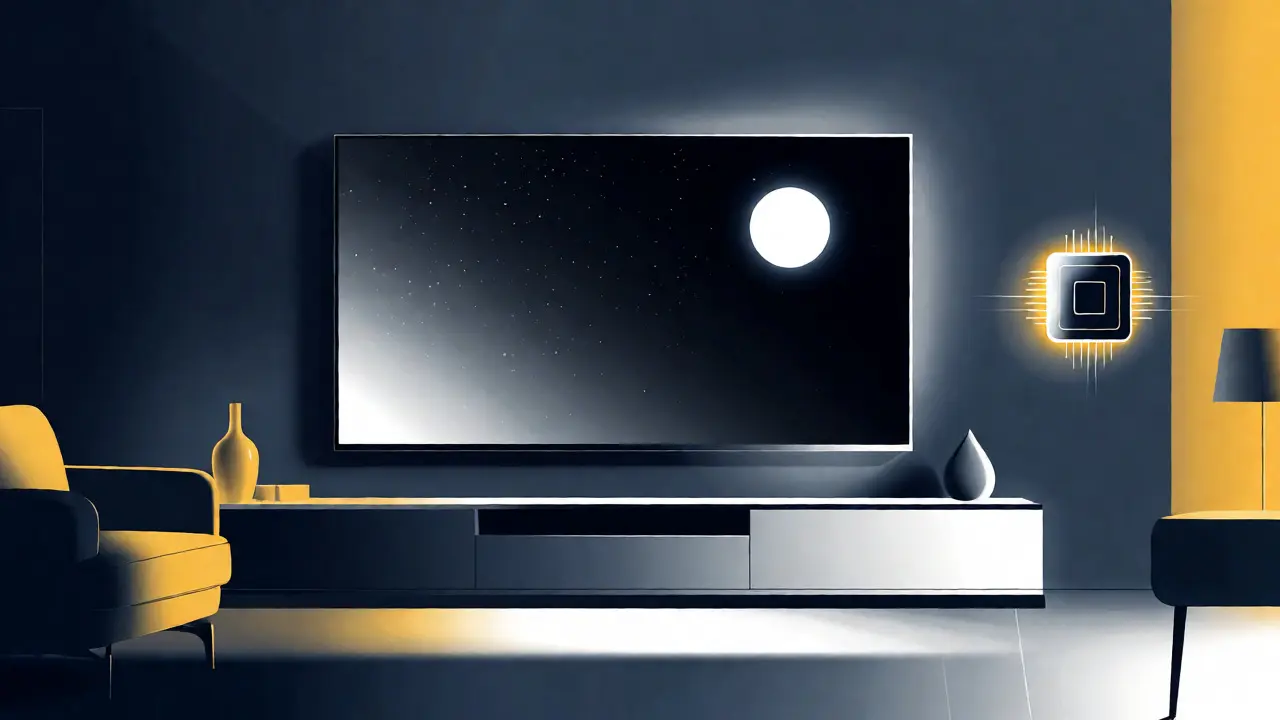
Content Availability: What Can You Actually Watch?
This is where the rubber meets the road. You can have the best Dolby Vision TV in the world, but it doesn’t matter if you’re watching content that only supports HDR10. The ecosystem is fragmented.
Netflix is a major streaming service supporting Dolby Vision on many original titles, but they also serve HDR10 to non-compatible devices. Disney+ offers both HDR10 and Dolby Vision, often prioritizing Dolby Vision for new releases like Marvel movies. Apple TV+ relies heavily on Dolby Vision for its originals. If you watch a lot of Apple content, Dolby Vision becomes a strong selling point.
However, broadcast TV and cable boxes rarely deliver Dolby Vision. Most live sports and news broadcasts stick to HDR10 or even SDR. Physical media is another mixed bag. While 4K Blu-rays often include Dolby Vision tracks, many budget-friendly discs stick to HDR10. If you primarily watch YouTube or Twitch streams, you’re likely stuck with HDR10 or SDR, as platform compression often strips out complex dynamic metadata.
Hardware Costs and Brand Loyalty
Why is Dolby Vision more expensive? Licensing fees. Every manufacturer that wants to put the Dolby Vision logo on their box pays Dolby. These costs trickle down to the retail price. In contrast, HDR10 is an open standard-no royalties required. This makes it ubiquitous across every brand, from cheap TCL sets to premium Sony flagships.
Brand strategy plays a huge role here too. LG Electronics exclusively uses Dolby Vision on their OLED and QNED lines. If you want an LG TV, you get Dolby Vision automatically. Samsung refuses to license Dolby Vision, betting instead on HDR10+, a competitor format developed by Samsung, Amazon, and 20th Century Fox. HDR10+ also uses dynamic metadata, similar to Dolby Vision, but it’s free to implement. So, if you buy a Samsung TV, you’ll never get native Dolby Vision playback without external workarounds.
Other brands like Vizio, Hisense, and Philips often support both HDR10 and Dolby Vision, giving consumers flexibility. But remember: just because a TV lists "Dolby Vision Compatible" doesn't mean it displays it well. A budget LCD panel with low peak brightness will struggle to show the full potential of Dolby Vision’s dynamic mapping compared to a high-end OLED.

Which One Should You Choose?
Let’s simplify the decision tree. Do you care about absolute picture perfection for cinematic experiences? If yes, and you have the budget, go for Dolby Vision. The dynamic tone-mapping ensures that dark scenes aren’t muddy and bright explosions don’t blow out details. It’s particularly noticeable on OLED panels, where perfect blacks meet high brightness peaks.
Are you on a tighter budget, or do you mostly watch casual TV, news, and YouTube? HDR10 is perfectly fine. It’s universal, supported everywhere, and provides a significant upgrade over standard definition. The visual gap between HDR10 and Dolby Vision is subtle to the untrained eye, especially on mid-range LCD TVs that can’t hit high brightness levels anyway.
If you own a Samsung TV, ignore Dolby Vision marketing entirely. Focus on HDR10+ content availability, which is growing but still lags behind Dolby Vision in terms of studio support. And if you’re building a home theater with a projector, check your projector’s specs carefully. Many projectors handle HDR10 better than Dolby Vision due to processing limitations, making the simpler format more reliable.
Frequently Asked Questions
Can my TV play Dolby Vision if it only says HDR10?
No, not natively. If your TV lacks Dolby Vision hardware decoding, it will fall back to HDR10 or SDR when playing Dolby Vision content. You won't get the dynamic tone-mapping benefits, and the picture may look flatter or less vibrant compared to a Dolby Vision-capable screen.
Is HDR10+ better than Dolby Vision?
Technically, they are very similar since both use dynamic metadata. However, Dolby Vision generally has wider industry support from studios and streaming services. HDR10+ is favored by Samsung and some Asian manufacturers. For most users, Dolby Vision content is easier to find, making it the more practical choice despite HDR10+'s technical parity.
Do I need a special HDMI cable for Dolby Vision?
You need an Ultra High Speed HDMI cable (HDMI 2.1) or a Premium High Speed HDMI cable (HDMI 2.0) that supports HDCP 2.2. Older cables might lack the bandwidth or authentication protocols required for stable Dolby Vision transmission, leading to signal dropouts or fallback to lower resolutions.
Why does my Dolby Vision content look worse than HDR10 on my TV?
This usually happens if your TV’s tone-mapping algorithm is poorly calibrated. Dolby Vision sends data to the TV, but the TV must interpret it based on its own brightness limits. If the TV doesn't properly scale the dynamic metadata to its panel capabilities, the image can appear dimmer or overly saturated compared to the static mapping of HDR10.
Is Dolby Vision worth it for gaming?
Yes, if you play on a console like Xbox Series X or PS5. These consoles output Dolby Vision games, and the dynamic metadata helps maintain visibility in dark game environments without crushing shadows. However, ensure your TV supports Dolby Vision Gaming mode, as some older models disable DV features during gameplay to reduce input lag.