29
Live Stream Safety: How to Avoid Bans and Stay Within Platform Policies

If you’ve ever had a live stream cut off mid-broadcast, or worse-had your channel suspended-you know how sudden and frustrating it can be. One minute you’re chatting with your audience, the next you’re staring at a message saying you violated community guidelines. It’s not always clear what crossed the line. And that’s the problem: live stream safety isn’t about being perfect. It’s about knowing where the lines are before you step too close.
What Platforms Actually Ban (And Why)
YouTube, Twitch, Facebook Live, and TikTok don’t just randomly shut people down. They use automated systems trained on millions of past violations. But behind the algorithms are real human-written rules. These aren’t vague suggestions-they’re enforceable policies with clear consequences.
Here’s what actually triggers a ban across most platforms:
- Explicit nudity or sexual activity-even if it’s consensual or artistic
- Graphic violence, including real-world injuries or animal harm
- Harassment, threats, or targeted abuse directed at individuals or groups
- Hate speech based on race, religion, gender identity, or sexual orientation
- Inciting illegal activity, like encouraging theft or self-harm
- Impersonating someone else, especially public figures or brands
- Replaying copyrighted music or video content without permission
Some violations get you a warning. Others? Instant suspension. Twitch, for example, has a three-strike system for policy breaches. After three strikes, your channel is gone. YouTube doesn’t tell you how many strikes you have, but repeated violations lead to channel termination. And once that happens, you can’t just make a new account. Platforms track device IDs, payment methods, and even your IP address to prevent evasion.
Gray Areas That Trip Up Even Experienced Streamers
The real danger isn’t the obvious stuff. It’s the gray zones-things that feel harmless but still break rules.
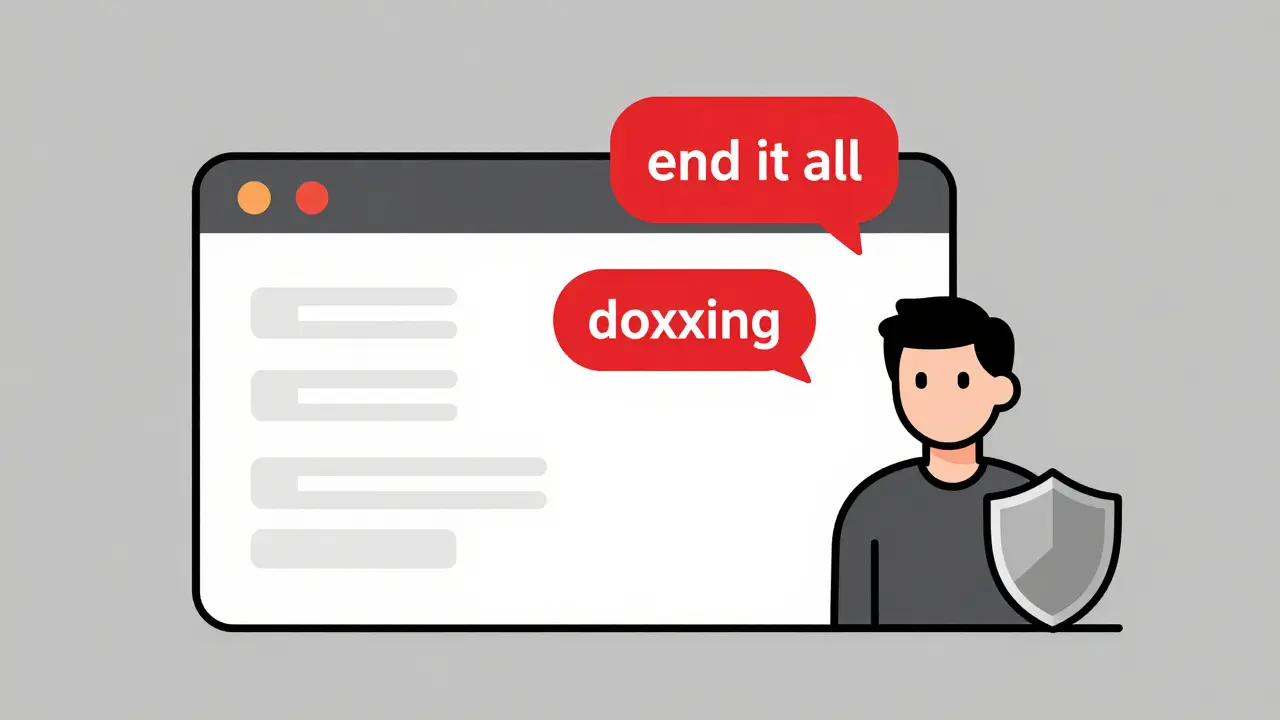
For example: joking about self-harm in a lighthearted way. You’re not serious. Your audience laughs. But the AI doesn’t know context. It flags keywords like “end it all” or “can’t take it anymore,” even if you say them sarcastically. Same with political jokes. Mocking a politician? Fine. Mocking a protected group under their name? That’s hate speech.
Another common mistake: using copyrighted music. You think, “It’s just background music, no one cares.” But platforms scan audio in real time. If your stream plays a popular song-even for 10 seconds-it can trigger an automatic takedown. Some streamers use royalty-free tracks from YouTube’s Audio Library or Epidemic Sound. That’s fine. But if you’re using Spotify or Apple Music? That’s a violation. The platform doesn’t care if you paid for the subscription. The license doesn’t cover public broadcasting.
Even something as simple as reading aloud from a book or article can be risky. If it’s not in the public domain, you’re infringing copyright. Same with showing a movie or TV show on screen-even if you’re just reacting to it.
How to Prepare Before You Go Live
Most streamers don’t plan for safety. They turn on the camera and hope for the best. That’s a recipe for trouble.
Here’s what to do before hitting “Go Live”:
- Read the platform’s official community guidelines. Don’t rely on summaries or YouTube videos. Go to the source: Twitch’s Community Guidelines, YouTube’s Policy Center, Facebook’s Community Standards.
- Set up a content checklist. Write down your top 5 risky topics. Avoid them. If you’re unsure, skip it.
- Use a mute button or delay. A 5-10 second delay lets you cut out bad words or reactions before they go out. Most professional streamers use this.
- Train your moderators. Give them clear instructions on what to ban and why. Don’t let them guess. Use pre-approved keywords for auto-muting.
- Keep a backup stream plan. If your main channel gets banned, do you have a secondary account ready? Not for evasion-just to keep your audience engaged while you appeal.
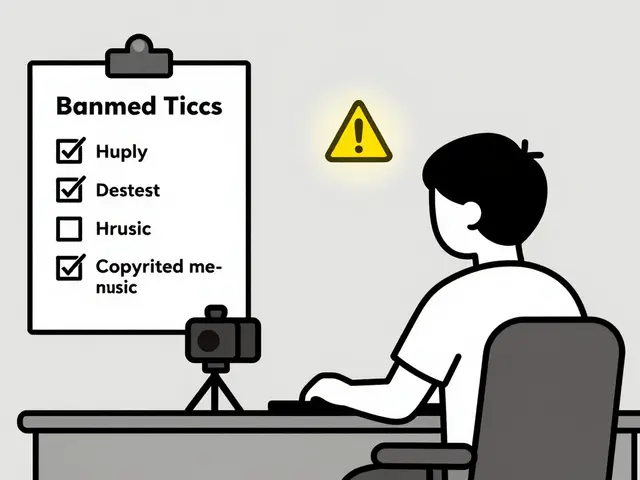
Some streamers keep a printed copy of the rules taped to their monitor. It sounds extreme-but when you’re live and under pressure, you forget things. A visual reminder helps.
What Happens When You Get Reported
Reports come from viewers, bots, or even competitors. You don’t always know who reported you. And you won’t get a detailed explanation.
Platforms don’t tell you which part of your stream triggered the flag. They just say: “We found a violation.”
Here’s how to respond:
- Don’t argue with the platform publicly. Don’t post angry tweets or YouTube videos calling them biased. That often makes things worse.
- Check your email. Most platforms send a notification with a link to appeal. Use it.
- Be specific in your appeal. Say: “On December 12, at 3:14 PM UTC, I was discussing mental health resources. The clip flagged was 12 seconds long. I did not promote self-harm. Here’s the full context.”
- Attach evidence. If you have a recording of the stream, upload it. If you have chat logs showing your intent, include them.
- Wait. Appeals take 3-7 days. Rushing or spamming support won’t help.
Many streamers get reinstated on their first appeal-if they provide clear context. The system isn’t perfect, but it’s not always wrong either.
How to Build a Safe Community
Your audience shapes your stream’s safety more than you think. Toxic chat? That’s your problem too.
Platforms hold you responsible for what happens in your chat. If your followers repeatedly harass someone, and you do nothing, you’re in violation.
Here’s how to keep your community clean:
- Require verified accounts to chat. This cuts down on bots and trolls.
- Use auto-moderation tools. Twitch’s AutoMod lets you block keywords, phrases, and even emoji combinations.
- Set clear rules in your channel description. “No hate speech. No doxxing. No spam.”
- Enforce rules consistently. If you let one person get away with something, others will push harder.
- Give moderators real power. Don’t just make them “helpers.” Let them ban, timeout, and mute without asking you.
- Thank your good viewers. Publicly praise people who report bad behavior. It encourages a culture of responsibility.
One streamer in Brisbane started a “Safety Squad”-a team of 5 trusted viewers who rotate as moderators. They get early access to new content and a special badge. It’s worked so well, their chat toxicity dropped by 80% in three months.
What to Do If Your Channel Gets Banned
It’s not the end. But you need to act fast and smart.
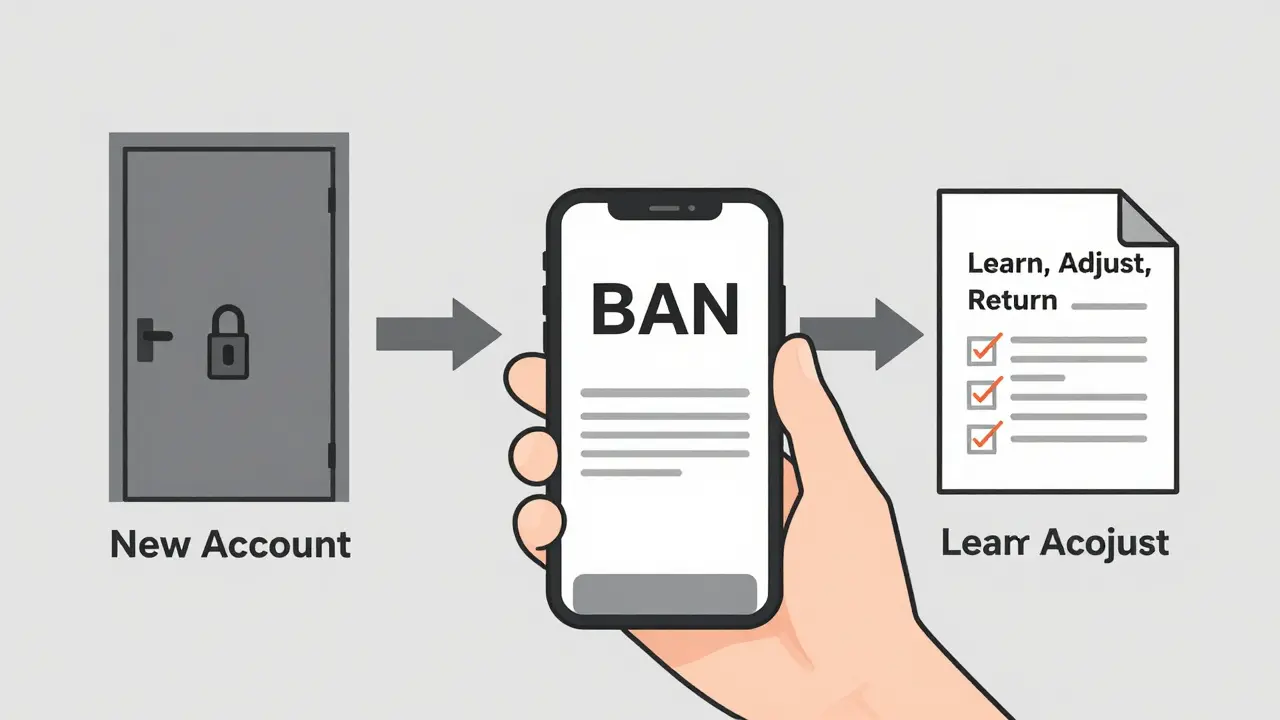
First: don’t panic. Don’t delete everything. Don’t try to make a new account right away. That’s a guaranteed permanent ban.
Second: review the notice. Did you violate a policy? Or was it a false positive? If it’s unclear, wait for the appeal window.
Third: prepare your appeal. Write it like a legal brief. State facts. Cite the policy you believe was misapplied. Show you’ve learned. Say: “I’ve reviewed the guidelines. I now understand why [X] was flagged. I’ve updated my moderation tools and will implement [Y] to prevent recurrence.”
Fourth: if the appeal fails, wait 30 days. Then reapply. Sometimes, a second review gets a different outcome.
And if you’re permanently banned? Start fresh-with a new name, new email, new payment method, and a new mindset. Learn from what went wrong. Don’t repeat it.
Tools to Help You Stay Safe
You don’t have to guess your way through this. There are free tools built for streamers:
- Twitch AutoMod - Filters chat by keyword, length, and user history.
- StreamYard Moderation Panel - Lets you mute, ban, or timeout viewers from a dashboard.
- YouTube Studio Safety Settings - Lets you turn off comments, restrict chat, or delay live streams.
- StreamSafe by StreamElements - Scans your stream audio and video in real time for policy violations.
- Canva’s Copyright-Free Music Library - Safe background tracks for live streams.
Some of these tools cost money. But the free versions are enough for most small streamers. The goal isn’t perfection. It’s protection.
Final Thought: Safety Isn’t Censorship
Some streamers feel like platforms are silencing them. But these rules aren’t about controlling ideas. They’re about preventing harm.
Live streaming is powerful. It connects people in real time. But that power comes with responsibility. You’re not just broadcasting to a screen-you’re reaching real people, including kids, trauma survivors, and vulnerable viewers.
Following guidelines doesn’t make you boring. It makes you sustainable. The streamers who last are the ones who build trust. Not just with their audience-but with the platforms that let them be heard.