29
How to Unlock Netflix Content From Other Countries in 2026
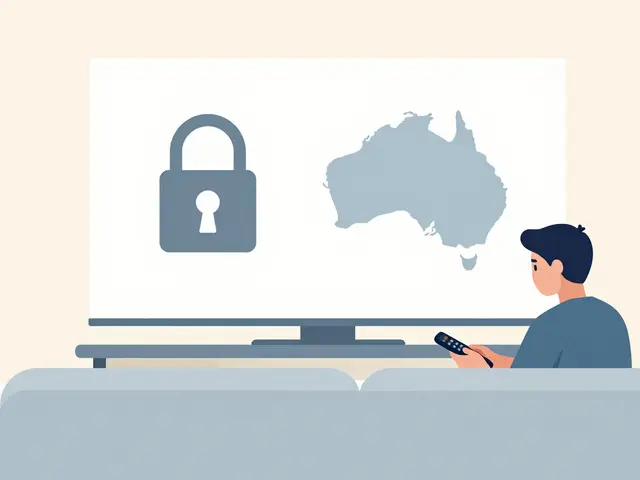
Ever clicked on a highly-rated show only to see the dreaded "This title is not available in your region" message? It’s frustrating. You know the movie exists. You know it’s on Netflix. But because you’re sitting in Brisbane while the content lives in the US library, you’re locked out.
The good news is that this isn’t a permanent wall. By mid-2026, the technology to bypass these geographic restrictions is more accessible than ever, though Netflix keeps raising the bar. Unlocking Netflix content from other countries requires a specific set of tools and techniques. It’s no longer just about picking any random proxy; it’s about using dedicated servers that haven’t been flagged by Netflix’s detection systems.
Why Does Netflix Block Content Based on Location?
To understand how to get around the blocks, you first need to know why they exist. It comes down to licensing agreements. Netflix doesn’t own most of the movies and shows you watch. They rent them from studios like Warner Bros., Disney, or local production houses.
These licenses are territorial. A studio might sell the rights to stream a Korean drama in South Korea and the UK, but not in Australia or the United States. When you log into Netflix, the platform checks your IP address-a unique digital identifier assigned to your internet connection-to determine your physical location. If your IP says you’re in Australia, Netflix serves you the Australian catalog. If that catalog doesn’t have the license for the show you want, you can’t watch it.
This system protects revenue streams for studios but creates a fragmented experience for viewers. Your goal is to trick Netflix into thinking you’re connecting from a country where that specific license holds true.
The Only Reliable Tool: Premium VPNs
In 2026, free proxies and browser extensions rarely work with Netflix. Netflix actively scans for data center IPs and known proxy servers, blocking them instantly. The only consistent method is using a Virtual Private Network (VPN) specifically optimized for streaming.
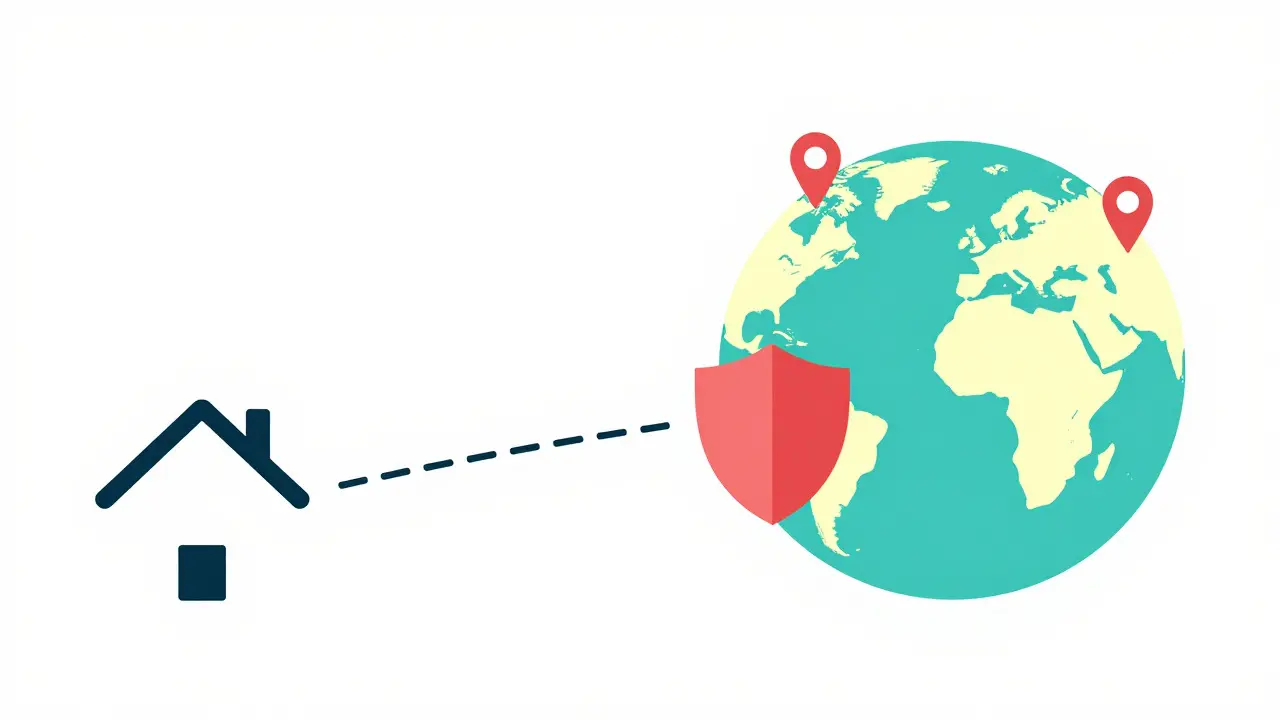
A VPN works by routing your internet traffic through a secure server in another country. If you connect to a server in Japan, your new IP address appears Japanese. Netflix sees a Japanese IP and grants you access to the Japanese library. However, not all VPNs are created equal here.
You need a provider that offers:
- Dedicated Streaming Servers: These are IPs that the VPN provider rotates frequently to avoid being blacklisted by Netflix.
- No-Logs Policy: Ensures your viewing habits aren’t stored or sold.
- High Bandwidth: Essential for maintaining 4K or HDR quality without buffering.
Providers like ExpressVPN, NordVPN, and Surfshark generally maintain the best success rates with Netflix in 2026 because they invest heavily in keeping their server infrastructure clean and fast. Cheaper alternatives often struggle as Netflix updates its block lists weekly.
Step-by-Step Guide to Unlocking Regional Libraries
Getting started is straightforward, but precision matters. Here is the exact process to ensure you don’t hit any snags.
- Choose a Compatible VPN: Subscribe to a reputable service known for unblocking Netflix. Avoid free trials if possible, as free tiers often lack the necessary server diversity.
- Install the App: Download the VPN client on your device. This could be your laptop, smartphone, smart TV, or streaming stick (like Roku or Fire Stick).
- Log In to Your Account: Sign in with your credentials.
- Select the Right Server: This is the critical step. Don’t just pick "United States." Look for servers labeled "Streaming," "Netflix," or "Entertainment." These are optimized for media consumption.
- Connect and Verify: Once connected, visit a site like WhatIsMyIP.com to confirm your location has changed.
- Clear Cache (If Needed): If you already had Netflix open, close the app completely and reopen it. Sometimes the browser or app caches your original location.
- Browse the New Library: You should now see titles exclusive to that region.
If the content still doesn’t appear, try a different server within the same country. Netflix sometimes blocks specific IP ranges even within a target nation.
Device-Specific Challenges and Solutions
Unlocking content isn’t always uniform across all your devices. Each platform has its own quirks regarding how it handles IP addresses and geolocation.
Smart TVs
Most modern Smart TVs (Samsung Tizen, LG WebOS, Sony Android TV) do not support native VPN apps. This makes them tricky. The workaround is to install the VPN on your router. When the VPN runs on the router, every device connected to your Wi-Fi-including the TV-gets the masked IP address. Alternatively, use a streaming stick like an Amazon Fire Stick or Apple TV, which can run VPN apps directly.
Gaming Consoles
PlayStation and Xbox consoles allow you to set up manual proxy settings. You can point these settings to a VPN server running on your PC or router. It’s a bit more technical but highly effective for watching Netflix on the big screen via a console.
Mobile Devices
Phones and tablets are the easiest. Simply install the VPN app, connect to your desired country, and open the Netflix app. Just remember to disconnect the VPN when you switch back to your local library to avoid confusion.
Understanding the Risks and Terms of Service
Before you dive in, it’s worth noting the legal and practical landscape. Using a VPN is legal in most countries, including Australia, the US, and the UK. However, Netflix’s Terms of Service state that you should only watch content available in your current country.
In practice, Netflix rarely bans users for using a VPN. They mostly block the IP addresses. Occasionally, you might get a pop-up message saying, "You seem to be using a hide-my-IP service." Usually, switching to a different server resolves this immediately. It’s a cat-and-mouse game, but the user usually wins unless they use low-quality services.
One practical risk is speed reduction. Routing your data through a server in London while you sit in Brisbane adds latency. If your VPN server is overloaded, your 4K stream might drop to 1080p or buffer. Always choose a provider with high-speed servers located geographically closer to you, or at least with robust bandwidth capacity.

Top Regions to Explore in 2026
Once you’ve unlocked the ability to roam, where should you go? Different regions offer distinct advantages based on their local film industries and licensing deals.
| Region | Content Strength | Notable Exclusives |
|---|---|---|
| South Korea | K-Dramas & Thrillers | Squid Game seasons, latest SBS/KBS imports |
| Japan | Anime & Live Action | Studio Ghibli collections, J-Horror classics |
| United Kingdom | Period Dramas & Comedy | ITV adaptations, BBC co-productions |
| India | Bollywood & Regional Cinema | Tamil/Telugu hits, Hindi originals |
| France | Art House & European Cinema | Cannes festival winners, French thrillers |
For example, if you love anime, the Japanese library is vastly superior to the Australian one. If you’re a fan of British period pieces, the UK catalog often retains older ITV dramas that never made it to global streaming platforms.
Troubleshooting Common Issues
Even with the right tools, things can go wrong. Here are the most common hurdles and how to clear them.
Issue: Netflix detects the VPN.
Solution: Switch to a different server. If that fails, try a different protocol within your VPN app (switch from WireGuard to OpenVPN or vice versa). Some protocols are harder for Netflix to detect than others.
Issue: Buffering or Low Quality.
Solution: You’re likely too far from the server. If you’re in Australia trying to access the US library, choose a West Coast US server (Los Angeles/San Francisco) rather than East Coast. It reduces the physical distance the data travels.
Issue: Profile Mix-Up.
Solution: Netflix ties your profile’s "Home" setting to your primary location. If you travel or switch regions often, your recommendations might get messy. Go to Account > Profile & Parental Controls > My Profile > Set Home Country to reset your algorithmic preferences.
Is it illegal to use a VPN to watch Netflix in other countries?
In most countries, including Australia, using a VPN is perfectly legal. While it technically violates Netflix's Terms of Service regarding regional availability, Netflix rarely takes legal action against individual users. They primarily focus on blocking the IP addresses of the VPN providers.
Can I use a free VPN to unlock Netflix?
Generally, no. Free VPNs often have limited server options and high traffic congestion, making them easy for Netflix to detect and block. Additionally, many free services sell your data or impose strict data caps, which ruins the streaming experience. Paid services like ExpressVPN or NordVPN are recommended for reliability.
Why does Netflix keep detecting my VPN?
Netflix constantly updates its list of blocked IP addresses. If you're using a popular server, it may have been flagged recently. Try switching to a less popular server in the same country, or look for servers specifically labeled for streaming. Updating your VPN app to the latest version also helps, as providers regularly add new, unblocked IPs.
Does using a VPN slow down my internet speed?
Yes, there is usually a slight decrease in speed due to encryption and the extra distance data must travel. However, premium VPNs use high-speed protocols like WireGuard to minimize this impact. For 4K streaming, you typically need at least 25 Mbps, so ensure your base internet connection is strong before blaming the VPN.
How do I change my Netflix home country permanently?
Netflix determines your home country based on your billing address and primary IP location. To change it, you may need to update your billing information or consistently use a VPN from a specific location over time. You can also manually set your "Home Country" in your profile settings under Account > Profile & Parental Controls.
Which countries have the best Netflix libraries?
The United States has the largest overall library. However, for specific genres, other regions excel. South Korea is top-tier for K-Dramas, Japan for Anime, and the UK for British comedies and period dramas. India offers a vast selection of Bollywood and regional cinema not found elsewhere.
Can I share my Netflix account with someone in another country?
Netflix allows password sharing within the same household. If someone outside your household tries to log in, they may face verification challenges. Using a VPN can help manage this, but Netflix’s recent crackdown on cross-household sharing means both users might need to be part of the same "Household" setting, which is tied to the primary account holder's IP.
Do I need to install the VPN on my Smart TV?
Most Smart TVs do not support VPN apps directly. Instead, you should install the VPN on your Wi-Fi router or use a streaming device like an Amazon Fire Stick, Roku, or Apple TV that supports VPN installation. This routes all traffic from the TV through the encrypted tunnel.