27
Peacock Streaming Guide: NBCUniversal’s Underrated Service
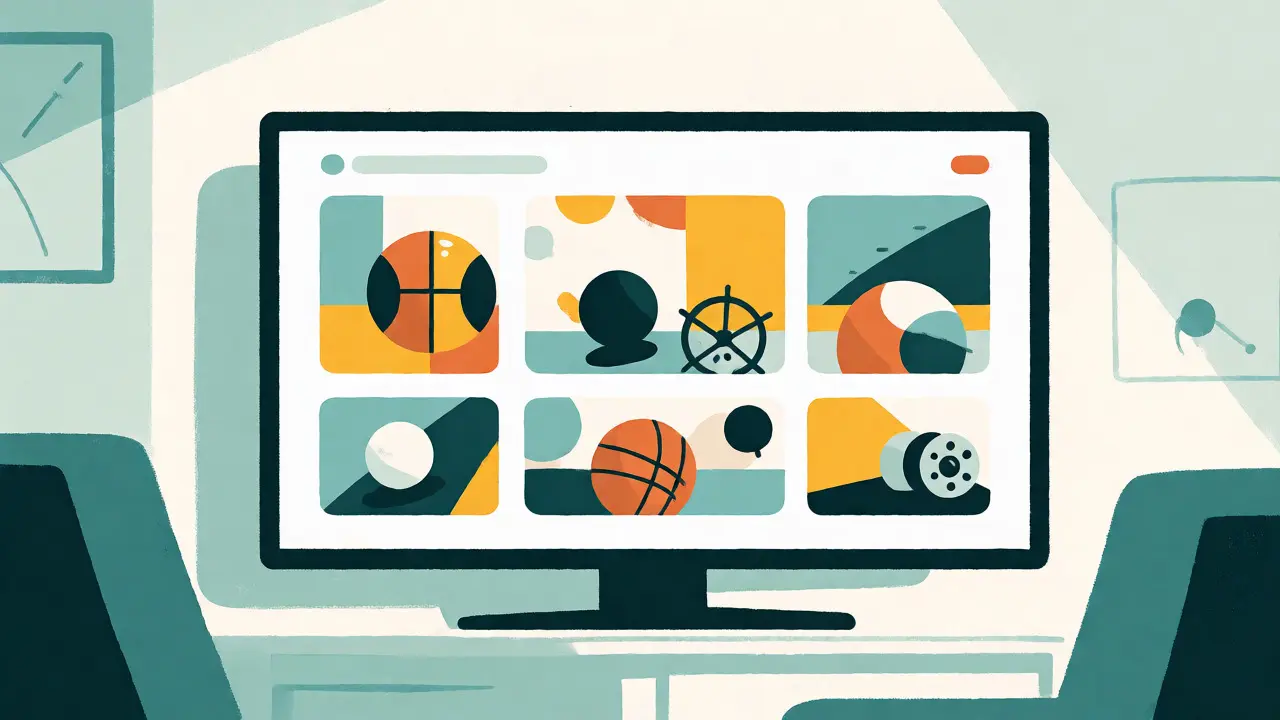
Most people scroll past Peacock on their smart TVs, assuming it’s just a dumping ground for old NBC sitcoms. They’re wrong. This streaming service owned by NBCUniversal has quietly become one of the most value-packed platforms in the market, especially if you like live sports, current news, or specific hit dramas. But because its library is massive and its pricing tiers are confusing, many users never actually find what they came for.
If you’re trying to figure out if Peacock is worth your monthly subscription-or if the free tier is enough-you need a clear map of what’s inside. It’s not just about knowing where to click; it’s about understanding which content is locked behind which paywall. Here is exactly how to navigate Peacock without wasting time or money.
The Core Value Proposition
Peacock isn’t trying to beat Netflix at original sci-fi or Disney+ at Marvel movies. Its strength lies in three specific pillars that other streamers often ignore or charge extra for. First, it holds the exclusive streaming rights to major live sports events, including Premier League soccer and Sunday Night Football. Second, it offers same-day access to new episodes of NBC, Bravo, and USA Network shows. Third, it provides a robust selection of classic films from Universal Pictures.
This combination makes it a niche powerhouse rather than a generalist giant. If you watch Yellowstone prequels, follow English soccer, or binge-watch Real Housewives, Peacock covers your bases better than almost any other single app. The key is knowing which tier unlocks these features.
Decoding the Subscription Tiers
NBCUniversal restructured its plans recently, simplifying things but still keeping some traps for the unwary. You generally have two paid options now, plus a limited free option that has largely been phased out for new users in many regions.
| Feature | Peacock Premium | Peacock Premium Plus |
|---|---|---|
| Ads | Yes (limited commercial breaks) | No ads on on-demand content* |
| Live Sports | Included | Included |
| Downloads | No | Yes (mobile only) |
| Simultaneous Streams | 3 devices | 3 devices |
| Price (Monthly) | $7.99 | $13.99 |
*Note: Live sports and some live news events still contain ads even on the Premium Plus plan due to broadcast rights.
The jump from Premium to Premium Plus is primarily about ad removal and offline viewing. If you hate interruptions during movies, the $6 difference pays for itself quickly. However, if you mostly watch short clips or don’t mind a few commercials, the standard Premium tier remains one of the cheapest ways to get premium content.
What’s Actually Worth Watching?
Let’s cut through the noise. You aren’t subscribing for everything; you’re subscribing for specific things. Here is a breakdown of the high-value content categories.
- Live Sports: This is Peacock’s killer feature. It streams every Sunday Night Football game, extensive Premier League matches, and significant Olympic coverage. For sports fans, this alone justifies the cost compared to buying cable packages.
- Bravo and Reality TV: If you follow the Real Housewives franchise or Vanderpump Rules, Peacock releases episodes the day after they air on linear TV. No waiting a week.
- Law & Order Universe: Peacock hosts the entire catalog of Law & Order spin-offs, including the newer series like Organized Crime. This is a deep well for procedural drama fans.
- Universal Movies: While it doesn’t have every blockbuster on day one, Peacock rotates a strong list of recent hits from studios like Illumination (think Minions) and Focus Features. The library changes monthly, so checking the "New Arrivals" tab is crucial.
Technical Performance and Device Support
Streaming quality matters more than you think. Peacock supports up to 1080p resolution on most devices, with 4K HDR available for select titles and live sports events on compatible hardware. This is a step above basic HD but below the 4K standards set by Apple TV+ or Disney+. However, the bitrate handling is decent, meaning less buffering during peak hours compared to older services like Paramount+.
Device compatibility is broad. You can watch on:
- Smart TVs (Samsung, LG, Vizio, Sony)
- Streaming sticks (Roku, Amazon Fire TV Stick, Apple TV)
- Gaming consoles (PlayStation 5, Xbox Series X/S)
- Mobile devices (iOS and Android apps)
- Web browsers via peacocktv.com
A common pitfall involves older Smart TVs. If your TV was made before 2018, check if the Peacock app is still supported. Some older models dropped support when the service migrated from the legacy SNOW app. If your app crashes frequently, clearing the cache in your device settings usually fixes it within seconds.

How to Cancel Without Losing Access Immediately
Many users panic when they see a renewal email, thinking they’ll lose access instantly. That’s not how Peacock works. When you cancel, you retain full access until the end of your current billing cycle. This gives you a perfect window to binge-watch anything you’ve been putting off.
To cancel, go to Account > Subscriptions > Manage. Do not try to cancel through third-party retailers like Roku or Apple unless you bought the subscription directly through them. Cancelling on the Peacock website while paying through Apple often leads to double-charging issues. Always match the cancellation point to the purchase point.
Is Peacock Right for You?
You should subscribe if:
- You watch Premier League soccer or NFL games.
- You are a fan of Bravo reality TV or NBC procedurals.
- You want a low-cost backup service to fill gaps between Netflix seasons.
You should skip it if:
- You only care about prestige HBO-style dramas.
- You refuse to watch any ads, even on the cheaper plan.
- You already have YouTube TV or Hulu + Live TV, which bundle similar NBC content.
Peacock isn’t the flashy new kid on the block anymore. It’s a utility. Like electricity or internet, you might not love using it, but it does exactly what it promises for a very reasonable price. Once you learn the layout, finding your next show takes minutes, not hours.
Does Peacock offer a free trial?
Peacock rarely offers a traditional 7-day free trial for new users anymore. Instead, they often provide promotional rates, such as three months for $1.99/month, for first-time subscribers. Occasionally, partners like Comcast Xfinity include Peacock Premium at no additional cost for eligible customers.
Can I download movies to watch offline?
Offline downloads are exclusively available for Peacock Premium Plus subscribers. These downloads can be stored on mobile devices (iOS and Android) for up to 30 days. Note that downloaded titles expire 48 hours after you start watching them.
Why are there ads on my Premium Plus plan?
While Premium Plus removes ads from on-demand movies and TV shows, live content such as sports events, breaking news, and certain live entertainment programs still carry advertisements. This is due to contractual obligations with broadcasters and leagues.
Is Peacock available outside the United States?
As of late 2026, Peacock is primarily a US-based service. International viewers typically access NBCUniversal content through SkyShowtime (in Europe) or other regional partners. Using a VPN to watch Peacock abroad may work technically but violates terms of service and can lead to account suspension.
How do I link my Peacock account to Xfinity?
If you are an Xfinity customer, sign in to the Peacock app using your Xfinity ID. Select "Continue with Xfinity" during the login process. This automatically grants you access to the Peacock Premium tier included in your cable package, eliminating the need for a separate credit card charge.