9
Prime Video Devices: Complete List of Supported Hardware in 2026
You just bought a new 4K TV, or maybe you’re trying to watch Prime Video on your old laptop before a flight. You hit play, and nothing happens. Or worse, the app is missing entirely. It’s frustrating when you have an active subscription but no clear way to access it. The truth is, Prime Video isn’t just an app; it’s a platform that spans everything from dedicated media sticks to high-end gaming consoles and even some car infotainment systems.
Knowing exactly which hardware supports the service saves you money and headaches. You don’t need to buy a $100 dongle if your Samsung TV already has it built-in. Conversely, you might discover your five-year-old Roku can’t handle the latest interface updates. This guide breaks down every device category, what works, what doesn’t, and how to get the best picture quality without overpaying for tech you won’t use.
Dedicated Streaming Sticks and Boxes
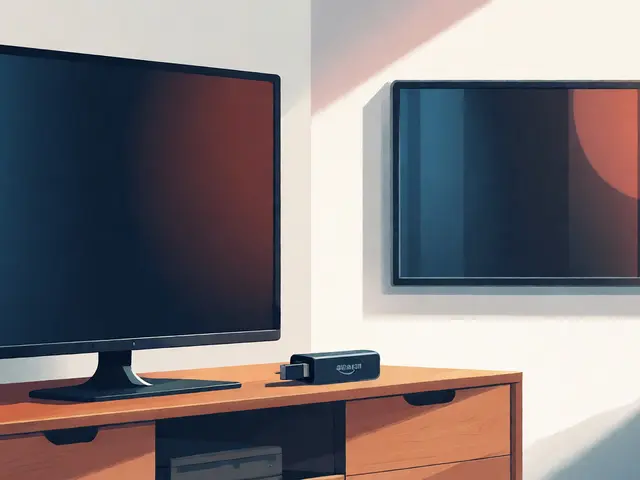
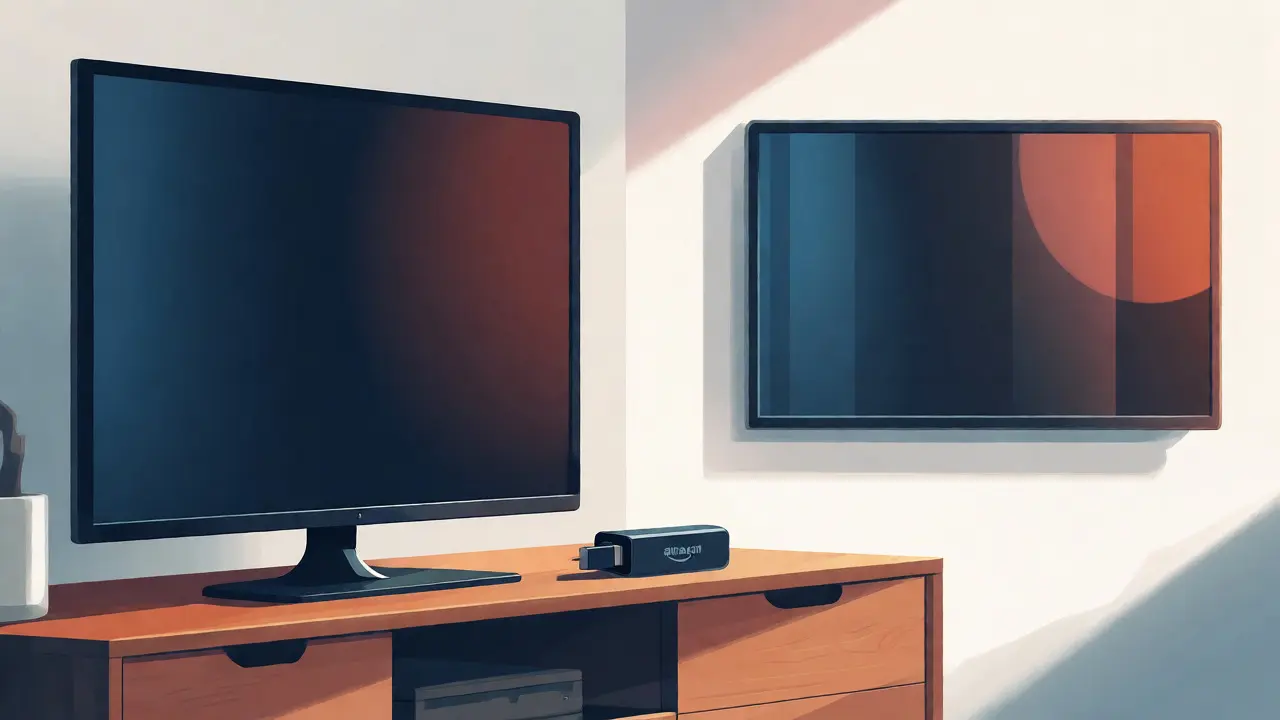
If your TV is older than 2015, it likely lacks modern apps. That’s where dedicated streaming hardware comes in. These small devices plug into your HDMI port and turn any screen into a smart hub. The most obvious choice here is the Amazon Fire TV Stick. Since Amazon owns Prime Video, these sticks offer the deepest integration. They launch directly to your home screen, support voice search via Alexa, and often bundle free trials for other services like Netflix or Hulu.
But you aren’t locked into Amazon’s ecosystem. Competitors like Roku and Apple TV also carry the Prime Video app. Here is the catch: performance varies wildly. A basic Roku Express will stream HD content fine, but it might struggle with 4K HDR (High Dynamic Range) titles. If you want Dolby Vision or Atmos audio, you need specific hardware tiers.
| Device Type | Best For | 4K Support | HDR Formats | Average Price (USD) |
|---|---|---|---|---|
| Fire TV Stick 4K Max | Amazon Ecosystem Users | Yes | Dolby Vision, HDR10+ | $59.99 |
| Roku Ultra | Versatility & Speed | Yes | Dolby Vision, HDR10 | $99.99 |
| Apple TV 4K (3rd Gen) | Apple Device Owners | Yes | Dolby Vision, HDR10+ | $149.00 |
| Chromecast with Google TV | Android Phone Users | Yes | Dolby Vision, HDR10 | $49.99 |
Notice the price jump for Apple TV. Is it worth it? Only if you are deep in the Apple ecosystem and want seamless AirPlay casting from your iPhone. For pure Prime Video streaming, the Fire TV Stick offers the best value because it prioritizes Amazon’s own content loading speeds. If you hate ads on the home screen, however, Roku’s cleaner interface might win you over despite the slightly higher cost for comparable specs.
Smart TVs: Built-In Integration
Most people forget they already own a Prime Video device. Modern Smart TVs come with the app pre-installed. Major manufacturers like Samsung, LG, Sony, and Vizio include it out of the box. But there is a hidden trap: software updates. A TV released in 2018 might still list "Prime Video" in its store, but the version could be outdated, lacking features like subtitles customization or X-Ray information.
Samsung Tizen OS and LG webOS are generally the most reliable platforms for maintaining app updates. Android TV, used by brands like Sony and Hisense, offers great flexibility but can feel sluggish on cheaper models. If your TV runs an operating system older than 2017, check the manufacturer’s support page. Some older Panasonic or Toshiba models dropped support for the latest Prime Video app versions, forcing users to rely on external streaming sticks anyway.
One pro tip: look for a dedicated "Netflix" or "Prime" button on your remote. While this doesn’t guarantee the app is up-to-date, it usually indicates the TV was marketed specifically for streaming, meaning the internal processor is powerful enough to handle smooth navigation. If you navigate the menus and feel lag, your TV’s hardware is the bottleneck, not your internet connection.
Gaming Consoles: The Unexpected Streamers
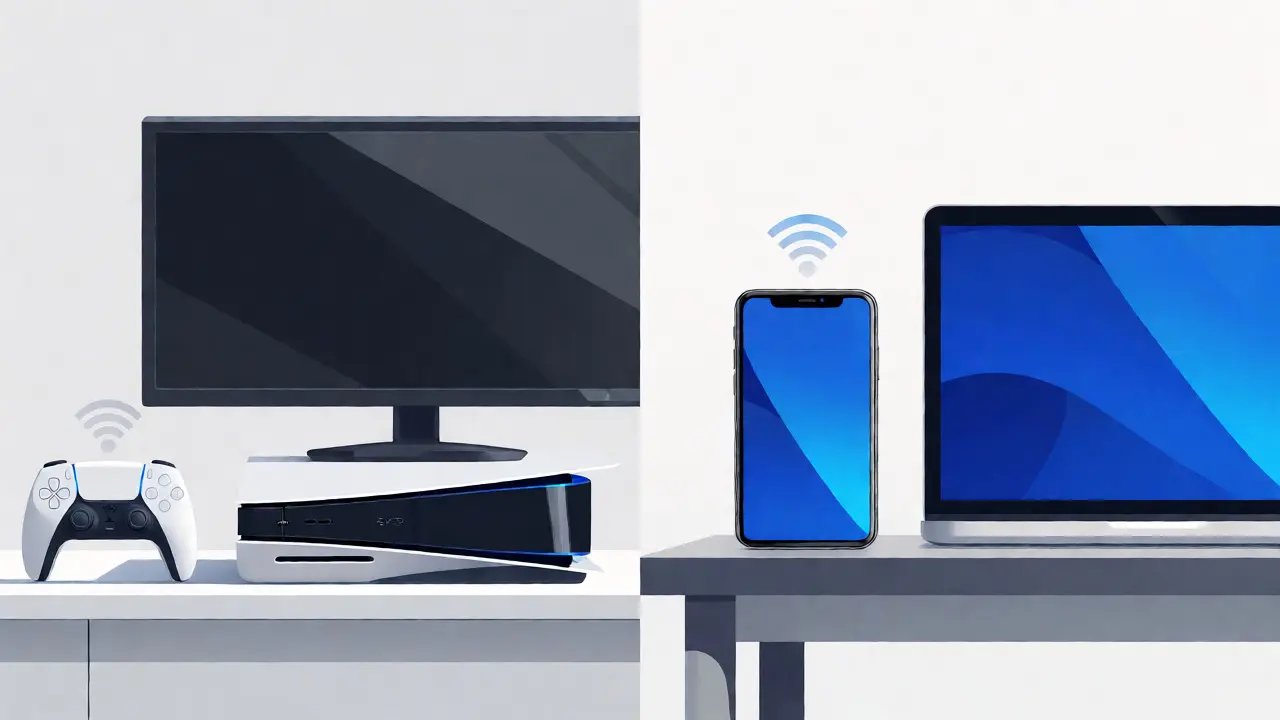
Do you own a PlayStation or Xbox? Then you already have a high-performance streaming device sitting under your TV. Both the PlayStation 5 and Xbox Series X/S run the Prime Video app natively. In fact, many tech reviewers argue that the video processing power of these consoles exceeds that of standalone streaming sticks.
The benefit here is dual-purpose utility. You can pause a game, switch to Prime Video, and resume later without unplugging cables. However, there are downsides. Game consoles draw more power than a tiny Fire Stick. They also take longer to boot up. If you just want to quickly check an episode, waiting 30 seconds for the console to wake up feels tedious compared to instant-on streaming sticks.
Older consoles like the PS4 and Xbox One still support Prime Video, but their interfaces are dated. You won’t get the latest UI animations or quick-access shortcuts. If you are a gamer, stick with your current console. If you are buying a console solely for streaming, you are overspending. A $50 Fire Stick does the same job for a fraction of the cost.
Mobile Devices: Phones and Tablets
Streaming on the go is where Prime Video shines. The app is available on virtually all iOS and Android devices. But "available" doesn’t mean "optimized." Older phones running Android 8.0 or iOS 12 might crash during playback of high-bitrate 4K trailers.
For tablet users, iPad Pro and high-end Samsung Galaxy Tabs offer the best experience due to larger screens and superior speakers. On smaller phones, you’ll rely heavily on headphones. A critical feature to enable is "Download for Offline Viewing." This lets you save episodes to your device storage, bypassing hotel Wi-Fi or spotty cellular data. Note that downloads expire after a certain period (usually 48 hours after starting playback), so plan accordingly.
Also, consider screen mirroring. Casting from your phone to your TV using Chromecast or AirPlay is convenient, but it drains battery faster than playing directly on the TV app. If you have a long movie night planned, keep your charger nearby. And remember, mobile data caps matter. Streaming one hour of HD video consumes roughly 3GB of data. 4K streaming can burn through 7-10GB per hour. Check your carrier limits before binge-watching on the train.
Computers: Web Browsers and Apps
You don’t always need a TV. Many users watch Prime Video on desktops and laptops. The service works flawlessly in major browsers like Chrome, Firefox, Safari, and Edge. No special plugins required anymore-HTML5 handles the heavy lifting. However, browser compatibility affects video quality. Safari on macOS often supports higher resolutions and HDR better than Chrome on Windows due to deeper OS-level video decoding integration.
There is also a dedicated Windows app available via the Microsoft Store. Does it offer anything extra? Not really. It’s essentially a wrapper around the web player. The advantage is stability; it uses fewer resources than keeping multiple browser tabs open. If you multitask heavily, the app prevents your computer from slowing down while streaming.
Mac users have had a native app historically, but Amazon has shifted focus toward the web player for consistency. If you encounter buffering issues on a computer, it’s rarely the device itself. It’s usually background processes eating bandwidth. Close unused tabs, pause large file downloads, and ensure your Ethernet cable is connected rather than relying on distant Wi-Fi signals. Wired connections remain king for stable 4K streaming on PCs.
Niche Devices: Car Systems and Smart Displays
Technology evolves fast, and Prime Video has expanded beyond living rooms. Newer vehicles equipped with Android Auto or Apple CarPlay sometimes allow streaming when parked. However, safety regulations prevent playback while driving. Don’t expect to watch movies on your dashboard at 60 mph unless you’re in a self-driving vehicle mode, which remains rare in 2026.
Amazon Echo Show devices are another popular option. These smart displays let you watch videos hands-free in the kitchen or bedroom. The screen size is limited (typically 8-15 inches), making them ideal for short-form content or cooking tutorials rather than epic films. Audio quality is decent for casual viewing but lacks the depth of a soundbar setup.
Finally, some smart projectors now include built-in streaming apps. Brands like Anker Nebula and XGIMI integrate Android TV, giving you a cinema-sized screen without a separate box. Just verify the projector’s brightness rating (ANSI Lumens). In a bright room, low-lumen projectors wash out dark scenes, ruining the viewing experience regardless of the source device.
Troubleshooting Common Playback Issues
Even on supported devices, glitches happen. If the app freezes, force close it and restart. If the video buffers endlessly, test your internet speed. Prime Video recommends 5 Mbps for HD and 25 Mbps for Ultra HD. Run a speed test on the device itself, not just your phone, as Wi-Fi congestion affects different hardware differently.
Audio sync problems are common on Bluetooth-connected devices. Latency occurs when the audio travels wirelessly while video stays wired. Switch to wired headphones or optical audio outputs if lip-sync drifts. Also, check your TV’s "Game Mode" settings. Sometimes enabling Game Mode disables advanced post-processing that helps with color accuracy, leading to washed-out images. Toggle it off for movie watching.
Can I watch Prime Video on a non-smart TV?
Yes, absolutely. You just need an external streaming device such as an Amazon Fire TV Stick, Roku, Apple TV, or Chromecast. These devices plug into the HDMI port of any standard television and provide access to the Prime Video app.
Does my old Roku support the latest Prime Video app?
It depends on the model year. Roku devices manufactured before 2014 may no longer receive app updates. If your Roku is slow or the app crashes frequently, consider upgrading to a newer model like the Roku Express 4K or Ultra for better performance and continued support.
Why is Prime Video not appearing on my Samsung TV?
First, try updating your TV's firmware. If the app is missing, search for it in the Samsung App Store. If it fails to install, delete any existing version and reboot the TV. On very old Samsung models, you may need to use a USB drive to manually update the app package from the Samsung website.
Can I stream Prime Video in 4K on any device?
No. Your device must explicitly support 4K resolution and have sufficient processing power. Additionally, you need a 4K-capable TV or monitor and a fast internet connection (minimum 25 Mbps). Devices like the original Fire TV Stick (HD only) cannot stream 4K content.
Is the Prime Video app free on all devices?
The app itself is free to download on compatible devices. However, you need an active Amazon Prime membership or a standalone Prime Video subscription to watch most content. Some channels within the app require additional paid subscriptions.