15
Roku Remote Finder and Rechargeable Remotes: Which Models Include Them
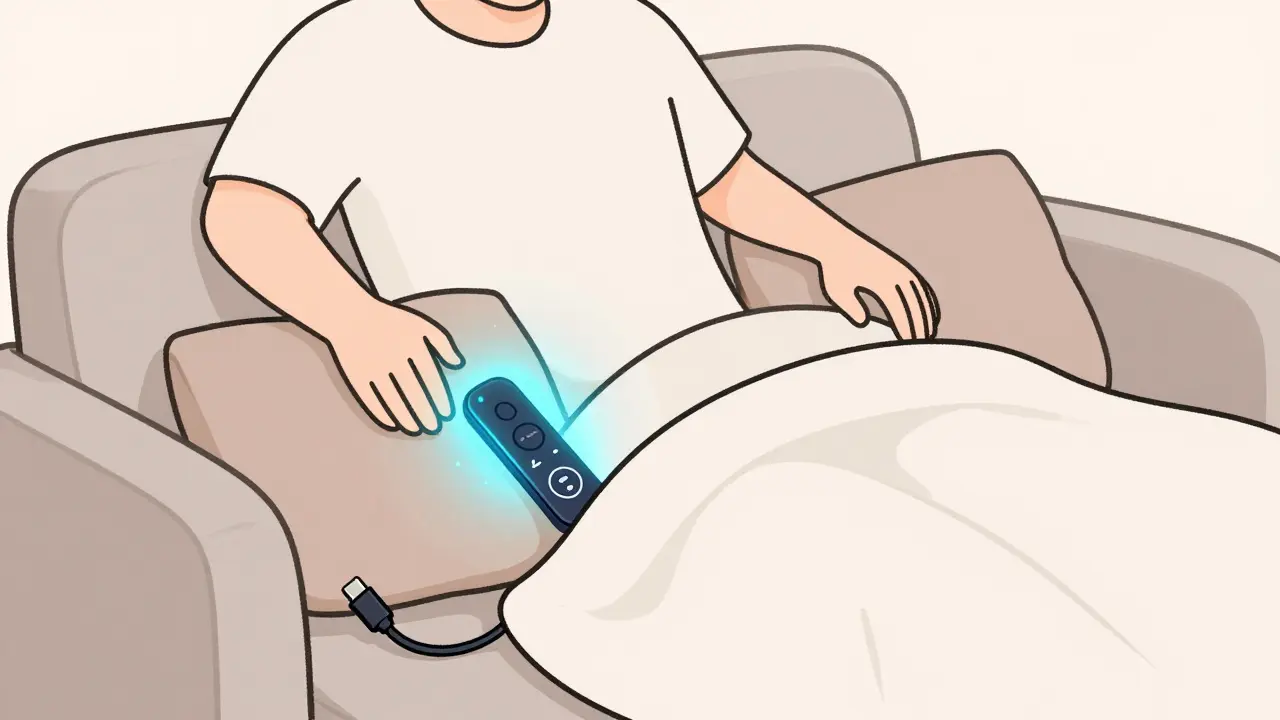
Ever sat on the couch, scrolling through Netflix, only to realize your Roku remote is gone again? You’ve checked under the cushions, behind the TV stand, even inside the dog’s bed-still nothing. You’re not alone. Millions of Roku users face this same frustration every week. The good news? Roku has been quietly fixing this problem for years. Some newer models now come with built-in remote finders and rechargeable batteries, so you never have to dig through your couch again. But not all Roku remotes are created equal. If you’re shopping for a new Roku or upgrading your current one, knowing which models include these features can save you time, money, and a lot of frustration.
What Is the Roku Remote Finder?
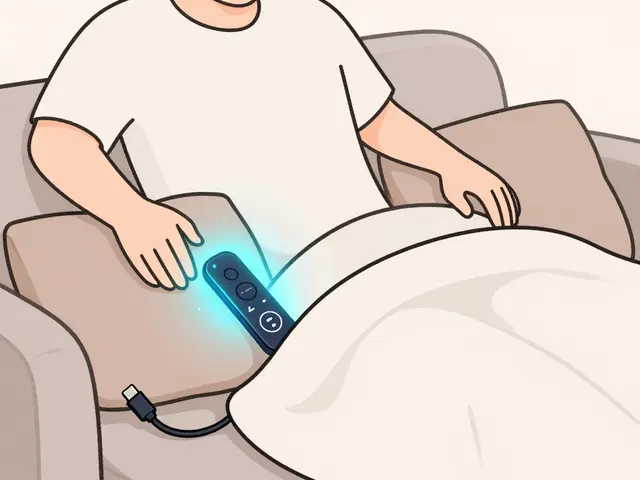
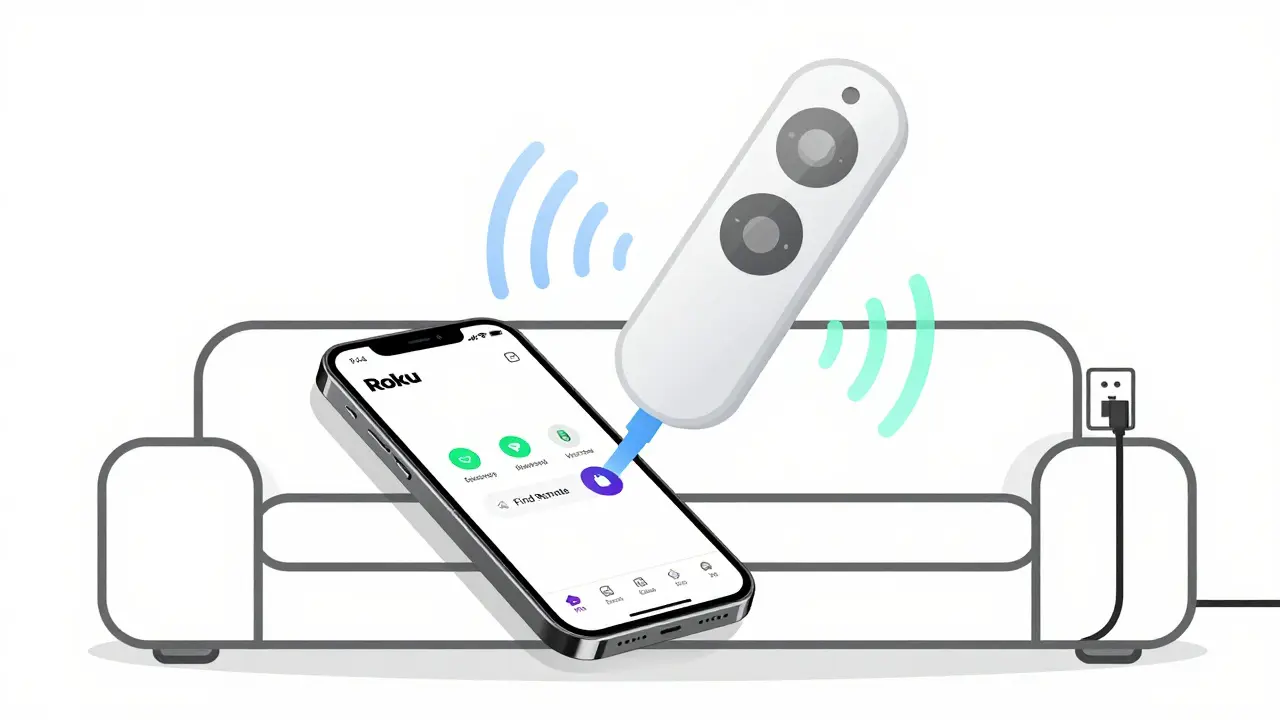
The Roku remote finder isn’t a separate gadget-it’s a software feature built into certain Roku remotes. When you press and hold the dedicated Find Remote button on your Roku remote, the device makes a loud beeping sound. Even if it’s buried under blankets or tucked between the couch cushions, you’ll hear it. It’s simple, reliable, and works even if the remote’s battery is low. This feature only works with remotes that have a built-in speaker and firmware support.
Not every Roku remote has this. Older models like the Roku Express Remote (2016) or the original Roku Streaming Stick remote don’t include it. You’ll only find it on remotes released after 2019, and even then, only on specific models. If you’re replacing a lost remote, make sure you’re buying the right one. A generic replacement won’t have the finder function, even if it looks identical.
Why Rechargeable Remotes Matter
Alkaline batteries are cheap, but they’re also a hassle. If you use your Roku daily, you’re probably replacing batteries every 3 to 6 months. That’s $10 to $20 a year just to keep your remote working. And let’s be honest-how many of those old batteries end up in a drawer, forgotten, or worse, thrown in the trash?
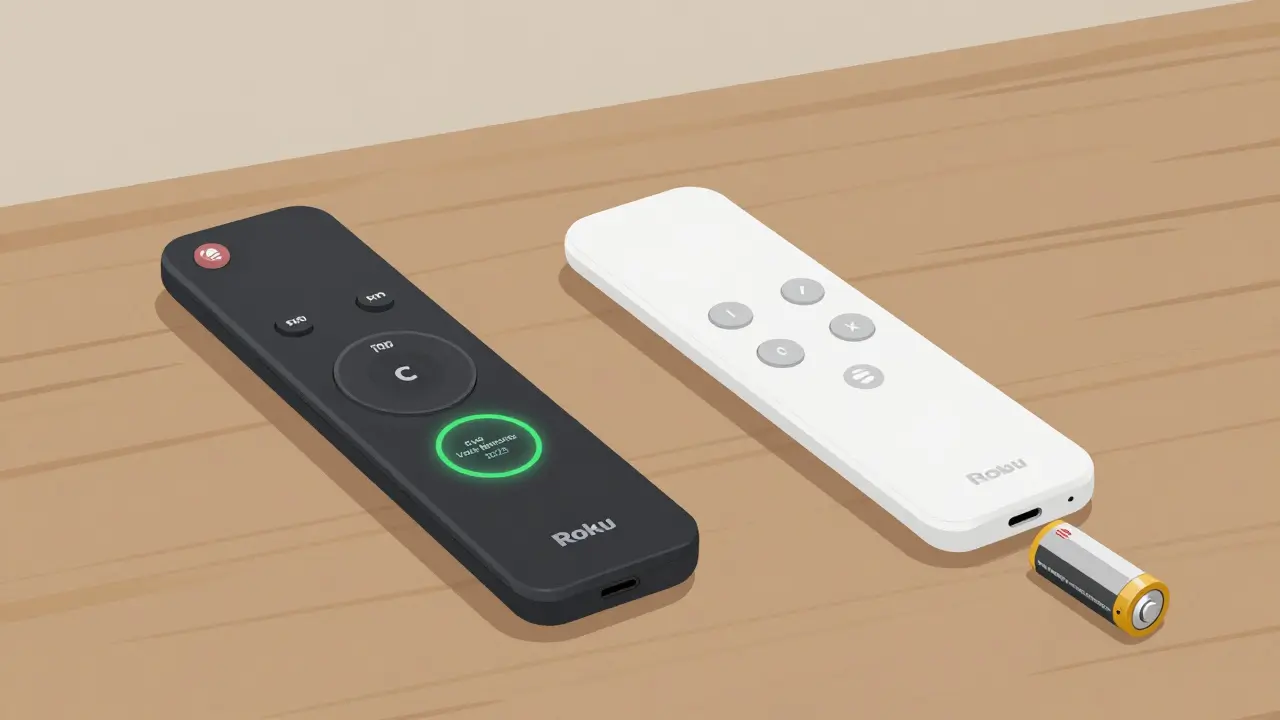
Rechargeable remotes solve this. They use built-in lithium-ion batteries you charge via USB-C. No more buying packs of AA batteries. Just plug it in overnight, and it lasts 2 to 3 weeks on a single charge, depending on usage. Some models even have a battery indicator so you know when it’s time to recharge.
But here’s the catch: not all Roku remotes with rechargeable batteries also have the remote finder. You need to check both features together. And not all rechargeable remotes are the same-some have voice control, others don’t. Some have headphone jacks, others don’t. The right model depends on what you actually use.
Which Roku Models Have Both Features?
As of 2026, Roku offers four main remote types. Only two of them include both the remote finder and rechargeable battery. Here’s the breakdown:
| Remote Model | Rechargeable? | Remote Finder? | Voice Control? | Headphone Jack? |
|---|---|---|---|---|
| Roku Voice Remote Pro | Yes | Yes | Yes | Yes |
| Roku Voice Remote (2023) | Yes | Yes | Yes | No |
| Roku Remote (2021) | No | No | Yes | No |
| Roku Express Remote (2024) | No | No | No | No |
The Roku Voice Remote Pro is the top choice if you want everything. It has the remote finder, rechargeable battery, voice control, and a headphone jack for private listening. It’s also the only Roku remote with programmable shortcut buttons for Netflix, Hulu, and Disney+. If you’re a heavy streamer, this is the one.
The Roku Voice Remote (2023) is the budget-friendly version. It has the same core features-rechargeable battery and remote finder-but no headphone jack. It’s perfect if you don’t need private listening and just want to stop losing your remote. It’s also compatible with all Roku streaming players and TVs released since 2020.
The older Roku Voice Remote (2021) has voice control but no rechargeable battery or finder. If you already have one, you can still use it, but you’ll be stuck replacing batteries every few months. And if you buy a new Roku TV today, it might come with this remote-but it’s not the one you want.
What If You Already Have an Old Roku Remote?
If you’re stuck with a non-rechargeable remote that doesn’t have a finder, don’t panic. You can upgrade without buying a whole new Roku player.
Roku sells the Voice Remote Pro and Voice Remote (2023) separately for $30 and $25, respectively. They work with any Roku device from the last five years, including the Roku Express, Roku Streaming Stick+, and Roku Ultra. Just plug in your Roku, go to Settings > Remotes & Devices > Add New Remote, and follow the pairing instructions. It takes less than two minutes.
Some people worry that a new remote won’t work with their older Roku. It will. Roku’s remotes are backward compatible. The only exception is the original Roku Streaming Stick (2012) and earlier models. But if you’re still using one of those, you probably need a new streaming device anyway.
What About Third-Party Remotes?
You might see third-party remotes on Amazon or eBay claiming to have a remote finder or rechargeable battery. Be careful. Most of them don’t. They’re just generic remotes with a fake label. Roku’s remote finder only works with remotes that have the official firmware and speaker. Third-party remotes can control your Roku, but they can’t beep to help you find them.
Also, avoid cheap “universal” remotes that promise to replace your Roku remote. They often lack voice control, don’t support the Roku app, and rarely have the find feature. Stick with official Roku remotes. They’re not expensive, and they’re designed to work with your device.
How to Tell Which Remote You Have
If you’re unsure what remote you’re using, here’s how to check:
- Look at the top of the remote. If there’s a small circular button labeled Find Remote, you have one of the newer models.
- Check the back. If there’s a USB-C port instead of a battery compartment, it’s rechargeable.
- Press the Home button. If the remote says “Say something…” when you hold the microphone button, it has voice control.
- Look for a headphone jack on the side. Only the Voice Remote Pro has this.
If your remote has none of these, it’s an older model. Time to upgrade.
Should You Upgrade?
Ask yourself these three questions:
- Do you lose your remote more than once a month?
- Do you hate buying batteries every few months?
- Do you use voice commands to search for shows or control your TV?
If you answered yes to any of these, then yes-you should upgrade. The $25 Voice Remote (2023) pays for itself in under a year by saving you on batteries. The $30 Voice Remote Pro is worth it if you watch a lot of TV and want the best experience.
And if you’re buying a new Roku player, always check what remote comes in the box. Some Roku TVs bundle the basic remote. Don’t assume it’s the good one. You can always buy the better one separately later.
Final Tip: Use the Roku Mobile App
While you’re thinking about remotes, don’t forget the Roku mobile app. It turns your phone into a full remote control. You can search, type, play, pause, and even use the remote finder feature through the app-even if your physical remote is dead or lost. Download it from the App Store or Google Play. It’s free, works over Wi-Fi, and doesn’t need Bluetooth. It’s not a replacement for a good remote, but it’s a lifesaver when you’re stuck.
Do all Roku remotes have a remote finder?
No. Only the Roku Voice Remote Pro and the Roku Voice Remote (2023) include the built-in remote finder. Older models like the Roku Remote (2021) and Roku Express Remote do not have this feature.
Can I use a rechargeable remote with my old Roku device?
Yes. Both the Roku Voice Remote Pro and the Roku Voice Remote (2023) work with all Roku streaming players and Roku TVs made since 2020. Even if your Roku is five years old, you can still pair a new remote with it.
How long does the battery last on a rechargeable Roku remote?
The rechargeable Roku remotes last about 2 to 3 weeks with normal use. If you use voice control frequently or press buttons nonstop, it may last closer to 10 days. Charging takes about 2 hours via USB-C.
Is the Roku Voice Remote Pro worth the extra $5?
If you use headphones, want shortcut buttons for your favorite apps, or hate switching remotes between rooms, then yes. The headphone jack and programmable buttons make it more convenient. If you just need to find your remote and avoid batteries, the $25 Voice Remote (2023) is enough.
Can I charge my Roku remote with a phone charger?
Yes. Any standard USB-C charger works, including those for phones, tablets, or laptops. You don’t need a Roku-specific charger. Just plug it in and wait for the battery light to turn solid.