Mac vs Windows: The OS Showdown Every Video Creator Faces
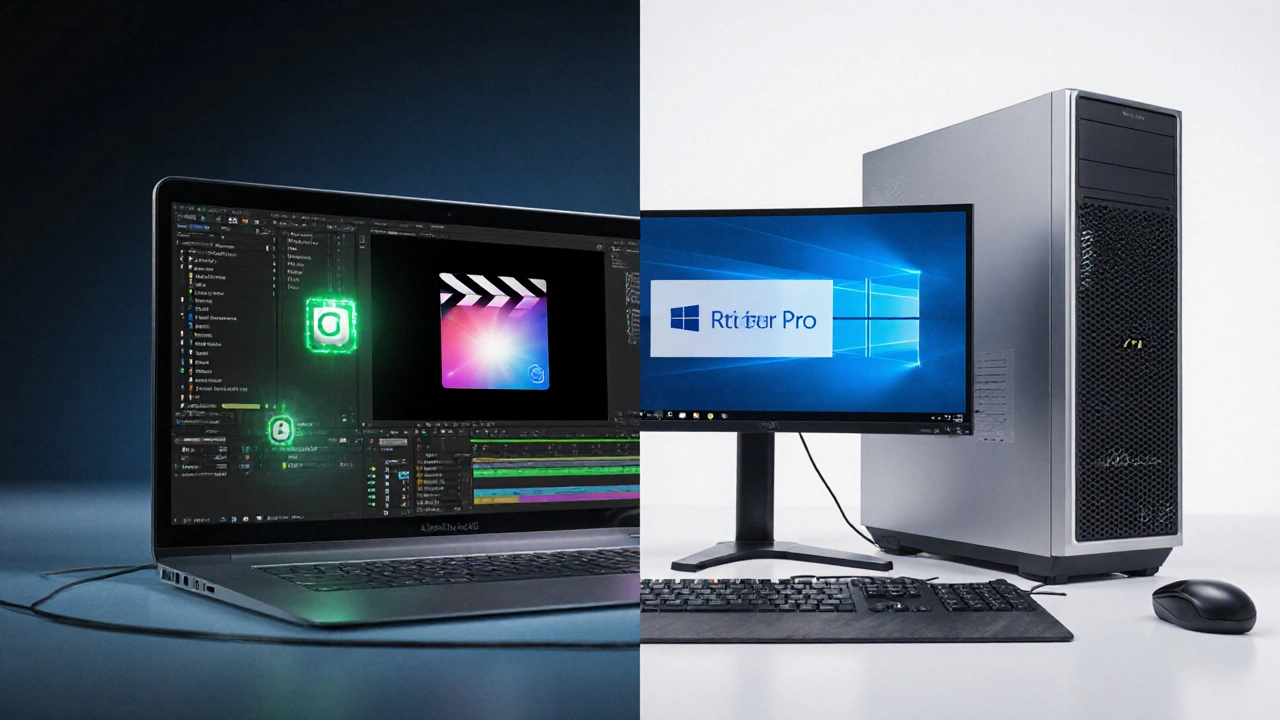
When comparing Mac vs Windows, the two leading desktop operating systems that power most video production workstations. Also known as macOS and Windows PC, this rivalry shapes everything from software compatibility to budget planning.
One of the first things to consider is video editing software, applications like Adobe Premiere Pro, Final Cut Pro, and DaVinci Resolve that run on either side of the fence. These tools often have OS‑specific features – for example, Final Cut Pro is exclusive to macOS, while some plugins only work on Windows. operating system performance, how quickly the OS handles rendering, color grading, and real‑time playback, also plays a huge role in daily workflow. A faster file system, better GPU drivers, and optimized codecs can shave minutes off each export, which adds up over many projects.
Why the debate matters for creators
Cost comparison is another hot topic. Macs typically carry a premium price tag, but many users argue that the tighter hardware‑software integration reduces downtime and extends the machine’s useful life. Windows machines, on the other hand, offer a broader price range and easier upgrade paths, letting you swap out components as technology evolves. Then there’s the user interface – macOS is praised for its clean, intuitive design, while Windows provides extensive customization options that can be tweaked for speed‑focused editing stations. Choosing the right OS also influences the learning curve; users familiar with one platform often find shortcuts and keyboard layouts that boost productivity.
All these factors – software availability, performance metrics, budget constraints, and UI preferences – intertwine to shape the final decision. Below you’ll find a curated list of articles that dig into each angle, offering real‑world tests, pricing breakdowns, and workflow tips so you can pick the platform that truly fits your creative needs.
7
Final Cut Pro vs Premiere Pro: Which Video Editing Software Wins?
Compare Final Cut Pro and Premiere Pro across performance, workflow, pricing, and platform support to find out which video editor fits your needs.
Latest Posts



Popular Posts
-
 Crash Review: The Controversial Best Picture Winner Explained
-
 IMDb’s Weighted Rating Formula: The Math Behind Movie Scores
-
 Apple TV+ on iPhone and iPad: How to Stream and Maximize Your Experience
-
 Paramount+ Accessibility: Captions, Dubbing, and Audio Description
-
 VPN or Proxy Errors on Streaming: How to Resolve Access Blocks