9
AirPlay vs. Chromecast Audio: Best Casting for Music Quality
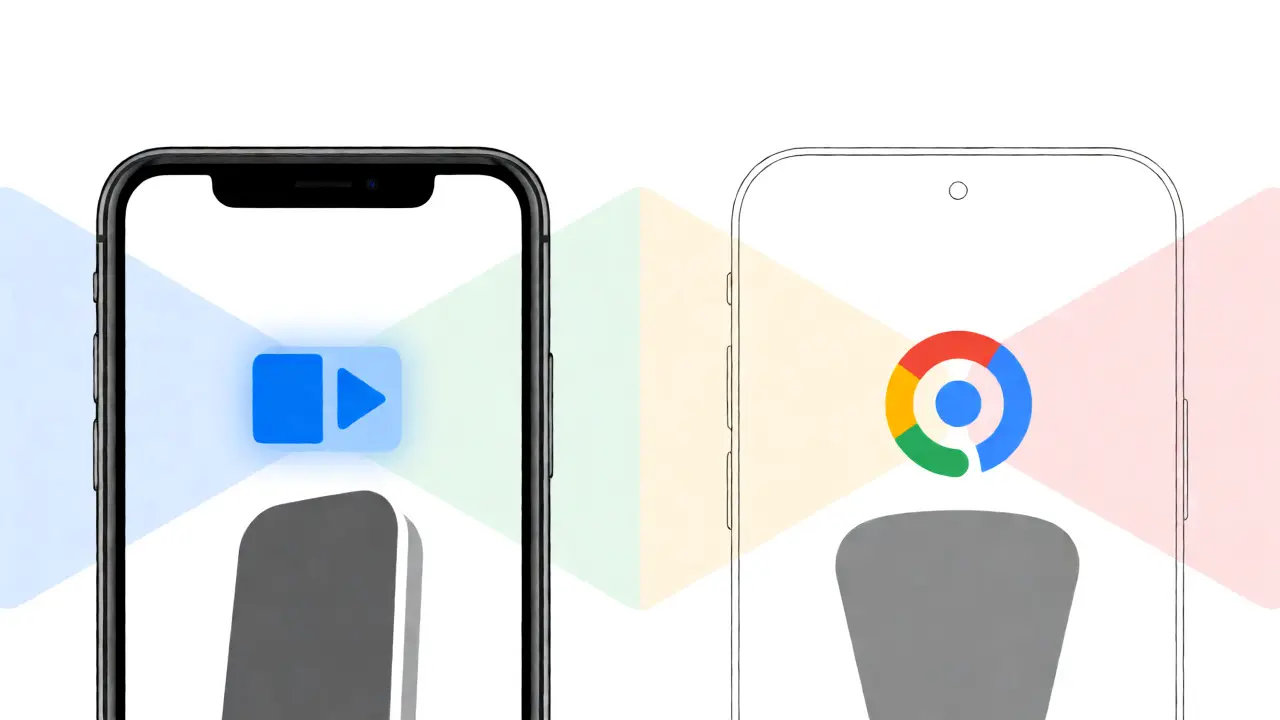
You just bought a high-end pair of speakers or a new AV receiver, and now you're staring at two logos on your phone screen: the little rectangle with the triangle (AirPlay) and the colorful circle (Chromecast). You want to blast some tunes without plugging in cables, but you’re wondering which one actually sounds better. Is it just marketing hype, or is there a real difference when you close your eyes and listen?
Here’s the short answer: For most people, AirPlay is the winner for pure audio fidelity, especially if you have an Apple ecosystem. It supports higher bitrates and less compression than standard Chromecast Audio. But if you are on Android or want to cast video along with music, Chromecast has its place. Let’s break down why this happens and how to pick the right tool for your ears.
The Quick Takeaway
- Best Sound Quality: AirPlay 2 (Apple) generally offers superior lossless and hi-res support compared to legacy Chromecast Audio.
- Ecosystem Lock-in: AirPlay requires Apple devices (iPhone, iPad, Mac). Chromecast works on everything (Android, iOS, Windows).
- Latency: AirPlay 2 syncs multiple speakers perfectly. Chromecast can struggle with multi-room sync unless using newer Google Nest devices.
- Cost: AirPlay is often built into premium speakers. Chromecast Audio dongles are cheap but discontinued; you need a newer Google Nest Wi-Fi router or speaker for modern features.
Understanding the Tech Behind the Sound
To understand why one might sound better than the other, we have to look at how they move data. Think of it like shipping packages. AirPlay is like sending a package via a private, fast courier service that prioritizes speed and condition over cost. It uses Apple Lossless Audio Codec (ALAC), which compresses files without throwing away any data. This means what goes into the file is exactly what comes out of the speaker.
Chromecast Audio, on the other hand, was designed as a budget-friendly universal adapter. It originally relied heavily on MP3 and AAC codecs, which are "lossy." This means it throws away some audio data to make the file smaller and easier to stream. While modern Google Cast protocols have improved, the legacy hardware limitation meant many older Chromecast Audio units capped out at lower bitrates compared to high-end AirPlay devices.
This isn't just about numbers on a spec sheet. When you listen to complex jazz tracks or orchestral pieces with lots of dynamic range, those lost bits in a lossy codec can make cymbals sound harsher or bass lines feel muddy. If you are using Spotify Free or Apple Music Standard tier, both will sound similar because the source itself is compressed. But if you subscribe to Tidal HiFi or Apple Music Lossless, the gap widens significantly.
AirPlay 2: The Audiophile's Choice
If you own an iPhone or Mac, AirPlay 2 is likely already sitting in your living room. Most modern smart speakers from Sonos, Bose, and HomePod support it natively. The big selling point here is integration with Apple Music. Since Apple launched their Lossless tier in 2021, they’ve pushed hard to make sure their proprietary protocol delivers every bit of that data.
One major advantage of AirPlay 2 is multi-room audio synchronization. If you have three AirPlay 2 speakers in different rooms, they play in perfect lockstep. There is no delay between the kitchen and the living room. This is crucial if you host parties or have an open-plan home. Setting this up is incredibly simple-just tap the icon in Control Center and select your devices. No apps required.
However, there is a catch. AirPlay 2 is exclusive to Apple. If your partner uses an Android phone, they cannot easily control the AirPlay speakers without buying specific third-party software or hardware bridges. It creates a walled garden. You get amazing quality, but only if everyone in the house plays by Apple's rules.
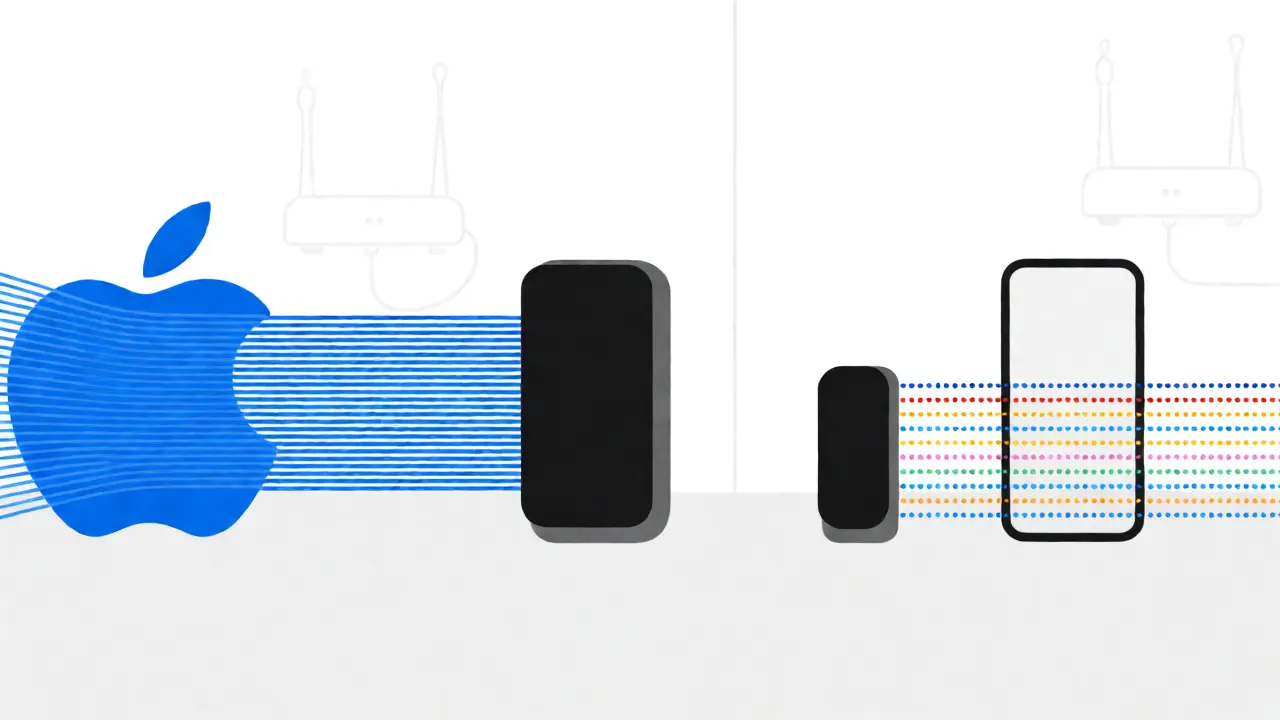
Chromecast Audio: The Universal Adapter
Chromecast Audio changed the game back in 2015 by letting anyone turn dumb speakers into smart ones for $35. It plugged into the aux input of your stereo and let you cast music from almost any app. Today, the landscape has shifted. The original Chromecast Audio dongle is discontinued, replaced by Google Nest Audio and Nest Mini speakers, or the newer Chromecast with Google TV (which handles video primarily).
The core technology, Google Cast, still works well for mixed-device households. Because it runs on a cloud-based protocol, you can cast from an Android phone, an iPhone, a Windows PC, or even a Chromebook. The setup involves opening the app you’re listening to (like Spotify or YouTube Music) and tapping the Cast button. It doesn’t take over your phone’s audio output; instead, it tells the speaker to pull the stream directly from the internet. This frees up your phone to do other things, like answering calls or playing games, without interrupting the music.
But does it sound as good? For standard streaming services like Spotify Premium (which maxes out at 320 kbps AAC/Ogg Vorbis), the difference between Chromecast and AirPlay is negligible to the human ear. However, if you are trying to push high-resolution audio files (FLAC or WAV) stored locally on your network, Chromecast Audio’s older architecture sometimes struggles with buffer management, leading to occasional dropouts or re-buffering, whereas AirPlay tends to handle local library streaming more smoothly.
Head-to-Head Comparison
Let’s put these two side-by-side so you can see where they differ in practical terms. Note that "Chromecast" here refers to the broader Google Cast ecosystem, including Nest speakers, as the standalone Audio dongle is rare now.
| Feature | AirPlay 2 | Google Cast (Chromecast) |
|---|---|---|
| Max Bitrate | Up to 24-bit/192kHz (Lossless) | Typically up to 320kbps (AAC/MP3); varies by device |
| Device Compatibility | Apple Devices Only (iOS, macOS, tvOS) | All Platforms (Android, iOS, Windows, macOS, Linux) |
| Multi-Room Sync | Excellent, native support | Good, but requires same-generation devices |
| Phone Usage During Play | Can use phone for other tasks (if not mirroring) | Fully independent; phone acts as remote |
| Setup Complexity | Very Low (Built-in) | Low (Requires App Setup) |
| Best For | Apple Users, Audiophiles, Single-Ecosystem Homes | Mixed Device Homes, Budget Upgrades, Video+Audio |
When Does Quality Actually Matter?
You might be thinking, "My ears aren't golden. Do I really care about 24-bit audio?" That’s a fair question. In blind tests, studies suggest that untrained listeners often cannot distinguish between 320kbps MP3 and CD-quality FLAC. So, if you are listening to podcasts, radio, or mainstream pop on background volume, both systems will sound identical.
Quality becomes noticeable in three specific scenarios:
- High-End Equipment: If you are feeding the signal into a dedicated DAC (Digital-to-Analog Converter) and passive speakers costing over $500, the noise floor and detail retrieval differences become audible. AirPlay 2’s cleaner pipeline shines here.
- Complex Genres: Classical, Jazz, and Progressive Rock have wide dynamic ranges. Compression artifacts (the digital 'fuzz' left behind by lossy codecs) are more obvious in quiet passages or sharp transients.
- Vocal Clarity: Podcasts and audiobooks benefit from clarity. While both handle voice well, users report slightly warmer, less sterile vocal reproduction from AirPlay-connected HomePods compared to entry-level Chromecast speakers.
The Hidden Factor: Network Stability
No matter which protocol you choose, your Wi-Fi network is the bottleneck. Wireless audio is fragile. Interference from microwaves, baby monitors, or thick concrete walls can cause dropouts. AirPlay 2 is somewhat more resilient to minor interference because it buffers aggressively before playing. Chromecast relies on the cloud server to manage the stream; if your internet connection hiccups, the music stops until the buffer refills.
Pro Tip: Use a 5GHz Wi-Fi band for both. The 2.4GHz band is crowded and slower. Also, keep your router firmware updated. Manufacturers frequently release patches that improve multicast routing, which is essential for smooth multi-room audio performance.
Verdict: Which Should You Buy?
If you live in an all-Apple household and care about getting the best possible sound from your existing gear, go with AirPlay 2 compatible speakers. Look for models from Sonos Era 100, Bose Home Speaker 500, or Apple HomePod mini. They offer seamless integration and future-proof lossless support.
If you have a mixed family (some Android, some iPhone) or you want to cast YouTube videos to your TV speakers alongside music, stick with Google Cast/Nest. The convenience of universal compatibility outweighs the marginal audio quality gains for most casual listeners. Plus, Google Assistant integration is often snappier and more robust than Siri in third-party speakers.
Remember, the "best" casting method isn't always the one with the highest bitrate-it's the one you’ll actually use consistently. A system that frustrates you with connection drops will never sound good, no matter the specs.
Frequently Asked Questions
Is AirPlay better than Bluetooth for music?
Yes, absolutely. Bluetooth compresses audio heavily to save battery and bandwidth, often dropping quality significantly. AirPlay uses Wi-Fi, allowing for much higher data rates and lossless transmission. If you care about sound quality, avoid Bluetooth for critical listening.
Can I use AirPlay on an Android phone?
Not natively. You need third-party apps like AirMusic or BubbleUPNP to send audio from Android to AirPlay receivers. These apps work reasonably well but may introduce slight latency or require manual configuration, unlike the seamless experience on iOS.
Does Chromecast Audio still exist?
The original Chromecast Audio dongle was discontinued in 2019. You can still find used units online. Newer Google Nest speakers and the Chromecast with Google TV use the same underlying Cast protocol but have different hardware capabilities. For pure audio, used Chromecast Audio units remain a popular budget hack.
Why does my music cut out on Chromecast?
This is usually due to Wi-Fi interference or a weak signal. Try moving your router closer to the speaker, switching to a 5GHz channel, or reducing the number of devices connected to your network. Also, ensure your Google Home app and speaker firmware are fully updated.
Which is better for multi-room audio?
AirPlay 2 is generally considered superior for multi-room sync precision. It maintains tighter clock synchronization between devices. Google Cast has improved significantly with Nest speakers, but mixing generations of devices can sometimes lead to slight drift or lag.