27
Billing and Payment Lockouts: How to Restore Streaming Access Fast
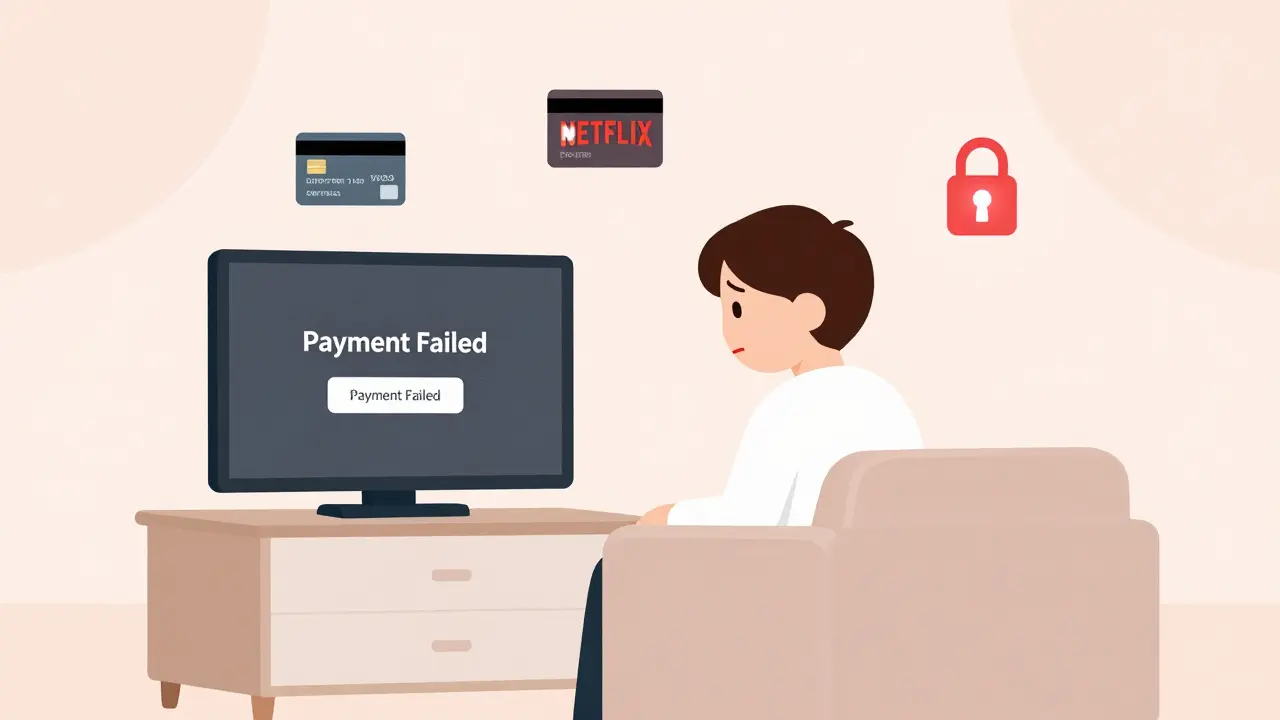
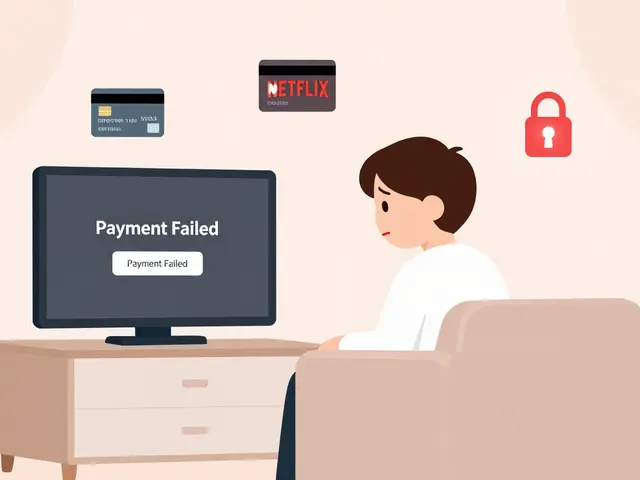
If your favorite streaming service suddenly stops working and shows a message like "Payment failed" or "Account suspended due to billing issue", you’re not alone. Thousands of users hit this wall every day-often right before a new episode drops or during a weekend binge. The problem isn’t your internet. It’s not your device. It’s a simple, frustrating payment hiccup that locks you out of everything you pay for.
Why Your Streaming Account Gets Locked Over Billing
Streaming services like Netflix, Disney+, Hulu, Amazon Prime Video, and Apple TV+ don’t lock accounts because they want to annoy you. They lock them because their systems are built to auto-renew subscriptions and cut off access if payment fails. This isn’t a glitch-it’s policy. And it happens more often than you think.Common reasons for payment lockouts:
- Your credit card expired or was declined
- Your bank blocked the charge (common with international transactions)
- You switched payment methods but didn’t update the profile
- Your PayPal or Apple ID balance ran out
- There’s a temporary system error on the provider’s end
Most of these aren’t your fault. But the result is the same: you can’t watch anything until you fix the payment. And if you don’t know where to look, you’ll waste hours scrolling through menus that don’t make sense.
Step-by-Step: How to Fix a Billing Lockout in Under 5 Minutes
You don’t need to call customer service. You don’t need to wait for an email reply. You can fix this yourself-right now.
- Check your email for a message from the streaming service. Look for subject lines like "Action Required: Payment Failed" or "Your Subscription Was Suspended." These emails usually contain a direct link to fix the issue.
- Log into your account on a web browser-not the app. Go to the official website (e.g., netflix.com/account, disneyplus.com/billing). Apps often hide the payment section.
- Find the billing section. It’s usually under "Account," "Subscription," or "Payment Method." Don’t skip this step-even if you think you know what’s wrong.
- Update your payment method. If your card expired, enter the new one. If you used PayPal, make sure your balance is sufficient or link a backup card. If you used Apple Pay, open the Wallet app on your iPhone and check for declined transactions.
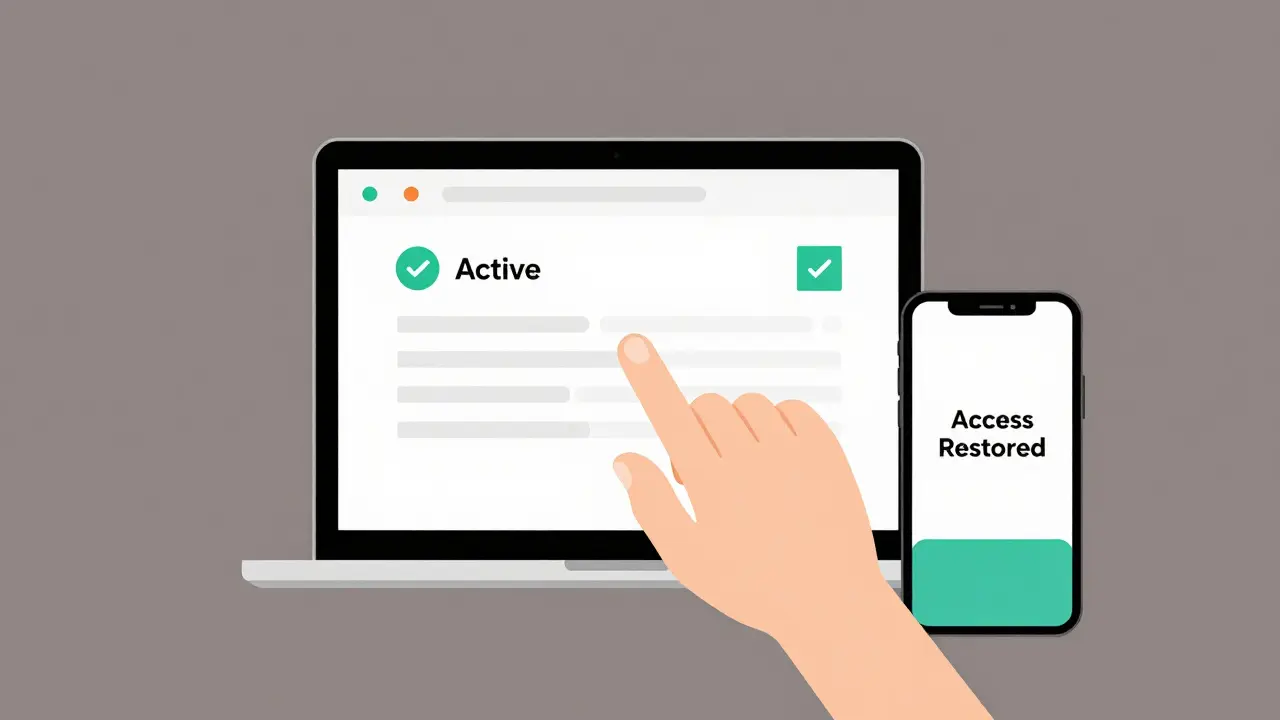
- Click "Update Payment" or "Reactivate". Some services automatically restore access within seconds. Others require you to confirm the change. Don’t close the tab until you see a green checkmark or "Active" status.
That’s it. In most cases, your access returns immediately. If it doesn’t, wait 10 minutes and refresh the page. Payment systems sometimes take a few minutes to sync.
What If the Problem Won’t Go Away?
Sometimes, even after updating your payment info, the lockout stays. Here’s what to do next:
- Try a different payment method. If your Visa card keeps failing, try a different card, or switch to PayPal. Some banks block recurring charges from overseas companies. A different card might work.
- Check for pending charges. Log into your bank’s app or website. Look for small test charges (like $0.99 or $1.50) from the streaming service. These are verification attempts. If they’re pending, your bank may be holding them. Contact your bank and ask them to approve recurring payments from that company.
- Clear your browser cache. Sometimes, the account page shows outdated info. Open an incognito window, log in again, and check your billing status.
- Use a different device. Try logging in on your laptop, tablet, or smart TV. If it works there, the issue is with the app on your phone or streaming box.
If none of that works, you might have a system error. Wait 24 hours. Most providers resolve these automatically. If it’s still broken after a day, go to the help center and search for "payment lockout not resolving". You’ll often find a direct link to a live agent who can manually reset your account.
How to Prevent This From Happening Again
Fixing the lockout is one thing. Avoiding it next time is smarter.
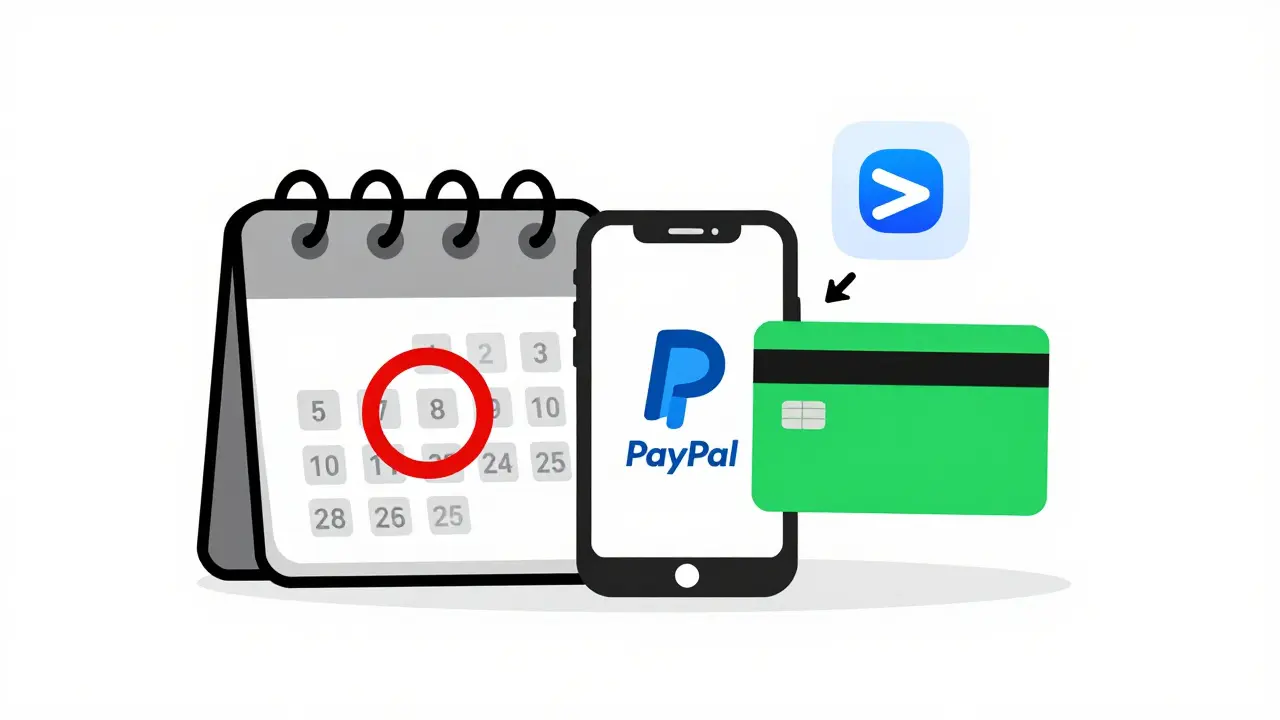
- Set calendar reminders for when your card expires. Most credit cards last 3-5 years, but you’ll forget. Mark the date on your phone.
- Use a payment method with automatic top-ups. Services like PayPal or Google Pay let you link a bank account that auto-funds your balance. This avoids card expiration issues.
- Enable email alerts in your streaming account settings. Turn on notifications for payment failures, renewal dates, and billing changes.
- Don’t use gift cards for recurring subscriptions. They’re great for one-time use, but they don’t auto-renew. If your Netflix was paid with a gift card, you’ll get locked out the moment it runs out.
- Keep a backup payment method. Add a second card or PayPal account to your profile. If the primary one fails, the system can try the backup automatically.
These steps take 2 minutes to set up-and they’ll save you hours of frustration later.
What Happens If You Don’t Fix It?
Ignoring a billing lockout doesn’t make it go away. Here’s what happens over time:
- After 30 days: Most services delete your watch history, list of saved shows, and profile settings. You lose your personalized recommendations.
- After 60-90 days: Your account may be permanently closed. Even if you pay later, you’ll have to create a new profile and start over.
- Some services charge reactivation fees. Disney+ and Hulu have been known to add a $5-$10 fee if you let your account lapse for more than two months.
It’s not just about losing access to shows. You lose your data, your preferences, your entire viewing history. That’s why fixing it fast matters.
Real-World Example: What Went Wrong for a Brisbane User
Last month, a user in Brisbane called their bank after Netflix locked them out. They thought their card was blocked. But when they checked their bank app, they saw two small charges from Netflix: $0.99 and $1.50. Both were pending. Their bank had flagged them as suspicious because they came from the U.S. and were recurring.
They called the bank, approved the charges, updated their card details on Netflix, and got back in within 15 minutes. The problem? They’d switched banks six months earlier and never updated their payment info. The old card was expired. The new one was never linked.
This happens more often than you think. People change cards, move countries, switch banks-and forget to update their streaming subscriptions.
FAQ
Why does my streaming service say "Payment Failed" even though I paid?
This usually happens because the payment method on file expired, was declined, or your bank blocked it. Even if you paid manually, the system still tries to auto-renew using the card or account linked to your profile. Check your payment settings and update the method-even if you think you already paid.
Will I lose my watch history if my account is locked?
Yes, if the lockout lasts more than 30 days, most services delete your viewing history, watchlists, and profile preferences. You won’t lose your account, but you’ll lose your personalized recommendations and saved shows. Fix it within a month to keep everything intact.
Can I use a different payment method to unlock my account?
Yes. Log into the website, go to your billing settings, and add a new card, PayPal account, or Google Pay method. You don’t need to cancel your subscription. Just update the payment source, confirm the change, and your access should return within minutes.
Why does the app still say "Payment Failed" after I fixed it on my computer?
Apps sometimes cache old data. Try logging out of the app completely, then logging back in. If that doesn’t work, force-close the app, restart your device, and open it again. You can also try accessing your account through a web browser on your phone to confirm the status.
Do I need to cancel and resubscribe to fix a billing lockout?
No. Canceling and resubscribing will reset your profile and delete your watch history. Always try updating your payment method first. Only cancel as a last resort if the system refuses to reactivate your account after you’ve updated your payment info.
Next Steps
If you’re still locked out after following these steps:
- Visit the official help page of your streaming service and search for "billing lockout"
- Use their live chat feature-most offer 24/7 support
- Check social media for official support accounts (Twitter/X, Facebook). Many companies respond faster there
- Wait 24 hours if you’ve just updated your payment. Systems can take time to sync
And if you’ve got a payment method that works across multiple services-like PayPal or Google Pay-consider making it your default. It’s the easiest way to avoid this problem entirely.