Author: Harlan Edgewood - Page 14
17
Email Filters for Streaming Promos: Stop Missing Deals and Free Trials
Stop missing streaming deals and forgotten charges with smart email filters. Learn how to sort promo, trial, and renewal emails so you never pay for a subscription you didn’t want.

16
Understanding How Transaction Batching Works - Boost Database Performance
Learn how transaction batching groups multiple database operations into a single atomic unit, boosting performance while preserving ACID guarantees. Get step‑by‑step guidance, real‑world examples, and best‑practice tips.
14
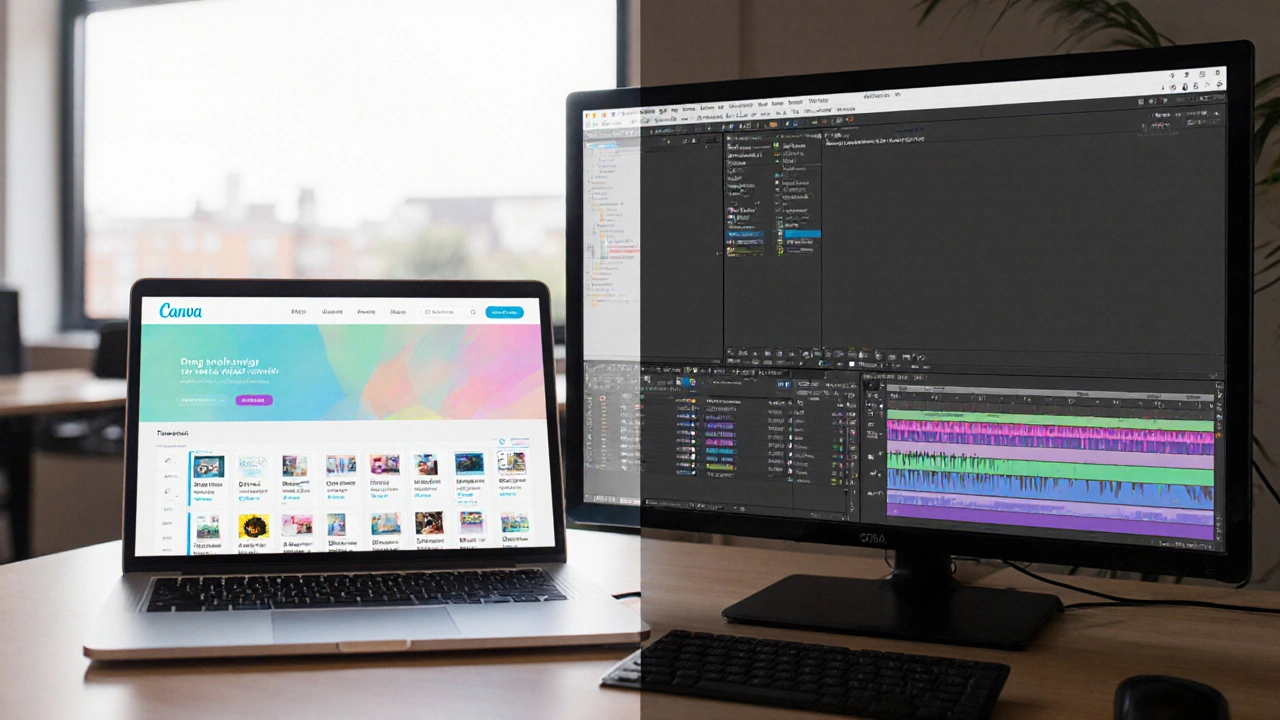
Can Canva Beat Premiere Pro for Professional Video Editing?
Explore a detailed comparison of Canva and Premiere Pro, covering features, performance, pricing, and ideal use‑cases to help you choose the right video editor.
14
How Long Does It Really Take to Edit a TikTok? - Timelines for 2025 Creators
Discover realistic timelines for editing TikTok videos in 2025, with tips, tool comparisons, and step‑by‑step workflows to speed up your short‑form content creation.
13
Professional Video Editor Pricing: How Much Do Editors Charge in 2025
Discover the real cost of hiring a professional video editor in 2025, covering hourly, flat‑fee, per‑minute, and retainer models, plus factors that affect pricing and where to find reliable editors.

11
The 4 Elements of a Winning Marketing Strategy Explained
Learn the four core elements of a marketing strategy-Product, Price, Place, Promotion-plus how to apply them, avoid common mistakes, and build a winning plan.
8
Understanding the 4 Ps of Marketing and How They Power Video Marketing
Learn the 4 Ps of marketing-Product, Price, Place, Promotion-and see how each drives effective video marketing strategies in 2025.
8
Best Video Editing Tools in 2025: Features, Pricing, and Workflows
Explore the top video editing tools of 2025, compare features, pricing, and workflows for desktop, free, and mobile editors, and learn how to pick the perfect solution.

7
Best Video Editing Software for Windows in 2025
Find the best video editing software for Windows in 2025, whether you're a beginner or pro. Compare free and paid options like DaVinci Resolve, Premiere Pro, and PowerDirector with real hardware tips.
7
Final Cut Pro vs Premiere Pro: Which Video Editing Software Wins?
Compare Final Cut Pro and Premiere Pro across performance, workflow, pricing, and platform support to find out which video editor fits your needs.

5
What Causes a Crypto Market Crash? - Key Triggers Explained
Explore the main factors behind crypto market crashes, from macro‑economics and regulation to liquidity and sentiment, and learn how to spot warnings and protect your investments.
1
Mastering Video Editing Effects: A Practical Guide for Creators
Learn the essential video editing effects, how to apply them in popular software, and expert tips to avoid common mistakes. A practical guide for creators seeking polished, engaging videos.
Latest Posts



Popular Posts
-
 YouTube TV vs. Hulu + Live TV: Comprehensive Family Streaming Comparison
-
 Best French New Wave Films: Essential Masterpieces by Truffaut, Godard, and More
-
 Paramount+ 4K Devices: Best TVs and Streamers for Ultra HD
-
 How to Secure Your Netflix Account: 2FA and Login Alerts Guide
-
 Adventure Pulp on Screen: Analyzing The Mummy, The Rocketeer, and Serial DNA