11
Best Educational Streaming Content for Children: A Parent's Guide to Safe Learning
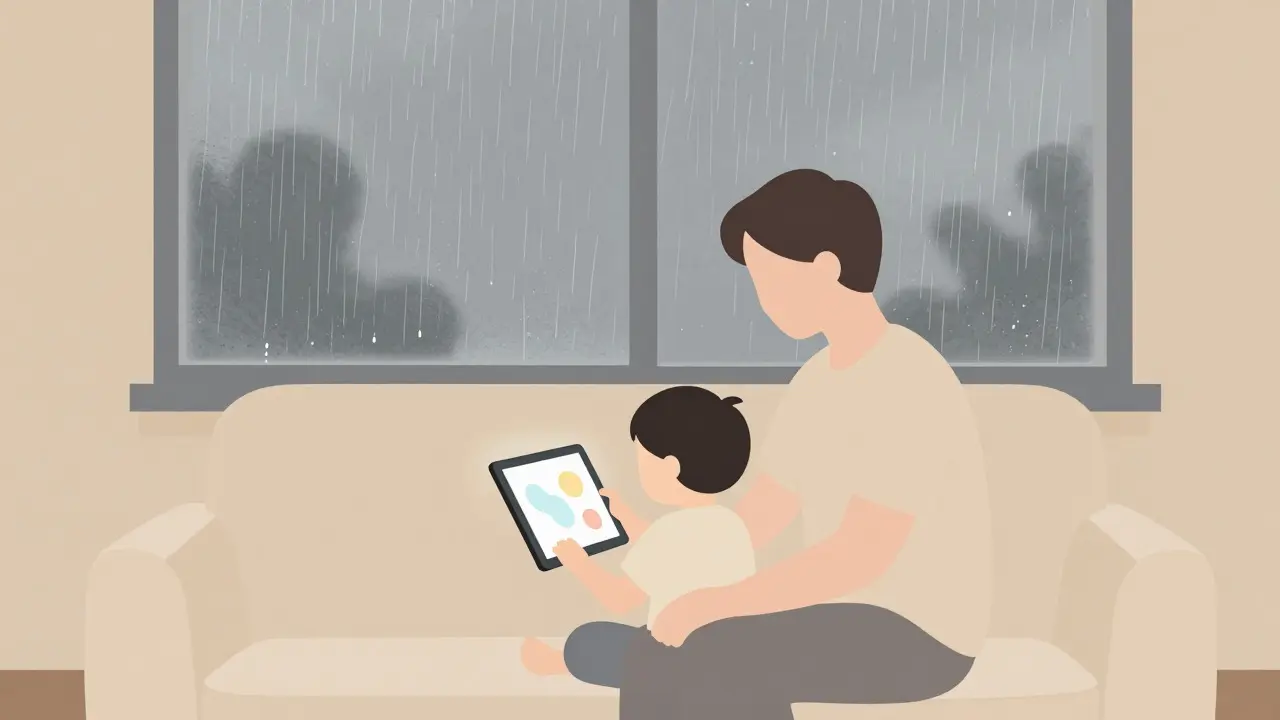
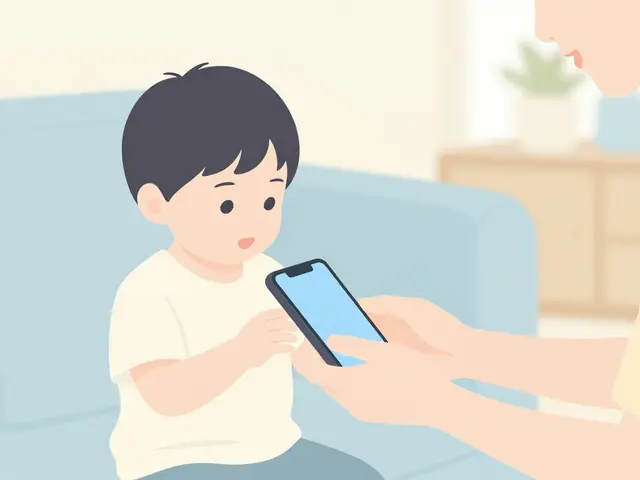
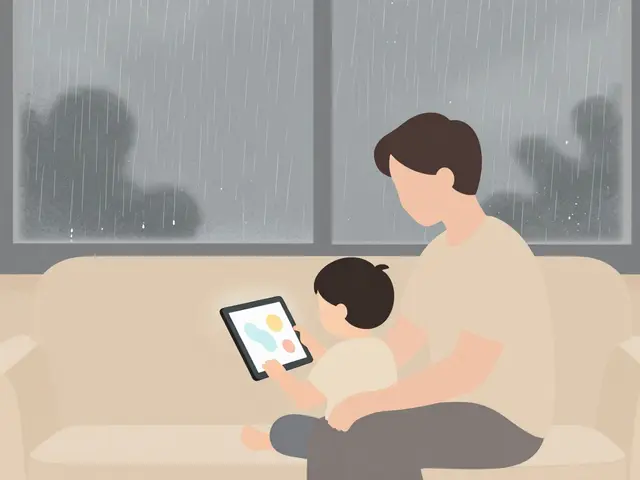
It is a Tuesday morning in Brisbane. The rain is hammering against the window, and your three-year-old is asking for "more videos." You hand over the tablet, hoping they watch something about dinosaurs instead of another cartoon where characters scream at each other for twenty minutes. This is the modern parenting dilemma: how do we use screens as tools for learning rather than just digital babysitters?
The answer lies in choosing the right educational streaming platforms. Not all screen time is created equal. Some services are designed by child psychologists and educators to build literacy, numeracy, and emotional intelligence. Others are just entertainment dressed up in bright colors. Knowing the difference requires understanding not just what shows are available, but how the platforms protect your children.
What Makes Streaming Content Truly Educational?
Before diving into specific platforms, it helps to define what we mean by educational. It is not enough for a show to have a moral lesson tacked on at the end. True educational content integrates learning into the narrative structure. Think of Bluey, which teaches problem-solving and empathy through play, or Daniel Tiger’s Neighborhood, which uses musical cues to help children manage emotions.
Effective educational media follows several key principles:
- Pacing: Slow-paced animation allows children to process visual information. Fast cuts can lead to overstimulation and reduced attention spans.
- Interactivity: Shows that pause for the child to respond (like counting along or identifying colors) engage active learning rather than passive consumption.
- Repetition: Young learners thrive on repetition. Platforms that allow easy re-watching of episodes reinforce neural pathways associated with language and logic.
- Age-Appropriate Complexity: Content should match the developmental stage. Toddlers need simple cause-and-effect stories; school-aged children can handle complex plots involving science or history.
When evaluating a platform, look for these elements. If the content feels like a lecture, your child will tune out. If it feels like play, they will learn without realizing it.
Top Platforms for Educational Streaming
Several major streaming services have dedicated sections for children, but only a few prioritize education over pure entertainment. Here is a breakdown of the best options available in 2026.
| Platform | Key Educational Focus | Parental Control Strength | Cost Model |
|---|---|---|---|
| Netflix Kids | Literacy, Social Skills | Moderate (Profile-based) | Subscription Included |
| PBS Kids Video | STEM, Literacy, Math | Strong (Free tier available) | Freemium |
| Amazon Freevee Kids | General Education | Good (Time limits) | Ad-supported / Prime |
| Khan Academy Kids | Academic Foundations | Excellent (App-only) | Free |
Netflix Kids
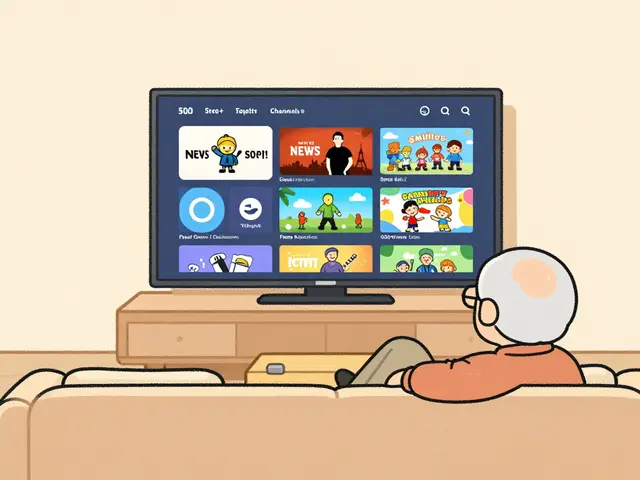
Netflix has invested heavily in original content for children. Their library includes titles like Word Party, which focuses on vocabulary building, and Pocoyo, which uses minimal dialogue to teach object recognition. The platform’s strength lies in its algorithmic recommendations. Once you create a separate profile for your child, Netflix filters out mature content automatically. However, be aware that the recommendation engine can sometimes suggest less educational content if you do not curate the initial selections carefully.
PBS Kids Video
In the United States and increasingly globally via international partnerships, PBS Kids remains the gold standard for educational content. Shows like Wild Kratts teach biology and ecology, while Odd Squad introduces math concepts through spy-themed adventures. The platform offers a free ad-supported tier, which is rare in today’s landscape. For parents who want rigorous academic alignment, PBS Kids is often the top choice because many episodes are mapped to Common Core standards.
Khan Academy Kids
While technically an app rather than a traditional streaming service, Khan Academy Kids deserves mention for its interactive approach. It combines video lessons with games and books. The content is completely free and developed by experts in early childhood education. It covers reading, math, logic, and social-emotional learning. Because it is app-based, it offers deeper interactivity than passive video watching, making it ideal for toddlers and preschoolers.
The Critical Role of Parental Controls
Choosing the right content is only half the battle. The other half is ensuring your child stays within safe boundaries. This is where parental controls become essential. Without them, even the best educational platform can become a gateway to inappropriate content through accidental clicks or algorithmic drift.
Effective parental controls include several features:
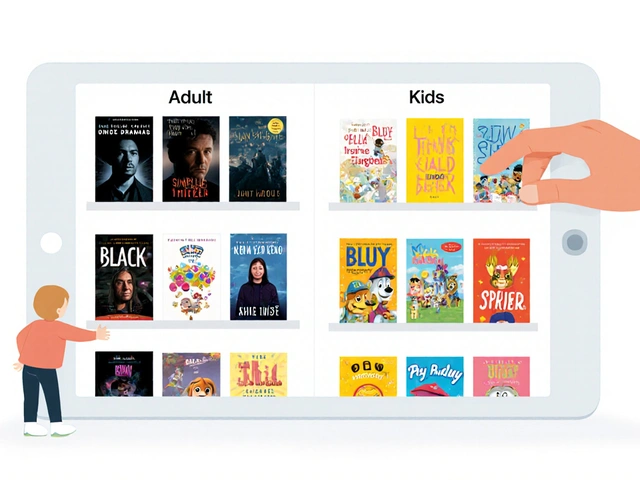
- Profile Isolation: Each child should have their own profile. This prevents cross-contamination of recommendations. If one child watches action movies, those suggestions should not appear on the toddler’s profile.
- Time Limits: Set daily viewing caps. Most platforms allow you to set a timer that locks the app after a certain period. This helps enforce healthy screen time habits.
- Content Filters: Enable age-based restrictions. Most services offer settings to block content above a certain maturity rating (e.g., PG-13 or R).
- Search Restrictions: Disable open search functions for younger children. Instead, let them browse curated categories. Open search can lead to unexpected results.
- Viewing History: Regularly check what your child has watched. This provides insight into their interests and ensures no inappropriate content slipped through.
For example, on Netflix, you can set a PIN to restrict access to mature profiles. On Amazon Prime Video, you can enable "Kids Profile" which locks the interface to child-friendly content only. Always review these settings periodically, as updates can sometimes reset preferences.
Balancing Screen Time with Real-World Learning
Educational streaming is a tool, not a replacement for real-world experiences. The goal is to supplement learning, not dominate it. Experts recommend co-viewing whenever possible. Sit with your child and discuss what they are watching. Ask questions like, "Why did that character make that choice?" or "Can you find something blue in this scene?" This turns passive watching into an active conversation.
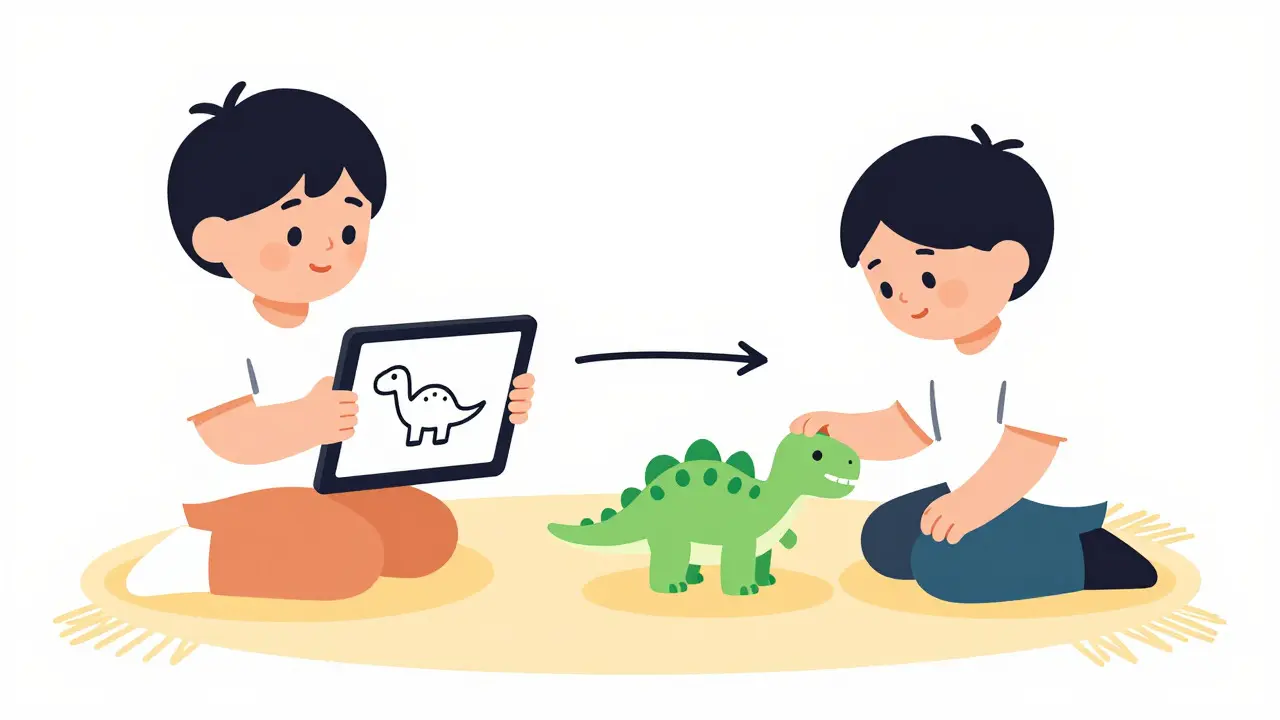
Also, balance screen time with offline activities. If your child learns about animals on Wild Kratts, take them to the zoo or read a book about wildlife. Reinforcing digital lessons with physical experiences strengthens memory and understanding.
Common Pitfalls to Avoid
Even well-intentioned parents can fall into traps when using educational streaming. Here are some common mistakes:
- Over-reliance on autoplay: Autoplay can lead to binge-watching, which reduces the quality of engagement. Turn off autoplay to encourage deliberate choices.
- Ignoring ads: Ad-supported platforms may show commercials that are not age-appropriate or that promote junk food. Consider ad-free subscriptions for younger children.
- Neglecting device settings: Parental controls exist at both the app level and the device level (smart TV, tablet, phone). Ensure both are configured correctly.
- Assuming all "kids" content is safe: Some shows marketed to children contain mild violence or scary themes. Read reviews and preview episodes before letting your child watch independently.
Future Trends in Educational Streaming
As technology evolves, so does educational content. In 2026, we are seeing more integration of augmented reality (AR) and virtual reality (VR) in children’s media. These technologies offer immersive learning experiences that traditional 2D screens cannot match. For instance, AR apps can bring dinosaur models into your living room, allowing children to explore anatomy from all angles.
Additionally, AI-driven personalization is becoming more sophisticated. Future platforms may adapt content difficulty in real-time based on a child’s responses, creating a truly customized learning path. However, this also raises privacy concerns. Parents must stay vigilant about data collection practices and ensure their children’s information is protected.
Is Netflix good for educational content?
Yes, Netflix has a strong selection of educational content, particularly in its Kids section. Shows like Word Party and Pocoyo focus on literacy and cognitive skills. However, you must actively curate the profile to avoid non-educational recommendations.
How do I set up parental controls on streaming devices?
Most streaming devices (Roku, Fire Stick, Apple TV) have built-in parental control settings. Go to the device settings menu, look for "Parental Controls" or "Restrictions," and set a PIN. Then, configure age ratings and time limits for each profile.
What is the best free educational streaming option?
PBS Kids Video offers a robust free tier with high-quality educational content. Khan Academy Kids is also completely free and highly effective for early learning. Both are excellent alternatives to paid subscriptions.
How much screen time is appropriate for children?
The American Academy of Pediatrics recommends limiting screen time to one hour per day for children aged 2-5, focusing on high-quality programs. For older children, set consistent limits that do not interfere with sleep, physical activity, and other behaviors essential to health.
Are ad-supported streaming services safe for kids?
Ad-supported services can be safe, but ads may not always be age-appropriate. They might promote toys, snacks, or other products. For younger children, ad-free subscriptions are generally safer to ensure a controlled environment.