4
Roku Ultra vs. Apple TV 4K: Which Premium Streamer to Buy?
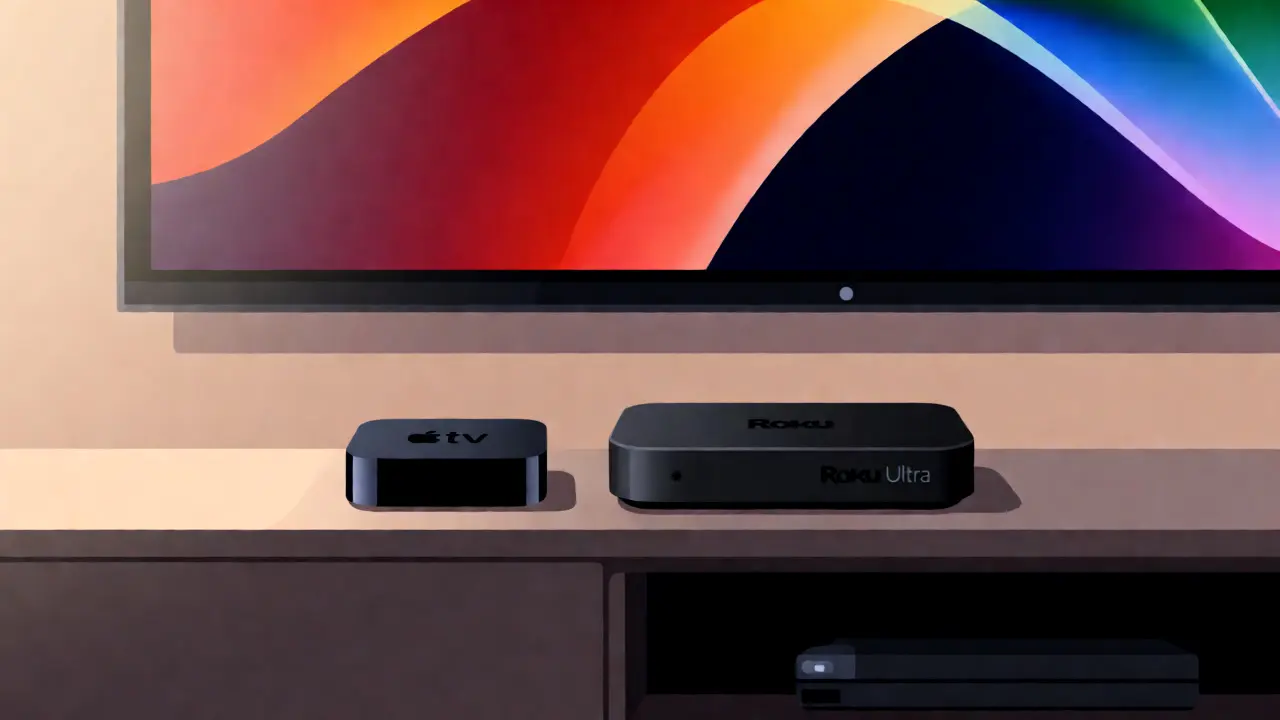
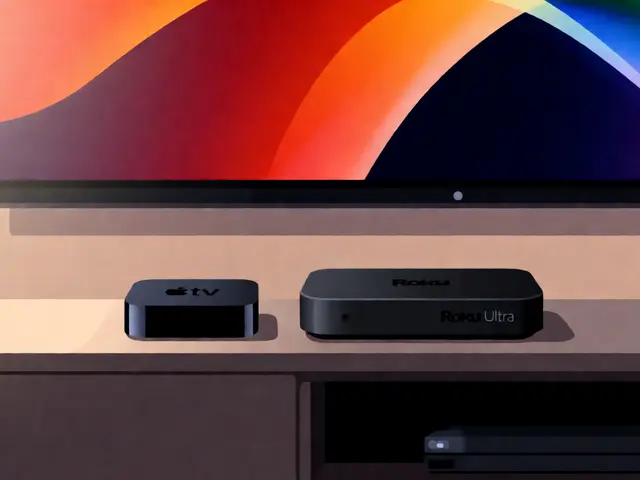
You’ve got the big screen. You’ve got the soundbar. But if your video quality looks like a blurry mess or your apps take ten seconds to load, you’re bottlenecking your entire home theater experience with a cheap stick plugged into the back of the TV. In 2026, the battle for the best premium streaming box is essentially a two-horse race between Roku Ultra and Apple TV 4K. One is the king of app availability and simplicity; the other is a powerhouse of processing speed and ecosystem integration. Choosing wrong means either paying for features you’ll never use or getting stuck in a walled garden that fights your Android phone.
The Core Difference: Ecosystem Lock-in vs. Open Freedom
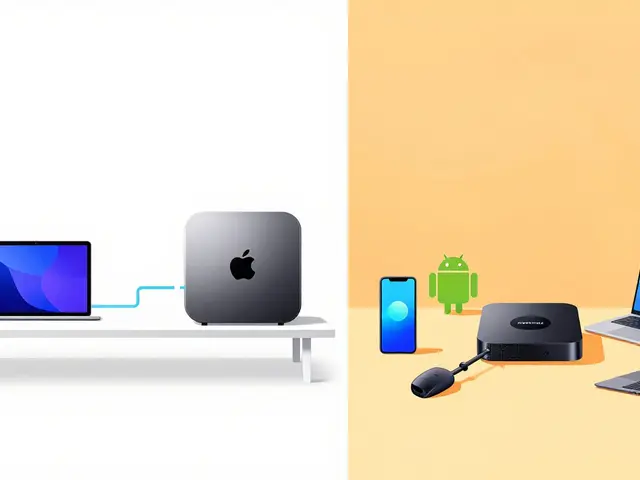
Before you look at specs, look at your pocket. What phone do you carry? This single factor dictates which device will feel natural and which will feel like a chore. Apple TV 4K is built by Apple, for people who live in the Apple ecosystem. If you have an iPhone, iPad, and Mac, this device slots into your life seamlessly. AirPlay works flawlessly. Your photos sync automatically. Your passwords auto-fill on Netflix. It’s slick, fast, and expensive.
Roku Ultra, on the other hand, is the Switzerland of streaming. It doesn’t care what phone you have. It wants to run every app ever made. Whether you want to watch obscure Korean dramas on a niche platform or catch the latest sports game on a carrier-specific app, Roku likely has it. It’s less polished, more utilitarian, and significantly cheaper. The trade-off? It lacks the deep system-level integration that makes Apple devices feel like magic.
Performance and Processing Power
Let’s talk about raw power, because nothing kills immersion faster than lag. The current generation Apple TV 4K (3rd Gen) uses the A15 Bionic chip. Yes, that’s the same processor found in the iPhone 13. It’s overkill for streaming video, but it matters when you’re switching apps or navigating menus. The interface flies. There is zero stutter. When you open Disney+, it loads instantly. When you scroll through the App Store, it feels like using an iPad.
The Roku Ultra uses a quad-core ARM Cortex-A55 CPU. It’s competent, but it’s not a beast. For standard 4K HDR content, it handles everything perfectly. However, if you try to multitask or use heavy interactive apps, you might notice a slight delay. Roku prioritizes stability over speed. It rarely crashes, but it won’t blow your socks off with menu animations. If you hate waiting for things to load, the Apple TV wins this round hands down.
| Feature | Roku Ultra (2024 Model) | Apple TV 4K (3rd Gen) |
|---|---|---|
| Processor | Quad-Core ARM Cortex-A55 | A15 Bionic Chip |
| Video Output | 4K HDR10+, Dolby Vision | 4K HDR10+, Dolby Vision, HDR10+ |
| Audio Support | Dolby Digital Plus, PCM | Dolby Atmos, Spatial Audio, Lossless |
| Storage Options | Fixed Storage (Expandable via USB) | 64GB or 128GB SSD |
| Remote Control | Voice Remote with Headphone Jack | Siri Remote with Touchpad |
| Ecosystem | Open (Android/iOS friendly) | Closed (Apple-centric) |
| Approx. Price (USD) | $99.99 | $149.00 - $179.00 |
Video Quality: Is There a Visible Difference?
Here is the truth most marketers won’t tell you: both devices output perfect 4K HDR. If you are watching Netflix or Hulu in 4K, the picture quality from a $99 Roku is virtually indistinguishable from a $179 Apple TV. Both support Dolby Vision and HDR10+. They both pass through high-bitrate streams without compressing them further.
Where they differ is in upscaling and local playback. If you store movies on a hard drive or NAS (Network Attached Storage), Apple TV 4K is superior. Its A15 chip can decode complex codecs like HEVC (H.265) and AV1 locally with ease. It also supports lossless audio formats like FLAC and ALAC, which audiophiles appreciate. Roku struggles with some high-bitrate MKV files unless you install third-party players like Plex or Jellyfin, which adds friction. For the average user streaming from cloud services, you won’t see a difference. For the file-based enthusiast, Apple TV is the clear winner.
The Interface Battle: Speed vs. Simplicity
tvOS (the software on Apple TV) is arguably the most beautiful interface in the industry. It’s clean, ad-light, and intuitive. The "Up Next" feature tracks what you’re watching across apps, creating a unified queue. If you start a movie on your iPhone during your commute, you can pick it up exactly where you left off on your TV with one click. That continuity is addictive.
Roku OS is simpler, almost brutally so. It’s a grid of icons. That’s it. No fancy animations, no dynamic backgrounds. Some people love this minimalism because it’s predictable. Others find it ugly and outdated. The biggest advantage of Roku OS is its universal search bar. Type "Tom Cruise," and it shows you every movie featuring him across Netflix, Amazon Prime, Apple TV+, and Peacock. Apple TV+ does this too, but Roku’s coverage is broader because it indexes more apps. If you suffer from decision fatigue and just want to know "what can I watch right now," Roku’s search is surprisingly effective.
App Availability: The Dealbreaker
This is often the deciding factor. Does the service you pay for exist on the device? Roku boasts over 8,000 channels. If there is a niche streaming service, a regional news station, or a specific sports league app, it’s probably on Roku. It is the most inclusive platform in the market.
Apple TV has fewer apps, maybe around 1,000-1,500 major ones. It misses some smaller, regional services. More importantly, some Android-exclusive apps simply aren’t available. If you rely on a specific IPTV player or a niche music visualizer, check the App Store first. However, all major players-Netflix, Disney+, Max, Paramount+, Hulu-are on both. The gap is narrowing, but Roku still holds the crown for sheer volume.
Gaming and Extra Features
Did you know these boxes are gaming consoles? Apple Arcade offers hundreds of high-quality games on Apple TV. Because of the powerful A15 chip, games like "Shovel Knight" or "Disney Dreamlight Valley" run beautifully. You can even pair PS5 or Xbox controllers directly to the Apple TV. It turns your living room into a casual gaming hub.
Roku has a smaller selection of games, mostly simple arcade titles. It’s fine for killing time while cooking dinner, but don’t expect console-level experiences. Another key feature for Apple users is HomeKit support. Your Apple TV acts as a smart home hub. You can control lights, locks, and thermostats directly from the remote or via Siri. Roku has basic smart home integration, but it’s clunky compared to Apple’s seamless automation.
Which One Should You Buy?
Buy the Apple TV 4K if:
- You own an iPhone, iPad, or Mac.
- You value a premium, smooth user interface.
- You listen to lossless audio or watch high-bitrate local files.
- You want to use your TV as a smart home controller.
- Budget isn’t your primary concern.
Buy the Roku Ultra if:
- You use an Android phone or multiple operating systems.
- You want the widest possible app selection.
- You prefer a simple, no-nonsense interface.
- You want to save $50-$80 for better snacks or a longer subscription.
- You don’t care about gaming or smart home hubs.
Frequently Asked Questions
Is Roku better than Apple TV for cable replacement?
Yes, generally speaking. Roku supports a wider variety of live TV apps, including many regional sports networks and international channels that Apple TV might lack. Additionally, Roku’s interface is designed for quick channel surfing, whereas Apple TV is optimized for on-demand binge-watching.
Do I need a special HDMI cable for 4K streaming?
Both devices come with their own HDMI cables. These are certified High-Speed HDMI cables capable of handling 4K at 60Hz with HDR. You do not need to buy expensive "premium" cables. As long as your TV port supports HDCP 2.2 (standard for 4K TVs since 2015), you are good to go.
Can I use AirPods with Roku Ultra?
Yes, but with limitations. Roku supports Bluetooth audio, so you can pair AirPods. However, connection stability can be hit-or-miss compared to Apple TV. On Apple TV, AirPods connect instantly and switch automatically between devices. On Roku, you may need to manually reconnect them after rebooting the device.
Which device lasts longer?
Apple typically supports tvOS updates for 5-7 years. Roku supports devices for about 4-5 years before slowing down significantly due to app bloat. If longevity is critical, Apple TV is a safer long-term investment, though the initial cost is higher.
Is the Siri Remote worth it?
The Siri Remote is sleek and charges via USB-C, which is convenient. However, many users dislike the touchpad for navigation, finding it imprecise. Roku’s voice remote is bulkier but tactile and reliable. If you prefer physical buttons, Roku wins. If you prefer minimalist design and voice commands, Apple wins.