Category: Technology - Page 3

4
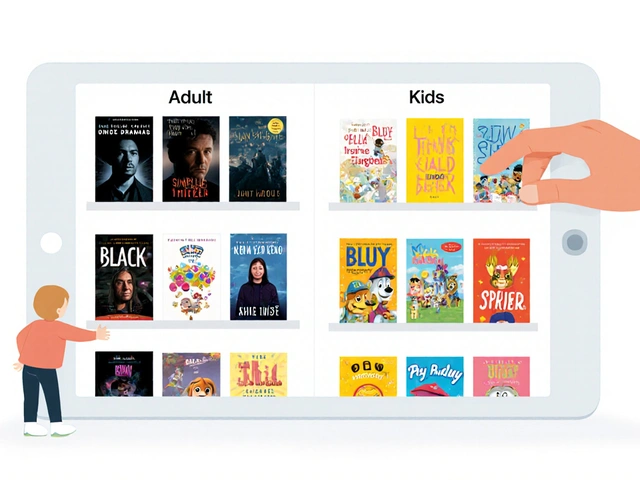
Accessibility for Kids: How Captions and Audio Descriptions Help Learning
Discover how closed captions and audio descriptions empower children's learning. Learn to integrate accessibility tools with parental controls for an inclusive home.
29
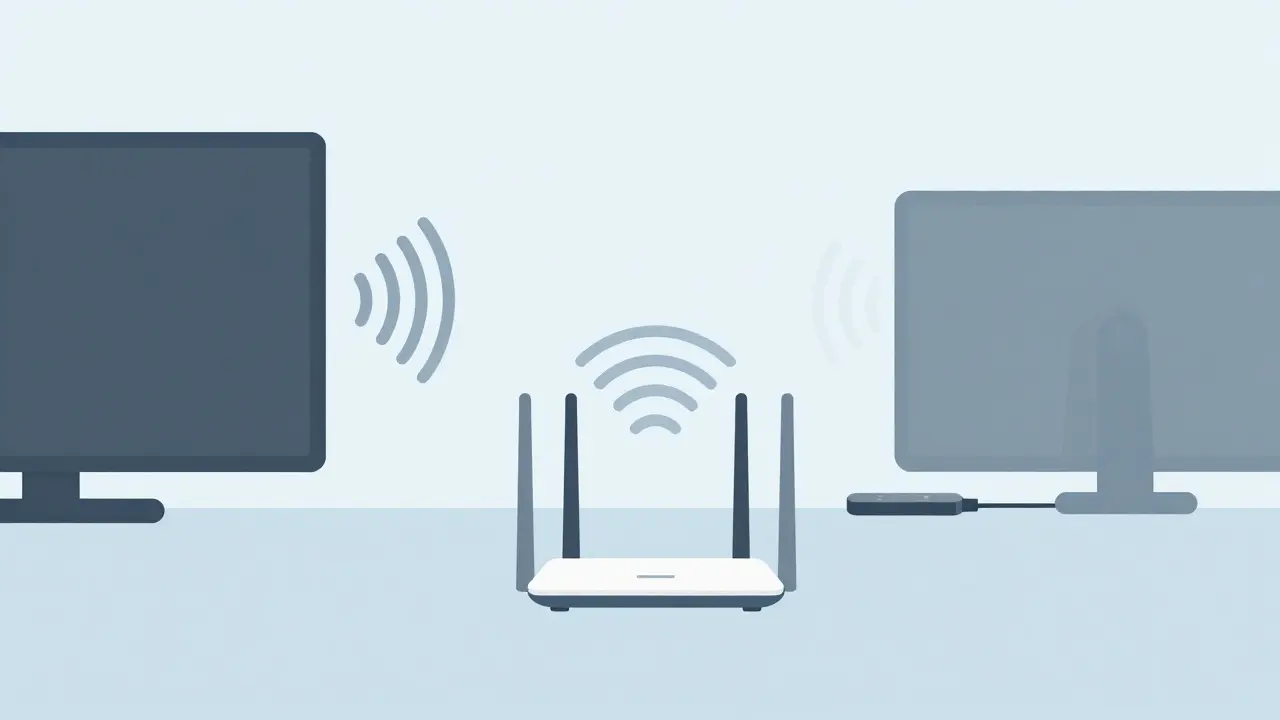
Streaming Device Placement: Where to Position Your Streamer for Best Results
Fix streaming bugs by optimizing device placement. Learn how Wi-Fi range, heat, and power impact your media player setup.
8
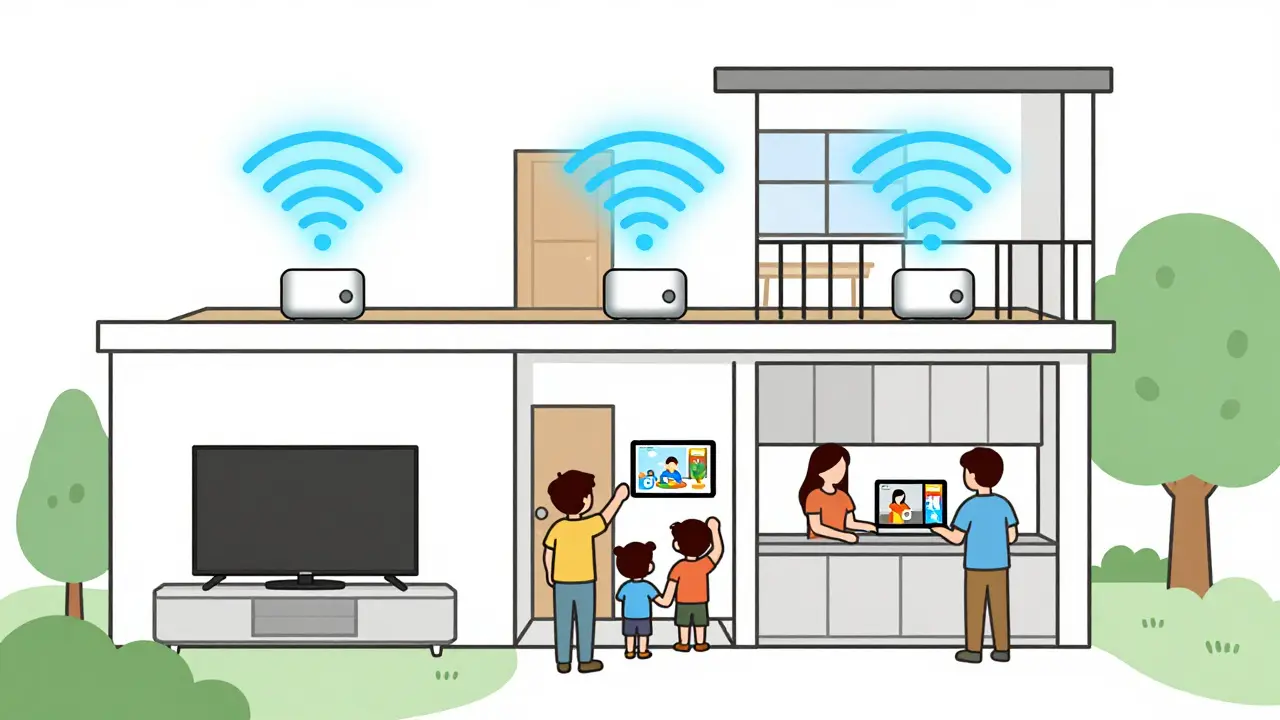
Mesh Networks for Whole-Home Streaming: Complete Setup Guide
A mesh network eliminates Wi-Fi dead zones and delivers smooth 4K streaming to every room. Learn how to choose and set up the right system for whole-home entertainment in 2026.

23
Smart DNS vs. VPN for Streaming: Which Gives You Faster Access and Better Unblocking?
Smart DNS vs. VPN for streaming: Smart DNS offers faster, more reliable access to Netflix, Hulu, and Disney+ without encryption overhead. VPNs provide privacy but often slow down streaming and get blocked. For pure unblocking, Smart DNS wins.

5
Roku Tips and Tricks: Secret Menus and Advanced Settings You Didn't Know Existed
Unlock hidden Roku features like secret menus, Wi-Fi channel switching, private channels, and firmware fixes. These advanced settings improve performance, sound, and control-without buying new gear.
24
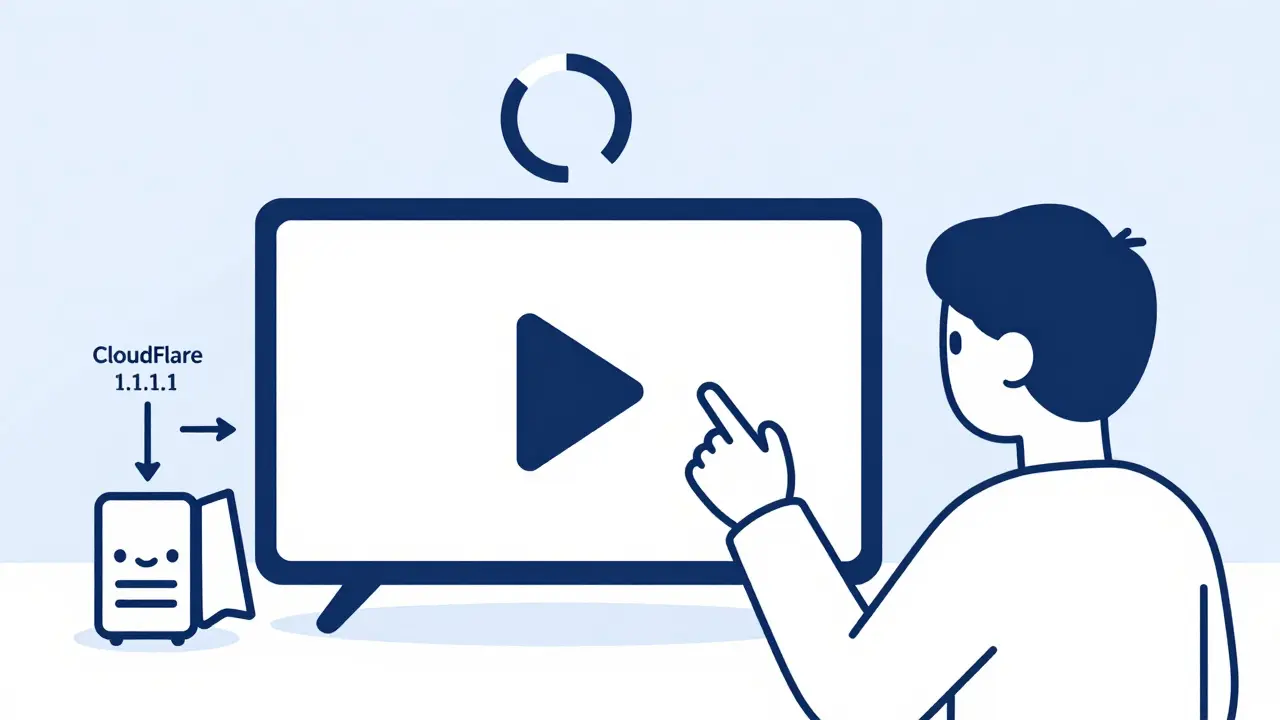
Custom DNS for Streaming: Can Switching DNS Improve Video Start Times?
Switching to a custom DNS like Cloudflare 1.1.1.1 can cut video start times by seconds on Netflix, Hulu, and Disney+. It's free, easy to set up, and works on all devices. Here's how to do it and why it actually helps.

20
Third-Party Billing: How to Manage Subscriptions Through Apple and Google
Learn how to manage subscriptions through Apple and Google's third-party billing systems, avoid common pitfalls, and keep more of your revenue without breaking platform rules.

6
Data Management: DIT, Backups, and Archival Best Practices for Video Teams
Learn how professional video teams manage data with DIT workflows, the 3-2-1 backup rule, and archival practices that prevent costly data loss. Essential for editors, filmmakers, and content creators.
26
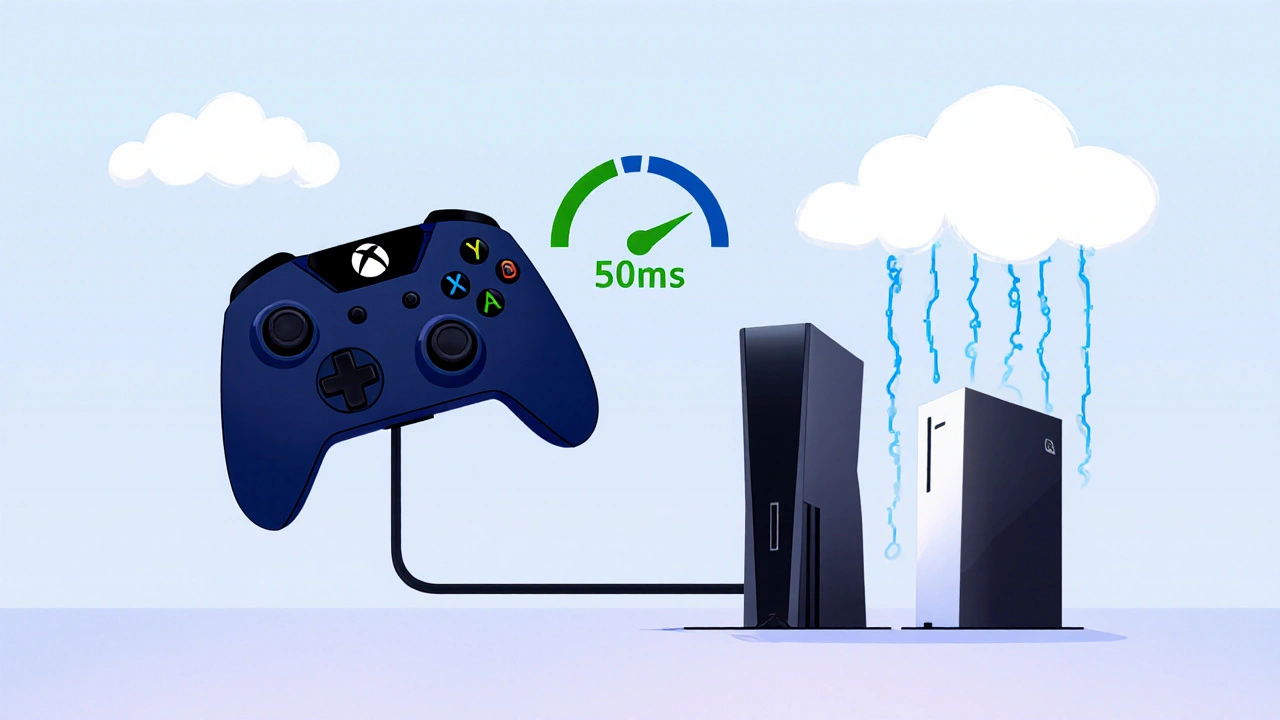
Game Controllers on Streamers: Cloud Gaming Compatibility
Learn which game controllers work best with cloud gaming services and how to reduce latency for smoother streams. Essential tips for streamers who rely on responsive controls.

23
Kid-Friendly Remotes and Accessories for Safer Streaming at Home
Kid-friendly remotes and accessories make streaming safer by blocking adult content, preventing accidental purchases, and simplifying access to approved apps - no apps or passwords needed.
16
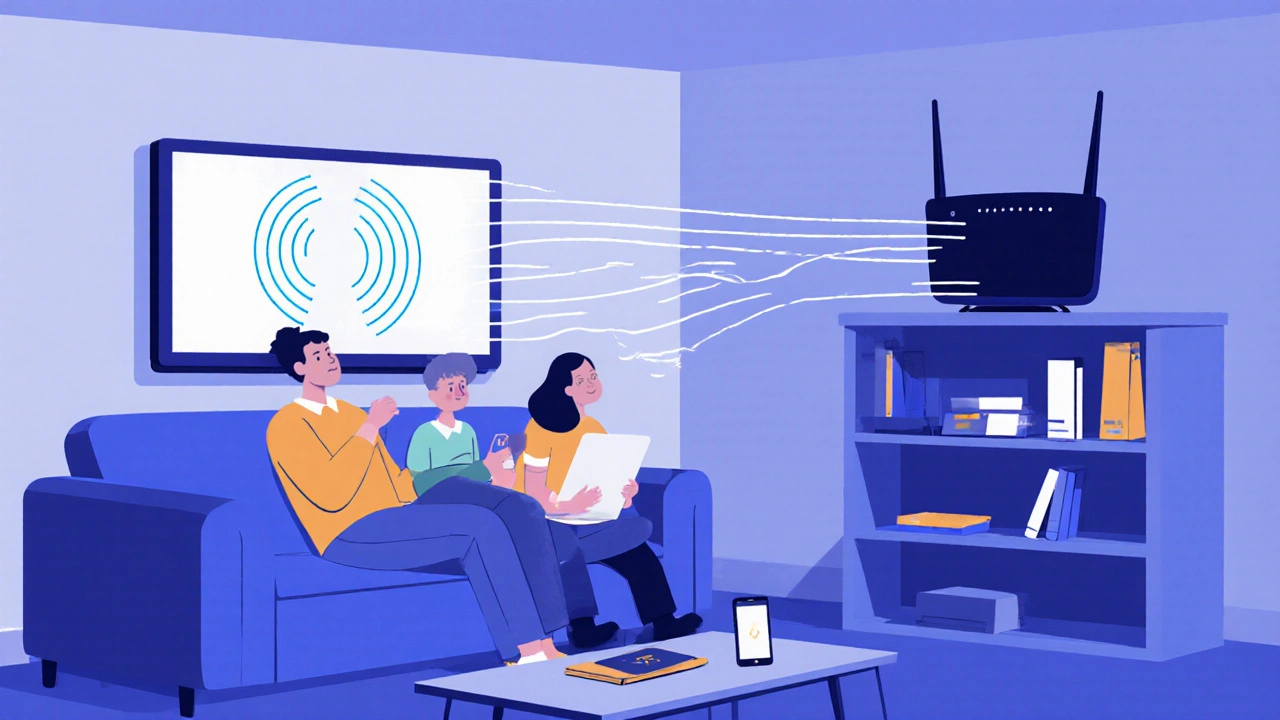
Wi-Fi 6 and Wi-Fi 7: Do You Need Newer Routers for Streaming?
Wi-Fi 6 and Wi-Fi 7 improve streaming quality and reduce buffering. Learn whether upgrading your router is worth it for 4K and 8K content, smart homes, and fast internet plans.

11
Shared Family Accounts: Avoid Algorithm Mix-Ups with Kids Profiles
Learn how to set up dedicated kids profiles on streaming services to stop algorithm mix-ups and keep adult recommendations clean. Simple steps for Netflix, YouTube, Spotify, and more.